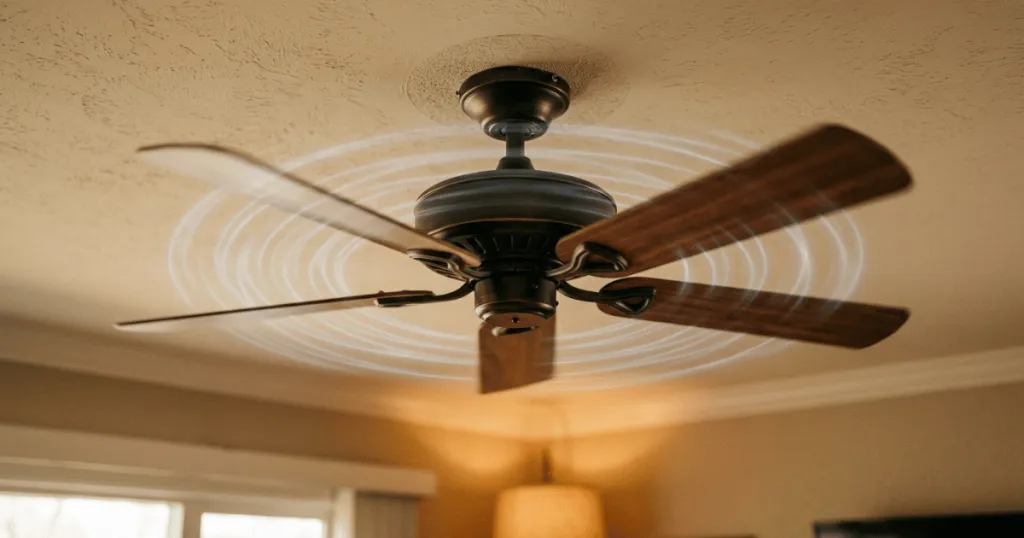
Finding your ceiling fan clicking only when on reverse can be a frustrating experience, especially when the unit operates perfectly in its standard forward mode. This specific symptom often points toward a subtle mechanical imbalance or a shift in how the motor housing interacts with its mounting hardware rather than a total system failure. Because the fan relies on a different set of internal physics and blade angles when spinning in reverse, even a minor misalignment can become audible as a rhythmic tick or click.
Understanding why a Ceiling Fan Clicking Only When On Reverse happens requires looking at how the motor assembly responds to torque changes. When you switch the direction of your fan, the motor housing may settle into a slightly different position on the downrod or canopy, potentially causing internal components to rub against the housing or mounting bracket. This guide will help you isolate the source of the noise, distinguish between common installation quirks and genuine mechanical issues, and determine the safest path forward for your home environment.
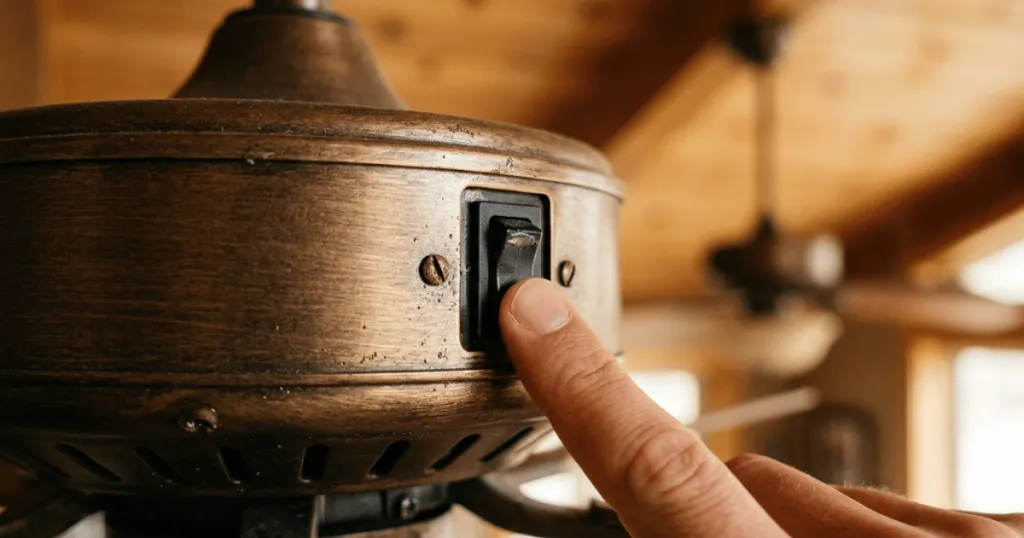
Understanding the Mechanics of Reverse Rotation
Most ceiling fans are designed to prioritize forward rotation, which pushes air downward to create a cooling breeze. When you engage the reverse switch, the motor changes its electrical polarity to spin the blades in the opposite direction. This shift changes the load on the motor and the way the blades cut through the air. If there is any slight looseness in the motor housing, the mounting bracket, or the blade iron connections, the change in torque can cause these parts to shift just enough to make contact with adjacent components.
The clicking sound is rarely a sign of a motor burning out. Instead, it is usually a physical interference issue. Think of it as a slight mechanical shift that only occurs under the specific stress of reverse rotation. Because the blades are angled to pull air upward in reverse, the aerodynamic pressure on the blade irons is different. This pressure can cause a loose screw or a slightly bent blade bracket to move into a position where it strikes the motor housing or the decorative cover, creating that repetitive clicking noise.
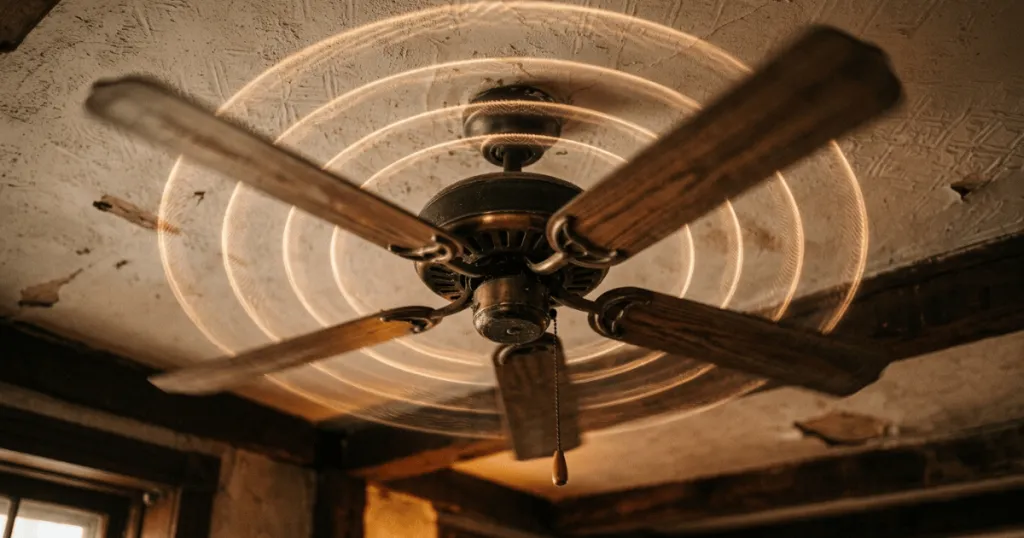
It is important to recognize that the reverse function is often used seasonally, such as during winter months to destratify warm air. Because this mode is used less frequently than forward rotation, homeowners often overlook the fact that the fan has been operating with a minor installation flaw for a long time. When the switch is finally flipped, the change in rotational force acts as a stress test for the entire assembly. If the fan was not perfectly balanced during the initial installation, the reverse torque will highlight those weaknesses immediately.
The Role of Mounting Hardware
The canopy and the downrod assembly are the most common culprits for noise that only appears in one direction. If the canopy is not seated perfectly flush against the ceiling or if the downrod ball is not properly nested in the mounting bracket, the motor assembly may have a tiny amount of play. When the fan spins forward, the weight distribution keeps the motor stable. When it reverses, the change in rotational force can cause the entire motor assembly to tilt or shift slightly, leading to a persistent click as the housing rubs against the bracket.
In many cases, the mounting bracket itself may have worked loose from the electrical box. If the screws securing the bracket to the ceiling joist or the electrical box are not tight, the entire fan assembly can shift slightly during the transition between forward and reverse. This movement is often so subtle that you cannot see it while standing on the floor, yet the internal friction against the ceiling drywall or the canopy cover creates a distinct, rhythmic clicking sound. Always ensure the mounting bracket is rock solid before investigating deeper into the motor housing.
Blade Iron and Screw Tension
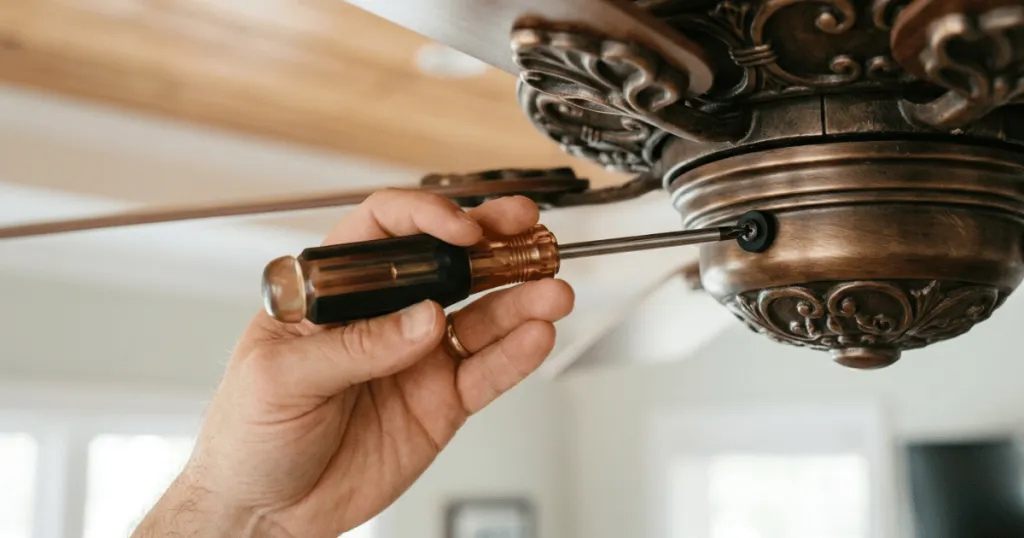
Blade irons, the metal brackets that connect the fan blades to the motor, are frequent points of failure for noise issues. If even one screw is loose, the blade iron may have enough room to pivot slightly when the rotation direction changes. This movement is often imperceptible to the naked eye but creates a distinct clicking sound as the bracket shifts against the motor casing. Checking the tightness of every screw on the blade assembly is a vital first step in your diagnostic process.
Beyond simple tightness, consider the condition of the blade iron itself. Over time, these metal arms can become slightly bent due to cleaning or accidental impact. When the fan spins in reverse, the aerodynamic lift changes the angle of the blade, which can cause a bent iron to strike the motor housing or the decorative side plate. If you notice one blade is sitting at a different height than the others, you should gently adjust the blade iron by hand to bring it back into alignment with the rest of the set. This process, often part of standard fan balancing, can eliminate the clicking noise entirely.
Real-World Context and Troubleshooting
In a residential setting, ceiling fans are often installed by homeowners who may not have access to professional-grade balancing tools. This means that minor imperfections in installation are common. If you notice your fan clicking only when on reverse, start by observing the fan while it is turned off. Gently push each blade to see if there is any vertical or horizontal play. If one blade feels looser than the others, you have likely found the source of the mechanical interference.
Another common real-world scenario involves the decorative motor housing cover. Some fans feature a metal or plastic cover that hides the motor assembly. If this cover is not perfectly centered or if the screws holding it in place have vibrated loose over time, the cover can vibrate against the motor housing. Because the vibration frequency changes based on the direction of the spin, the cover might only rattle or click when the fan is in reverse mode. Tightening these decorative screws often resolves the issue immediately.
If the clicking persists after checking the blade irons and the housing, consider the mounting bracket itself. In older homes, the electrical box might not be perfectly level. If the fan was installed on an uneven surface, the mounting bracket might be under tension. When the fan spins in reverse, the torque can cause the bracket to flex slightly, leading to a click as the metal parts move against each other. In these cases, adding a small rubber washer or a shim between the bracket and the ceiling can dampen the vibration and stop the noise.
When troubleshooting, it is helpful to categorize the noise. Is it a metallic click, or is it more of a plastic tapping sound? A metallic click usually points to hardware, such as a screw head hitting a metal housing or a blade iron rubbing against the motor casing. A plastic tapping sound often indicates that a decorative piece, such as a light kit cover or a switch housing cap, is loose. By identifying the material making the sound, you can narrow your search to the specific components that are likely to be vibrating in that area of the fan.
Why This Issue Matters for Homeowners
Addressing a clicking fan is not just about eliminating an annoying sound. It is about ensuring the longevity of your appliance. A persistent click indicates that something is physically rubbing or shifting, which can lead to premature wear on the motor bearings or the blade attachment points. If left unaddressed, a minor click can eventually turn into a wobble, which puts additional stress on the ceiling box and the electrical connections.
From a maintenance perspective, catching these issues early prevents more significant repairs later. If the clicking is caused by a loose screw, the fix is simple and inexpensive. If you ignore it, the constant vibration can strip the screw holes or cause the blade iron to bend further, eventually requiring a full replacement of the blade assembly. By taking the time to troubleshoot the noise now, you protect your investment and ensure the fan remains a reliable source of air circulation for your room.
Furthermore, consider the safety implications of a loose ceiling fan. While a clicking sound is often just a nuisance, it serves as a warning sign that the structural integrity of the installation may be compromised. If the fan is allowed to wobble or click for an extended period, the mounting hardware can loosen further, potentially leading to a hazardous situation. Regular inspection of your ceiling fan, especially when you switch it between seasonal modes, is a smart habit for any homeowner to maintain.
Common Misconceptions About Fan Noise
Many homeowners assume that a clicking sound is an internal electrical failure or a sign that the motor is dying. This is rarely the case. Electrical motor issues usually manifest as a humming, buzzing, or grinding noise that occurs regardless of the direction of rotation. If your fan is silent in forward mode but clicks in reverse, the problem is almost certainly mechanical and external to the motor itself.
Another misconception is that the fan needs to be replaced entirely. While some high-end fans have complex internal components that are difficult to service, most standard residential ceiling fans are modular. The parts that typically cause clicking, such as blade irons, screws, and canopy hardware, are easily accessible and replaceable. You do not need to be an expert technician to perform these basic checks, and in most cases, a simple screwdriver and a few minutes of patience are all that is required to restore quiet operation to your living space.
It is also worth noting that not all clicking sounds are caused by the fan motor or blades. Sometimes, the noise is caused by external factors that only become apparent when the fan is in reverse. For example, if your fan is located near a vent, the change in airflow direction in reverse mode might cause a nearby ceiling tile or a loose piece of trim to vibrate. Always look beyond the fan itself if your initial inspection of the blades and motor housing yields no obvious culprits. Sometimes the fan is simply the catalyst for a vibration elsewhere in the room.
Conclusion
A Ceiling Fan Clicking Only When On Reverse is a manageable mechanical issue that usually stems from loose hardware or minor alignment problems. By systematically checking your blade irons, canopy screws, and mounting bracket stability, you can identify the source of the noise and resolve it without professional intervention. Prioritize safety by ensuring the power is off before making adjustments, and always check for loose screws first, as this remains the most frequent cause of the problem. With a bit of attention, you can eliminate the clicking and restore the comfort of your home.
FAQ
Is it dangerous if my ceiling fan is clicking only when on reverse?
It is generally not dangerous in the short term, but it indicates a mechanical issue that should be addressed. If left uncorrected, the constant clicking can lead to increased wear on the fan components or cause the fan to develop a wobble over time.
Should I try to lubricate the motor to stop the clicking?
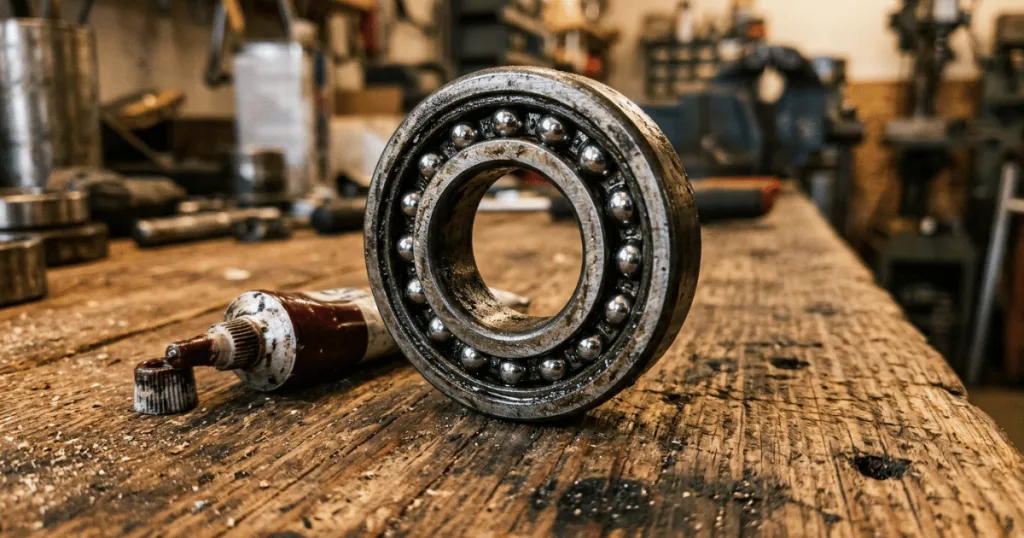
No. Most modern ceiling fans use sealed bearings that do not require lubrication. If your fan is clicking only when on reverse, the issue is almost certainly external, such as a loose screw or a misaligned housing, rather than an internal bearing problem.
What if the clicking continues after I tighten all the screws?
If all visible screws are tight, check the mounting bracket for any movement and ensure the canopy is not rubbing against the ceiling. If the noise persists, the blade irons might be slightly bent, which can be corrected by gently bending them back into alignment or replacing the affected bracket.