When you first install a ceiling fan, the operation is often near-silent, providing a smooth and consistent breeze that enhances your home comfort. However, it is a common experience for homeowners to notice that their ceiling fan noise gets worse over time. This gradual shift from quiet efficiency to audible clicking, humming, or grinding can be frustrating, especially when the fan is located in a bedroom or a quiet living space where ambient sound is noticeable.
Understanding why this happens requires looking past the idea that fans simply wear out. Instead, most noise issues stem from specific mechanical changes, environmental factors, or installation settling that occur during the lifespan of the appliance. By identifying these triggers early, you can often restore the quiet operation of your fan without needing a full replacement.
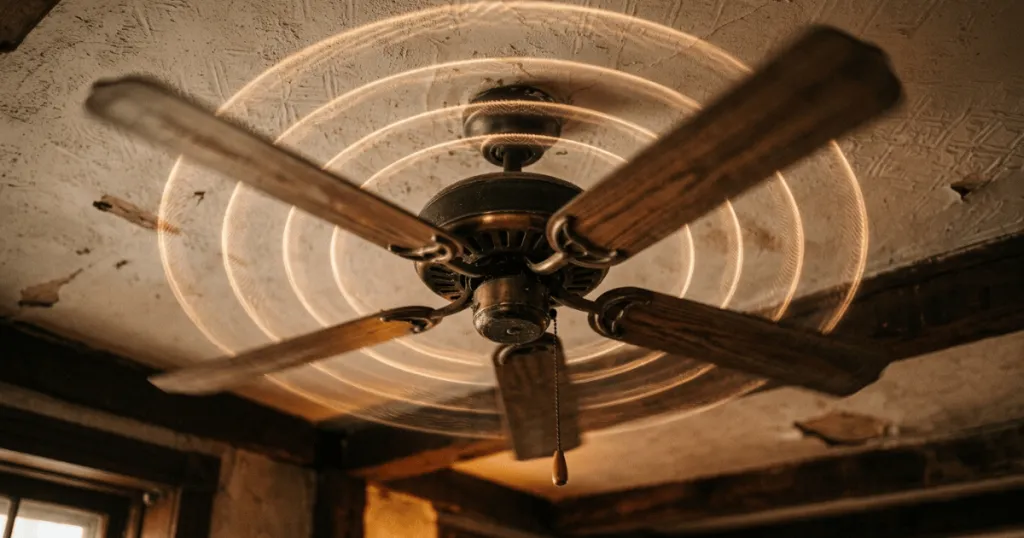
Mechanical Causes for Why Ceiling Fan Noise Gets Worse Over Time
The most frequent culprit behind a fan that becomes louder is the loosening of hardware. Ceiling fans are dynamic machines that create constant vibration during operation. Over months and years, these micro-vibrations can cause screws, bolts, and mounting hardware to back out slightly from their original positions. Even a fraction of a millimeter of play in a blade bracket or a canopy screw can create a rhythmic clicking or rattling sound that amplifies as the fan rotates.
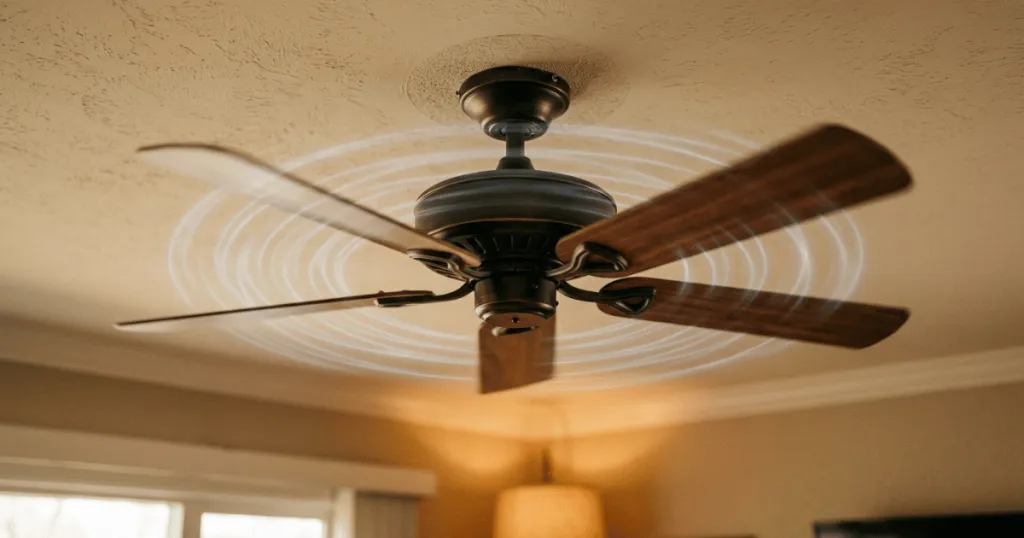
Another significant factor is the accumulation of debris and dust. While it seems minor, dust buildup on the leading edges of fan blades can disrupt the aerodynamic balance of the unit. When blades are unevenly weighted, the motor experiences increased stress and the entire assembly may wobble. This wobble creates a mechanical strain on the motor housing and the downrod, leading to increased noise levels that worsen as more dust collects over time.
Motor and Bearing Degradation
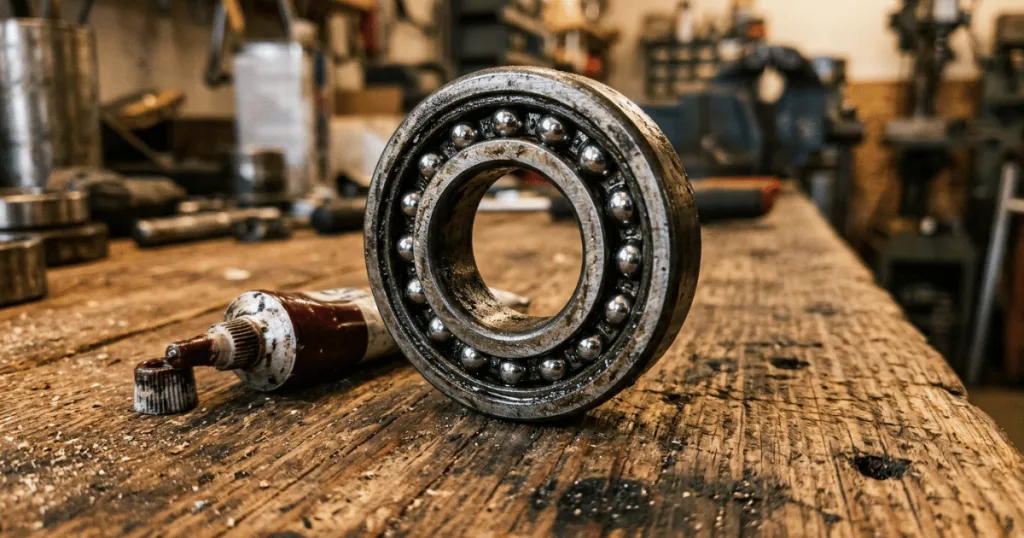
Inside the motor housing, the bearings are responsible for the smooth rotation of the fan assembly. In many modern ceiling fans, these bearings are factory-lubricated and sealed. Over time, the internal lubricant can dry out or become contaminated with fine dust particles that infiltrate the housing. When the lubricant fails, the metal-on-metal friction increases, often resulting in a low-frequency hum or a grinding sound that becomes more pronounced at higher speeds.
Electrical components can also contribute to audible changes. If your fan uses a capacitor to regulate motor speed, a failing capacitor can sometimes produce a persistent buzzing or humming noise. This is not necessarily a sign of a failing motor, but rather an electrical signal that the internal power regulation is no longer operating at peak efficiency. This type of noise often remains constant regardless of the fan speed, distinguishing it from mechanical rattling that typically changes with the RPM of the blades.
The Role of Mounting and Structural Resonance
Beyond the internal components, the way a fan interacts with your ceiling structure plays a massive role in perceived noise. Over time, the mounting canopy can shift slightly, especially if the fan is installed on a junction box that was not originally rated for the weight and torque of a ceiling fan. If the rubber gaskets or vibration dampening pads between the mounting bracket and the ceiling have hardened or cracked, they lose their ability to absorb the natural mechanical vibration of the motor. This allows the vibration to travel directly into the joists of your home, turning the ceiling into a sounding board that amplifies even the smallest motor hum into a noticeable drone.
Furthermore, the downrod assembly is a common point of failure for noise. If the set screws that secure the downrod to the motor housing or the mounting ball are not perfectly tight, the fan may develop a slight sway. This sway is not always visible to the naked eye, but it creates a rhythmic clicking as the downrod shifts within its housing. This is particularly common in rooms with vaulted ceilings where longer downrods are used, as the increased length acts as a lever that magnifies any minor play in the connection points.
Evidence Strength and Limitations
The claim that ceiling fan noise increases with age is well-supported by basic mechanical principles regarding wear and tear. However, it is important to distinguish between inevitable aging and preventable maintenance issues. Much of the noise attributed to an aging fan is actually the result of environmental factors, such as humidity levels affecting wood blades or temperature fluctuations causing metal parts to expand and contract. These are not signs of a terminal failure but rather indicators that the unit requires a tune-up.
The limitation in diagnosing these sounds lies in the complexity of the fan assembly. Because a ceiling fan is a system of interconnected parts, a noise originating from the mounting bracket can resonate through the entire downrod, making it sound as though the motor itself is the problem. Homeowners often misidentify the source of the noise, leading to unnecessary motor replacements when the actual solution might be as simple as tightening a single canopy screw or balancing the blades.
Who Benefits Most from Understanding Fan Maintenance
Homeowners who live in climates with high seasonal temperature swings or significant humidity changes will find this information most relevant. These environmental factors accelerate the loosening of hardware and the degradation of blade materials. If your ceiling fan is installed in a room with high ceilings, you may be more sensitive to noise issues because the sound can echo or be amplified by the room geometry, making even minor mechanical clicks feel intrusive.
Those who prioritize quiet environments for sleeping or working will also benefit from a proactive approach to fan maintenance. By recognizing that noise is a symptom of mechanical drift, you can establish a simple, periodic inspection routine. Checking the tightness of blade screws and the stability of the canopy once or twice a year can prevent the cumulative effects of vibration, effectively extending the silent lifespan of your ceiling fan.
Common Misconceptions About Fan Noise
A prevalent myth is that a noisy fan is always a sign that the motor is burning out. In reality, motor failure is relatively rare compared to the frequency of hardware-related noise. Most fans are built with robust motors that can last for decades, provided the load remains balanced and the mounting remains secure. Assuming the motor is the problem often leads to premature disposal of a perfectly functional appliance.
Another misconception is that more expensive fans are immune to noise issues. While high-end fans often use higher-quality bearings and more precise manufacturing tolerances, they are still subject to the same laws of physics. They are not immune to the effects of vibration or the need for periodic maintenance. Regardless of the price point or the brand, every ceiling fan requires occasional attention to its mounting hardware and blade balance to maintain its original performance levels over the long term.
Troubleshooting and Practical Next Steps
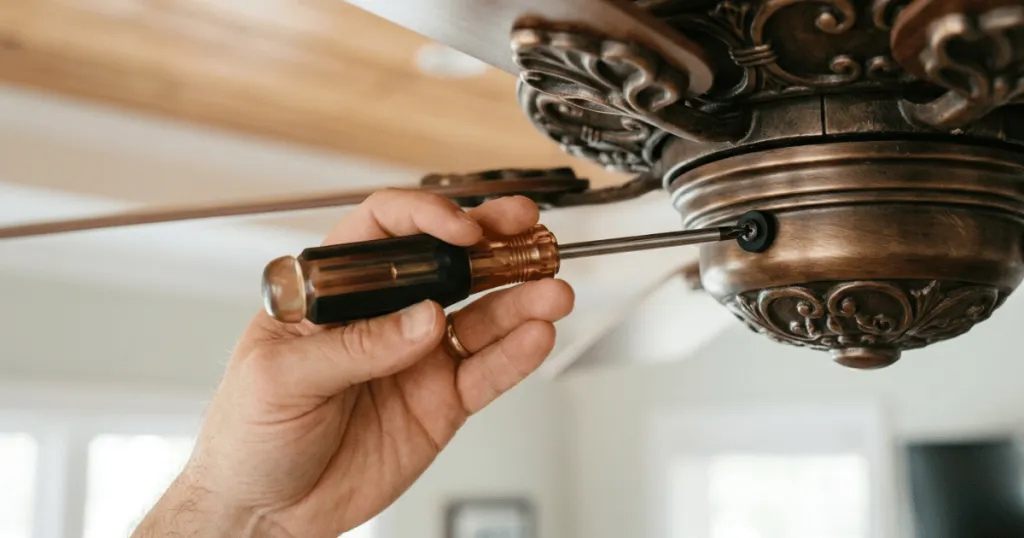
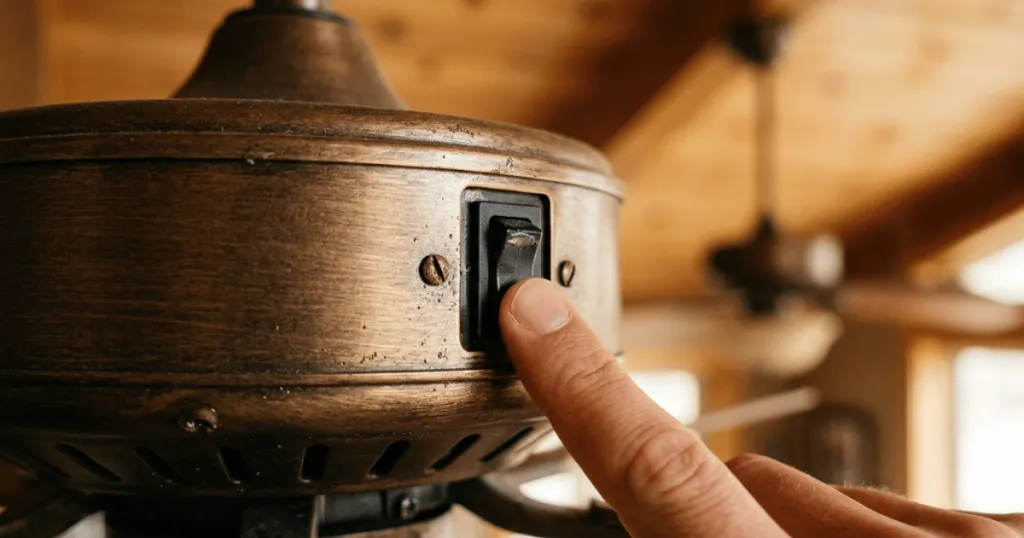
When you notice your fan getting louder, the most effective approach is to follow a systematic process of elimination. Start by turning the fan off and allowing it to come to a complete stop. Inspect the blade brackets first. Many fans use screws that can work loose over time. Use a screwdriver to ensure every screw connecting the blade to the bracket and the bracket to the motor is snug. Do not overtighten, as this can strip the threads or crack the blade material, but ensure they are firm.
Next, examine the mounting canopy. If you can move the canopy slightly with your hand, the mounting bracket may have loosened from the ceiling junction box. Tightening these screws often eliminates the rattling noise that occurs when the fan is running at higher speeds. If the noise persists, consider the fan blade balance. You can purchase a simple balancing kit that uses a clip to identify which blade is causing the wobble. By adding a small weight to the top of the lighter blade, you restore the aerodynamic balance, which significantly reduces the stress on the motor and eliminates the wobble-induced noise.
Finally, consider the environment. If your fan is in a kitchen or a high-traffic area, grease and dust can accumulate on the motor housing, which can trap heat and potentially lead to premature bearing wear. Keeping the motor housing clean and free of debris is a simple but effective way to ensure the internal components remain cool and quiet. If you have ruled out all these factors and the noise is a persistent, high-pitched electrical buzz, it may be time to consult the manufacturer documentation to see if the capacitor is a user-replaceable part, as this is a common electrical fix that can restore silent operation.
FAQ
Can I fix a noisy ceiling fan by myself?
Yes, many causes of ceiling fan noise, such as loose screws or imbalanced blades, can be addressed with basic tools. Tightening all accessible hardware and ensuring the blades are level is often enough to resolve the issue.
How often should I check my ceiling fan for noise issues?
It is good practice to perform a quick inspection of your fan once or twice a year, especially before the start of the cooling season, to ensure all connections remain secure.
Does a buzzing sound always mean the fan motor is broken?
Not necessarily. A buzzing sound is often caused by electrical issues like a failing capacitor or loose wiring, which can sometimes be repaired without replacing the entire motor.
Why does my ceiling fan make noise only at high speeds?
Noise that occurs only at high speeds is frequently caused by blade imbalance or aerodynamic drag. As the speed increases, the imbalance creates more vibration, which translates into audible noise.