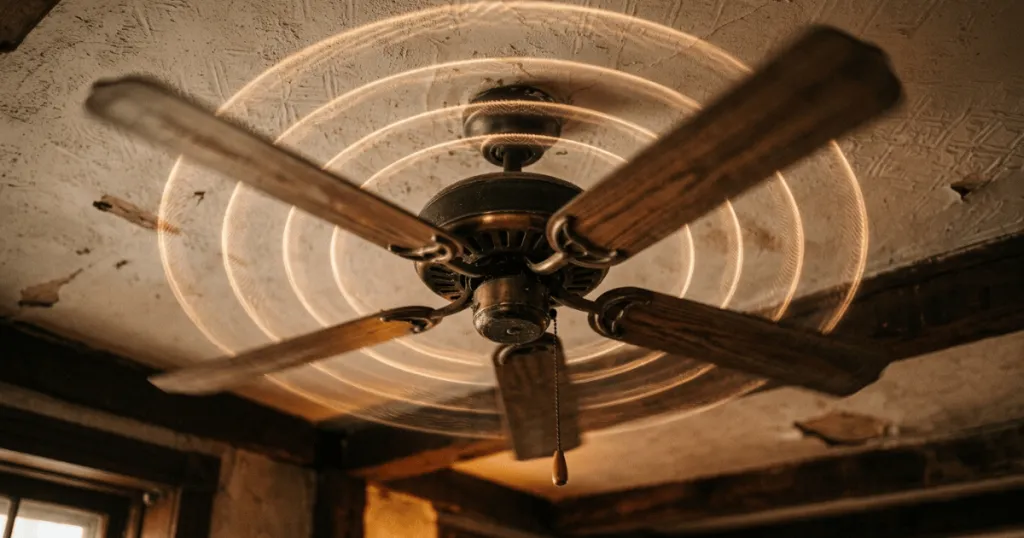
A ceiling fan making noise is one of the most common frustrations for homeowners, often turning a source of comfort into a persistent distraction. While many people assume that a noisy fan signals a failing motor, the reality is that the vast majority of these sounds stem from minor mechanical issues that are entirely fixable. Distinguishing between a simple loose screw and a genuine internal defect is the first step toward restoring the quiet operation of your home cooling system.
Most ceiling fan sounds are mechanical in nature, resulting from vibrations, loose components, or improper installation. Understanding the specific type of noise, whether it is a clicking, humming, or grinding sound, allows you to narrow down the source quickly. By addressing these issues systematically, you can often silence a fan without needing professional intervention or expensive replacement parts.
Understanding Why Your Ceiling Fan Making Noise Occurs
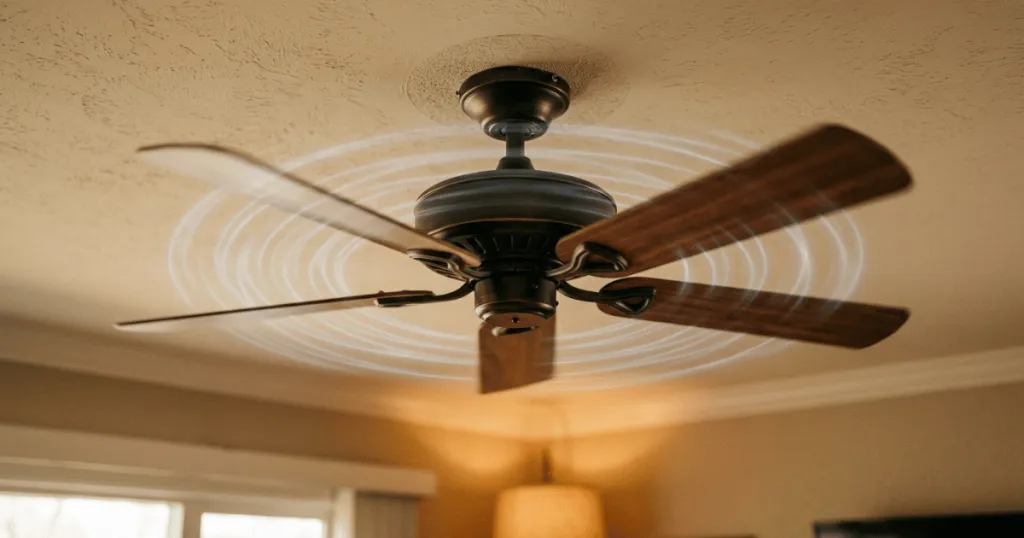
When you hear a ceiling fan making noise, the sound usually serves as a diagnostic indicator. Fans are dynamic systems that rely on precise balance and tight connections to operate silently. Even a minor deviation in these areas can create audible feedback as the fan spins at high speeds. The most frequent culprits involve the physical connection points between the fan and the ceiling, or the assembly of the blades themselves.
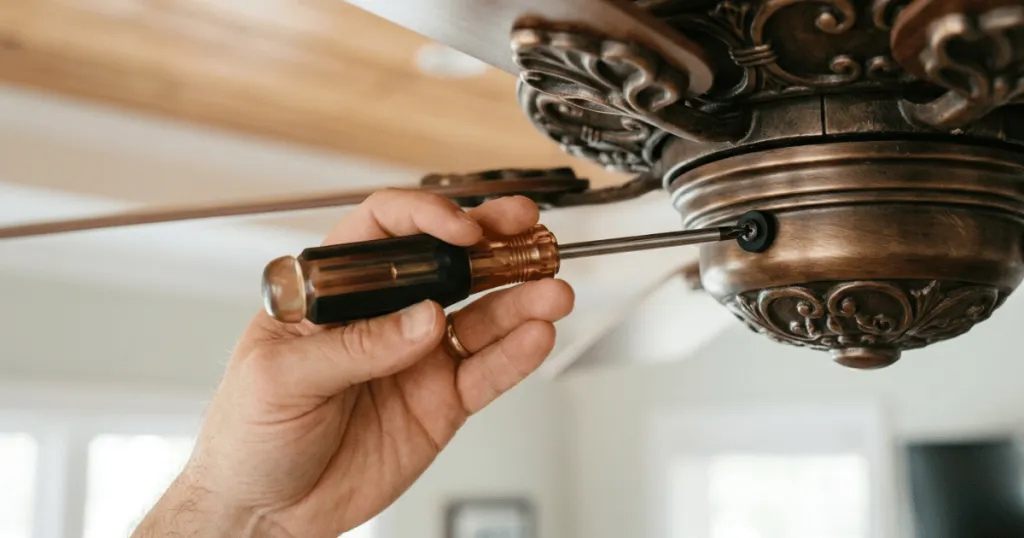
A clicking or ticking sound is almost always related to loose hardware. Over time, the natural vibration of the fan can cause screws in the blade irons, the canopy, or the light kit to back out slightly. Even a fraction of a millimeter of play can cause the metal or plastic components to strike against each other during rotation. This is rarely a sign of a broken component, but rather a maintenance requirement that involves tightening every visible fastener. When performing this check, homeowners should use a screwdriver rather than a power drill to avoid stripping the threads on delicate housing components.
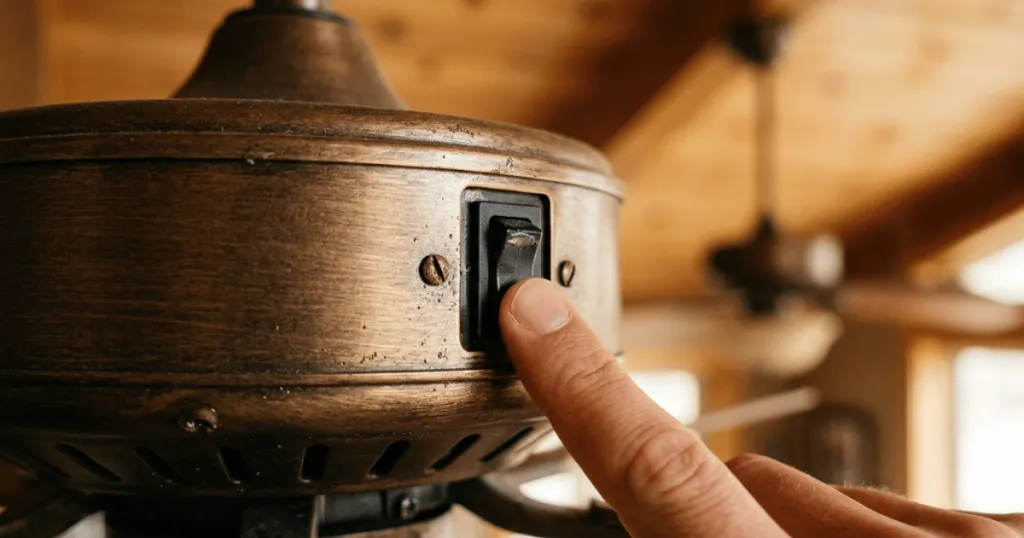
Humming noises, by contrast, are often electrical or related to motor quality. If you hear a low-frequency hum, it may be caused by an incompatible dimmer switch. Not all wall controls are designed for the specific electrical load of a ceiling fan motor, and using a standard incandescent dimmer can cause the motor to vibrate internally. Additionally, some entry-level fans have less internal dampening than premium models, which can lead to a baseline hum that is simply a characteristic of the build quality rather than a defect. If the hum changes pitch when you adjust the speed, the issue is almost certainly related to the electrical signal being sent to the motor.
Grinding or scraping sounds require more immediate attention. These are typically associated with internal motor bearings or the fan housing rubbing against a stationary part. If the fan has been installed for many years, the lubrication in the bearings may have dried out, or dust accumulation may be interfering with the motor’s rotation. In these cases, the sound is a warning that the moving parts are experiencing increased friction, which could lead to premature failure if left unaddressed. Always turn off the power at the wall switch and the circuit breaker before attempting to inspect the motor housing for debris or signs of wear.
Evidence Strength and Practical Limitations
The evidence regarding fan noise suggests that installation quality is a significantly larger factor than product brand. While some manufacturers prioritize silent operation through advanced motor engineering and rubberized dampening gaskets, even the most expensive fan will produce noise if it is not mounted securely to a rated junction box. The structural integrity of the ceiling connection is the foundation of silent operation. If the junction box is not specifically rated for the weight and torque of a ceiling fan, it may flex during operation, creating a rhythmic thumping sound that mimics a motor issue.
It is important to manage expectations regarding what constitutes a silent fan. All ceiling fans move air, and moving air creates sound. A soft, rushing wind noise is normal and indicates that the fan is effectively displacing air. This should not be confused with mechanical noise. Homeowners often mistake the sound of air turbulence for a motor issue, especially when the fan is set to its highest speed. If the noise disappears when the fan is turned off, and the blades are not spinning, you can rule out electrical hums and focus on the physical mechanics of the blade assembly.
Limitations exist when dealing with sealed motor housings. Many modern fans feature maintenance-free, permanently lubricated motors. While this simplifies ownership, it means that if the noise is truly coming from inside the sealed motor casing, there is often no user-serviceable way to fix it. Attempting to disassemble a sealed motor housing can compromise the safety of the unit and void any existing manufacturer warranties. In these specific scenarios, the evidence points toward a replacement of the motor assembly or the entire fan rather than a repair. If your fan is relatively new, always consult the manufacturer documentation before attempting any invasive disassembly.
Who Benefits Most from Quiet Fan Operation
Homeowners who prioritize bedroom comfort or home office productivity benefit most from addressing noise issues. In a bedroom, even a subtle clicking sound can disrupt sleep patterns, making the fan a source of irritation rather than a cooling aid. For those who rely on ceiling fans to manage room temperature throughout the night, ensuring the fan operates with only the sound of moving air is essential for maintaining a restful environment. A quiet fan allows for consistent airflow without the distraction of mechanical ticks, which is particularly helpful for light sleepers.
Individuals with high noise sensitivity or those living in open-concept homes where sound carries easily will also find value in regular fan maintenance. In large, vaulted rooms, a noisy fan can become an acoustic focal point. By tightening hardware and ensuring the fan is balanced, you can prevent the amplification of minor vibrations that might otherwise go unnoticed in a smaller, more enclosed space. This proactive approach helps maintain the aesthetic and functional value of the room. Furthermore, in open-concept layouts, a noisy fan can interfere with conversation or television viewing, making the maintenance of a quiet unit a matter of overall home comfort.
Those using fans in climate-controlled environments also benefit from identifying noise sources early. If a fan makes a grinding noise, it is working harder than it should, which can lead to increased energy consumption or overheating. By resolving the noise, you ensure the fan operates efficiently, which is particularly important for homeowners who use their fans to supplement HVAC systems during peak summer or winter months. Efficient operation means the fan is moving air effectively without wasting energy on internal friction or vibration, which supports the longevity of the motor and the overall efficiency of your home cooling strategy.
Deep Dive: Troubleshooting Ceiling Fan Balance and Blade Issues
One of the most overlooked causes of a noisy ceiling fan is an imbalance in the blade assembly. When blades are not perfectly weighted or aligned, the fan creates a wobble. This wobble puts unnecessary stress on the motor bearings and the mounting hardware, which eventually manifests as a rhythmic clicking or a low-frequency rumble. If you notice the fan housing moving or swaying while the fan is on, it is a clear sign that the balance has been compromised.
To address this, start by checking that all blade irons are securely fastened to the motor housing. Sometimes, a single loose screw on one blade iron can cause the entire assembly to dip slightly, throwing off the weight distribution. Once the hardware is tight, use a balancing kit. These kits typically include a small clip and adhesive weights. By placing the clip on the edge of a blade and running the fan, you can identify which blade is causing the imbalance. Once the culprit is found, move the clip until the wobble disappears, then replace the clip with the provided adhesive weight. This simple process can turn a noisy, wobbling fan into a smooth and silent unit.
Another common issue involves the blade pitch. If a blade has been bent, perhaps during cleaning or installation, it will cut through the air at a different angle than the others. This creates uneven air resistance, which the motor must fight against. This struggle often results in a humming sound or a pulsing noise as the motor works harder to maintain a constant speed. Inspect the blades from the side to ensure they are all at the same height and angle relative to the ceiling. If one is clearly out of alignment, you may be able to gently bend it back into place, though this should be done with extreme caution to avoid damaging the blade material.
Common Misconceptions About Noisy Fans
A frequent misconception is that a noisy fan always needs to be replaced. Many homeowners assume that once a fan starts making noise, it has reached the end of its lifespan. In reality, most issues are solved with a simple screwdriver or a blade balancing kit. Replacing a fan because of a loose canopy screw is an unnecessary expense and a waste of perfectly functional hardware.
Another common mistake is assuming that all humming is caused by the fan motor itself. As mentioned previously, the wall control or dimmer switch is a frequent, overlooked culprit. If you have recently installed a new fan or a new wall switch, the compatibility between the two is the first thing to investigate. Replacing a standard dimmer with a fan-rated speed control often eliminates the hum instantly, proving the motor was never the problem. Many modern LED-compatible dimmers are specifically designed to handle the inductive load of a fan motor, which prevents the electrical buzzing that often occurs with older, non-compatible switches.
Finally, there is the belief that fans should be completely silent at all speeds. While high-quality fans are designed to be quiet, the physics of moving air means there will always be a baseline level of sound. Expecting a fan to be as silent as a light fixture is unrealistic. Understanding the difference between mechanical noise, which is a sign of a problem, and air movement noise, which is a sign of performance, is key to keeping your expectations grounded in reality. If you find the sound of air movement bothersome, consider running the fan at a lower speed setting, which often provides sufficient cooling with significantly less acoustic output.
FAQ
How can I tell if my ceiling fan noise is mechanical or electrical?
Mechanical noise like clicking or grinding usually stems from loose blades, hardware, or bearing issues and often persists or changes based on physical movement. Electrical humming is typically constant and often linked to an incompatible dimmer switch or speed control.
Is it safe to use a ceiling fan that is making a grinding noise?
No, a grinding noise suggests internal friction or bearing failure. Continued use can lead to the motor overheating or seizing, so it is best to turn the fan off and inspect the motor housing or contact the manufacturer for support.
What should I check first if my fan is clicking?
Start by checking the blade screws and the blade iron attachments. These are the most common points where vibrations cause components to strike each other. Tightening these fasteners often resolves the issue immediately.
Can a ceiling fan making noise be fixed without replacing the motor?
Yes, most issues are caused by loose hardware, poor balance, or incompatible wall controls. These are all fixable without replacing the motor. Only internal motor failures typically require full unit or motor assembly replacement.