When you flip the wall switch or pull the chain and notice that your ceiling fan light works but fan doesn’t spin, it creates an immediate sense of frustration. This specific issue is common in residential settings, often leaving homeowners with a functioning light fixture but no air circulation. Because the light and the motor usually share the same power source at the ceiling junction box, the fact that the light illuminates confirms that electricity is reaching the unit. This narrows the scope of the problem significantly, pointing toward internal wiring, control components, or mechanical resistance rather than a tripped breaker.
Understanding why this happens requires looking at the fan as two distinct systems that happen to be housed in the same chassis. By isolating the motor circuit from the lighting circuit, you can determine whether the failure is a simple fix like a loose wire or a more complex issue involving the motor windings or the capacitor. This guide explores the factors behind this common malfunction and provides a clear path for diagnosing the issue in your own home.
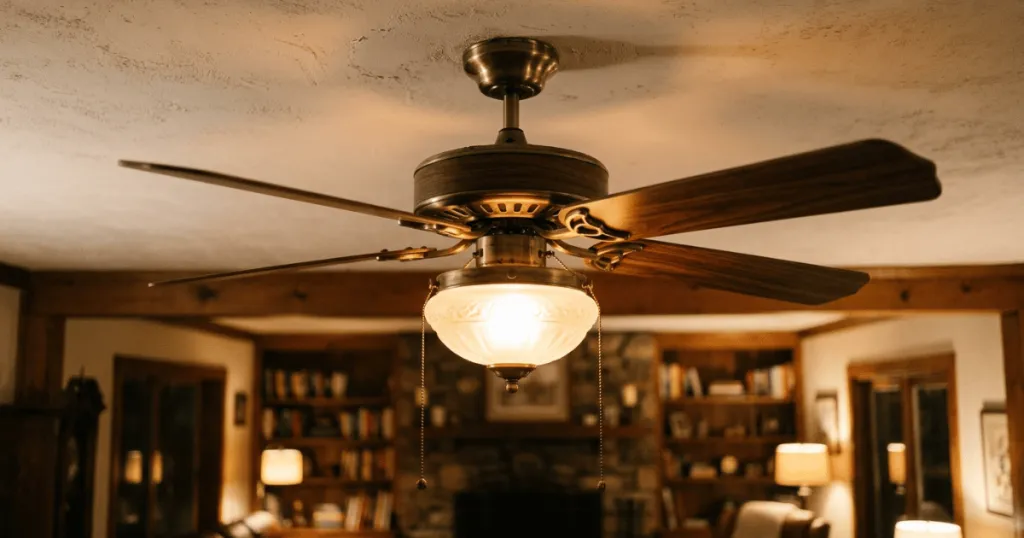
Understanding Why Your Ceiling Fan Light Works but Fan Doesn’t Spin
The most frequent culprit behind a fan that refuses to rotate while the light remains functional is a failed motor capacitor. This small component acts as a temporary energy storage device that provides the initial torque needed to start the motor. Over time, capacitors can degrade due to heat, voltage spikes, or simple age, eventually losing their ability to kickstart the fan blades. When this happens, the light circuit remains unaffected because it does not rely on the capacitor to function.
Another common factor is a faulty pull chain switch or a malfunctioning wall control. If your fan uses a pull chain to toggle speeds, the internal contacts inside the switch housing can become corroded or physically broken. Since the light often has its own independent switch or is wired directly to the power supply, it can continue to operate perfectly while the motor switch fails to complete the circuit. This is especially prevalent in older fans or units located in humid environments like kitchens or bathrooms.
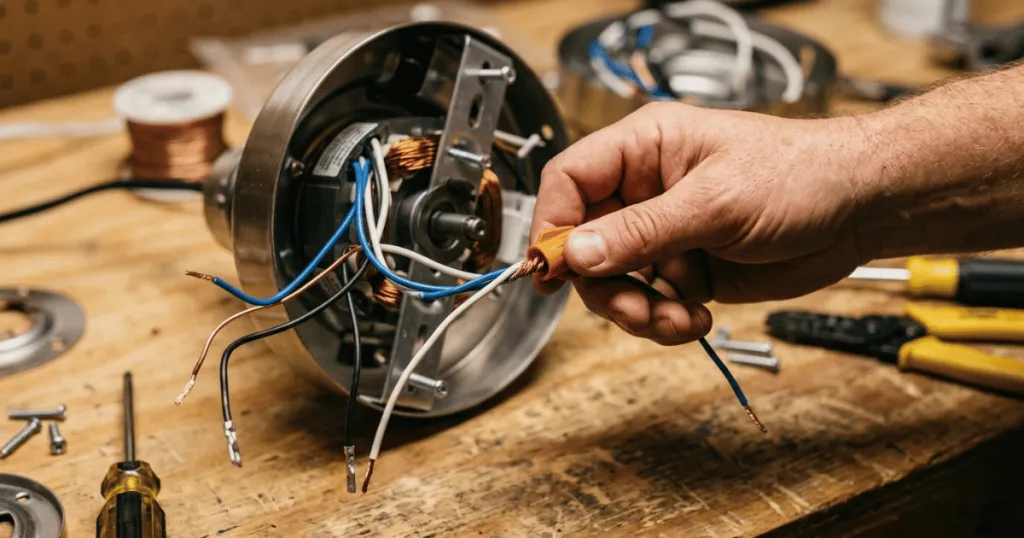
Wiring issues within the canopy or the switch housing also deserve attention. Ceiling fans are subject to constant, subtle vibrations that can loosen wire nuts over months or years. If the wire providing power to the motor has vibrated loose while the wire for the light remains secure, the motor will lose power entirely. This is a mechanical failure of the connection rather than a failure of the electrical components themselves, making it a relatively straightforward repair for those comfortable with basic electrical safety.
Finally, we must consider the motor itself. While less common than capacitor or switch failure, internal motor windings can burn out or become damaged. If the motor has seized due to a lack of lubrication or debris accumulation in the bearings, it may hum or attempt to move but remain stuck. In these cases, the electrical circuit is complete, but the mechanical resistance is too high for the motor to overcome. This often presents as a faint buzzing sound emanating from the motor housing when the fan is switched on.
Real-World Context and Practical Troubleshooting
In practice, the first step is always to ensure the fan is not simply stuck due to physical obstruction. Check that the blade assembly is not hitting a light fixture or a decorative element. It sounds simple, but a slightly bent blade bracket can prevent a fan from spinning even if the motor is receiving full power. Gently rotate the blades by hand with the power off to ensure there is no resistance or grinding noise from the bearings.
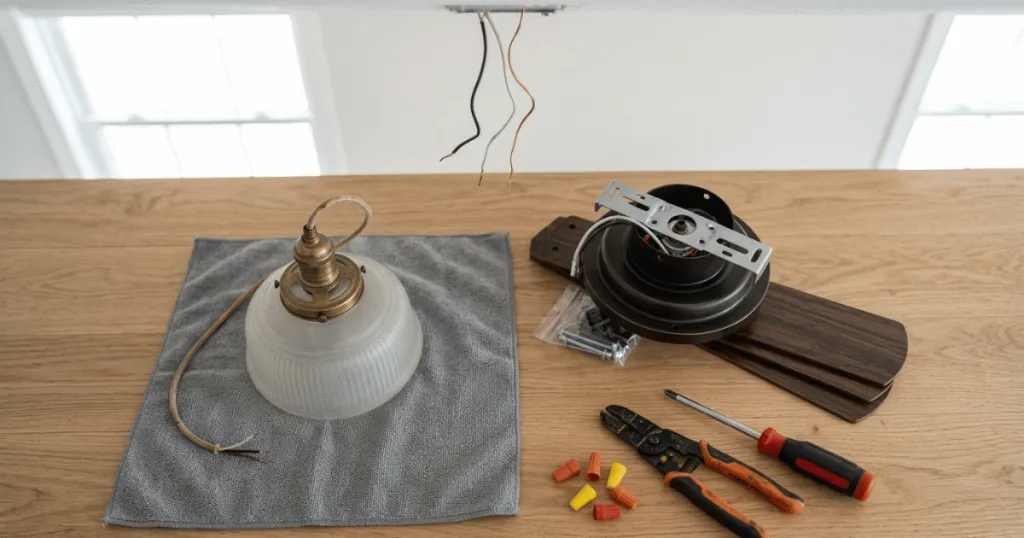
If the blades move freely, your next move should be to inspect the connections inside the canopy. Turn off the power at the circuit breaker before removing the canopy cover. Once exposed, look for any wire nuts that appear loose or signs of heat damage like melted insulation. If you find a loose wire, reconnecting it and securing it with a fresh wire nut often resolves the problem immediately. This is the most cost-effective fix and happens more often than people expect.
If the wiring looks solid, the capacitor is the next logical point of investigation. Most ceiling fan capacitors are located inside the switch housing or the canopy. They are typically small, rectangular, or cylindrical components with two or more wires connected to them. If you see a capacitor that looks swollen, scorched, or has a distinct burnt smell, it has likely failed. Replacing a capacitor is a standard maintenance task, but you must match the microfarad (uF) rating exactly to your specific fan model to ensure safe operation.
For fans controlled by a wall switch, the issue might lie in the wall unit itself. If the wall control has separate buttons for the light and the fan, the fan-side relay may have failed. Sometimes, resetting the wall control by turning off the power at the breaker for a full minute can clear a digital glitch in the control board. If the fan still refuses to spin after a reset, the internal electronics of the wall switch may need to be replaced.
Deep Dive: Advanced Diagnostic Procedures
When basic visual inspections do not reveal a loose wire or a swollen capacitor, you may need to perform continuity testing. A multimeter is an essential tool for this stage of ceiling fan troubleshooting. By setting your meter to the continuity or resistance setting, you can test if the pull chain switch is actually closing the circuit when you pull it. If the switch shows no continuity regardless of the position, the switch itself is the point of failure. This is a common issue in older fans where the internal metal contacts have worn down or become oxidized from moisture exposure.
Another advanced diagnostic step involves checking the motor windings. If you have access to the motor housing, you can test the resistance between the common wire and the individual speed wires. If you find an open circuit on all speed settings, it suggests that the thermal fuse inside the motor assembly may have blown. This fuse is a safety device designed to cut power if the motor overheats. While some homeowners attempt to bypass this fuse, it is a significant safety risk and is generally discouraged. Replacing the entire fan is often the safer and more practical path if the internal thermal fuse has failed, as it indicates the motor has experienced a significant thermal event.
Consider the role of the remote receiver if your fan is remote-controlled. These units sit between the power source and the motor. If the receiver fails, it may still pass power to the light but fail to send the signal to the motor. You can often bypass the receiver temporarily to test if the motor spins when wired directly to the power source. If it spins, you know the issue is the receiver, not the fan motor itself. This distinction saves significant time and prevents unnecessary motor replacement.
Why This Matters for Home Comfort
A ceiling fan that only provides light is essentially a failed appliance. Ceiling fans are designed to provide essential air circulation that helps regulate room temperature, reducing the load on your HVAC system during peak summer months. When the motor fails, you lose the ability to create a wind-chill effect, which can make a room feel significantly warmer and less comfortable. This is why addressing the issue promptly is better than simply leaving the fan as a static light fixture.
Beyond comfort, there is the matter of safety and long-term integrity. If a fan motor is struggling to start because of a failing capacitor, it can draw excessive current, leading to overheating. An overheating motor is a potential fire hazard and can cause damage to the internal wiring of the fan. If you hear a humming sound, it is a clear signal that the motor is energized but unable to move. Leaving a fan in this state is not recommended, as it puts unnecessary strain on the electrical system.
Finally, understanding these components helps you avoid unnecessary replacement. Many homeowners assume that if a fan stops spinning, the entire unit is broken and must be replaced. In reality, most ceiling fan issues are modular. By identifying that the light works, you have already performed a successful diagnostic step that confirms the unit is receiving power. This insight often turns a potential multi-hundred-dollar replacement project into a simple repair that costs only a few dollars in parts and a small amount of time.
Evaluating Motor Health and Mechanical Wear
The longevity of a ceiling fan is often tied to how well the motor bearings are maintained. Over many years, the factory lubricant inside the bearings can dry out or become contaminated with dust. This creates significant mechanical resistance. When the motor tries to start, it encounters this friction. If the capacitor is also aging, it may not provide enough torque to overcome this resistance, leading to the fan humming but not moving.
You can test for this by spinning the blades by hand while the power is completely off. If the blades stop almost immediately or feel gritty, the bearings are likely failing. In this scenario, simply replacing a capacitor will only be a temporary fix, as the motor will continue to struggle against the mechanical drag.
Another factor to consider is the weight and balance of the fan blades. If the fan has been wobbling for a long time, the stress on the motor shaft can cause premature wear on the internal bushings. This misalignment can lead to the motor housing rubbing against the stator, which creates a physical lock that prevents rotation. If you notice that the fan has become increasingly noisy or wobbly before it stopped spinning entirely, the issue is likely mechanical rather than electrical. In such cases, the cost of repairing the motor assembly often exceeds the cost of a new, balanced fan unit.
Common Misconceptions About Fan Failures
A common misconception is that a ceiling fan light works but fan doesn’t spin means the motor is dead. While motor failure is possible, it is statistically less likely than a capacitor or switch failure. Many people replace their entire fan when they could have simply swapped out a five-dollar capacitor. Always rule out the easy, replaceable parts before assuming the motor itself has reached the end of its life.
Another misconception is that the fan speed settings are independent of the capacitor. In reality, the capacitor is integral to the motor’s operation across all speeds. If the capacitor is faulty, the fan may not start on low or medium settings, even if it eventually catches on high. Do not assume that because the fan works on one setting but not another, the capacitor is fine. A failing capacitor often shows symptoms across the entire speed range.
Lastly, some homeowners believe that if the fan is not spinning, it is safe to leave the wall switch in the on position. This is a dangerous assumption. If the motor is stalled and receiving power, it will continue to generate heat. Always turn the wall switch to the off position if the fan is not spinning to prevent potential overheating or electrical damage until you have the time to investigate the cause properly.
FAQ
Why does my ceiling fan light work but the fan won’t spin?
The most common reason is a failed motor capacitor, which is responsible for providing the initial torque to start the motor. Other possibilities include a faulty pull chain switch, loose internal wiring, or a seized motor bearing.
Is it safe to keep the light on if the ceiling fan motor is broken?
It is generally not recommended. If the motor is receiving power but cannot spin, it can overheat and create a fire hazard. It is safer to turn off the power to the fan until you can repair the motor or replace the faulty component.
How do I know if my ceiling fan capacitor is the problem?
A failing capacitor often looks physically damaged, such as being swollen or having a burnt smell. If the fan hums when you turn it on but does not move, or if you have to give the blades a manual push to get them started, the capacitor is likely the culprit.
Can I fix a ceiling fan that won’t spin by myself?
Yes, many common issues like loose wire connections or a bad capacitor can be fixed with basic tools. However, always turn off the power at the circuit breaker before opening the canopy or switch housing to ensure your safety.