When you notice that your ceiling fan light flickers when fan is on, the experience is often more than just a minor annoyance. It is a signal that there is a disruption in the electrical flow or a mechanical conflict within the fan assembly. While it might be tempting to dismiss the flickering as a simple bulb issue, the correlation between the fan motor operation and the light output suggests a deeper connection that warrants a closer look at your fixture’s internal wiring and power delivery.
Understanding this behavior requires looking at how modern ceiling fans manage power for two distinct functions: spinning the motor and illuminating the light kit. Because these components often share a common power source or control module, a fault in one can easily manifest as a performance issue in the other. By identifying the specific conditions under which the flickering occurs, you can often narrow down the culprit to a loose connection, a failing capacitor, or even a compatibility mismatch between your bulbs and the fan’s dimmer circuitry.
The distinction between a flickering light that happens independently of the fan motor and one that only occurs when the motor is engaged is vital. If the light flickers regardless of the fan speed, the issue is likely localized to the light kit or the wall switch. However, when the light flickers specifically when the fan is on, the culprit is almost always related to the shared power path or the physical vibration generated by the motor assembly.
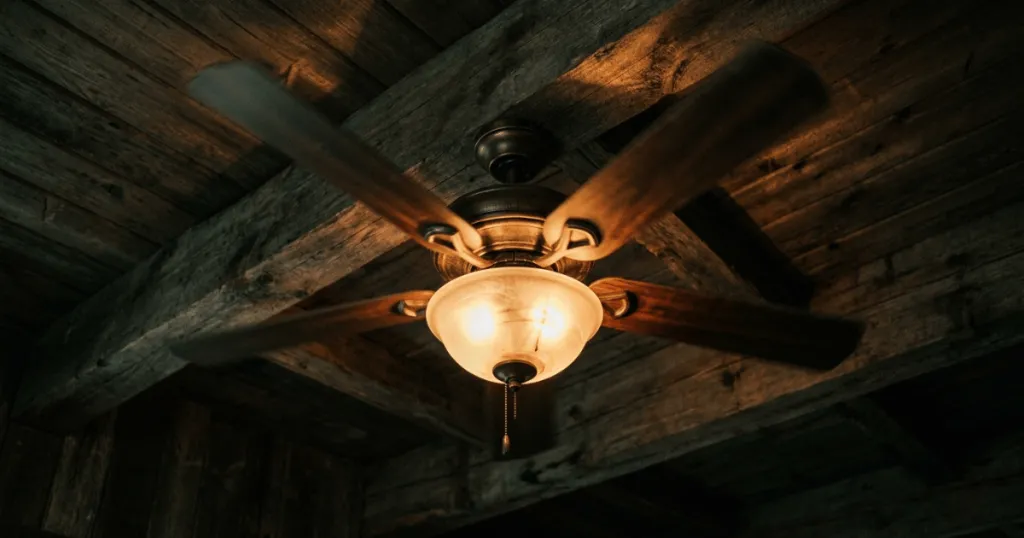
Common Causes When a Ceiling Fan Light Flickers When Fan Is On
The most frequent reason for flickering lights during fan operation is a loose electrical connection. Ceiling fans are dynamic appliances that generate constant vibration. Over time, this vibration can cause wire nuts to loosen or terminal block screws to back out slightly. If the neutral wire or the hot wire supplying the light kit is not making a solid, consistent connection, the vibration from the motor can cause that connection to intermittently break and reconnect, resulting in a visible flicker.
Another significant factor is the compatibility between LED bulbs and the fan’s integrated dimmer or remote control system. Many older ceiling fans were designed for incandescent bulbs. When homeowners replace these with modern LEDs, the internal circuitry of the fan may not be compatible with the driver inside the LED bulb. This mismatch often causes the bulb to struggle with the power delivery, leading to flickering, especially when the added load of the fan motor creates a slight voltage dip or electrical noise on the circuit.
The Role of Capacitors and Control Modules
Inside the housing of most modern ceiling fans, you will find a capacitor. This component is essential for starting and running the motor. If the capacitor is beginning to fail, it may draw inconsistent amounts of power or create electrical interference that affects other components on the same circuit, including the light kit. A failing capacitor often exhibits other symptoms, such as the fan struggling to reach high speeds or humming loudly, but it can also manifest as light instability.
Furthermore, many contemporary fans use a remote receiver or a wall-mounted control module to manage both fan speed and light brightness. These modules are sensitive electronic devices. If the internal relay or the dimming component within the receiver is damaged, it may fail to provide a steady voltage to the light kit when the motor is under load.
This is particularly common in units that have been subjected to power surges or simply age-related wear on the electronic components. In some cases, the receiver itself may be overheating due to poor ventilation within the canopy, leading to erratic power output that manifests as a flicker.
Real-World Context and Troubleshooting
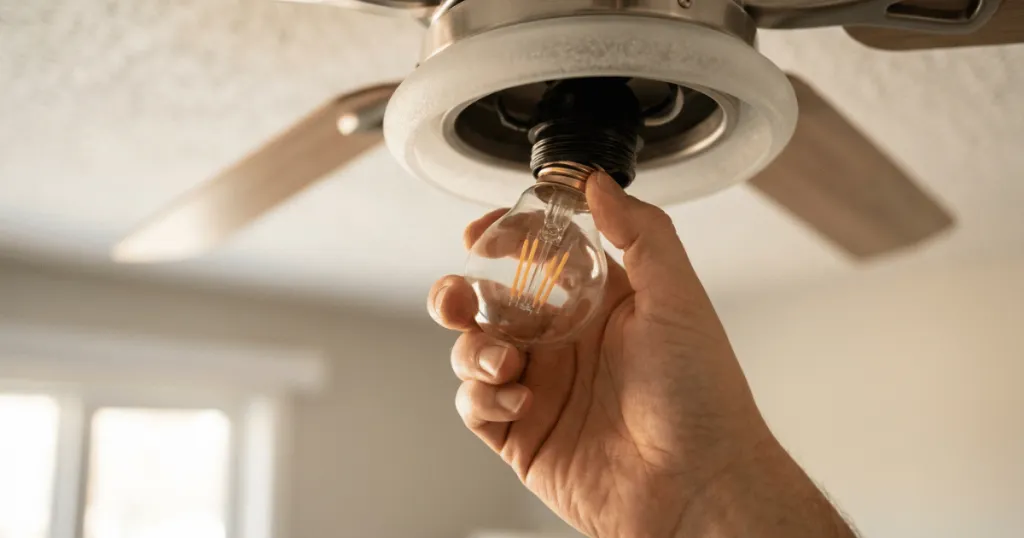
In a typical residential setting, the troubleshooting process should begin with the simplest variables. If you recently changed the bulbs, revert to the previous type or try a different brand of LED that is specifically labeled as dimmable. Many people overlook the fact that non-dimmable LEDs are prone to flickering when placed on a circuit that has any form of dimming control, even if that control is hidden within the fan’s remote receiver.
It is also worth noting that some LED bulbs have a minimum load requirement. If the fan light kit uses only one or two bulbs, the total wattage might be too low for the dimmer circuit to detect, causing the system to cycle the power and create a flicker.
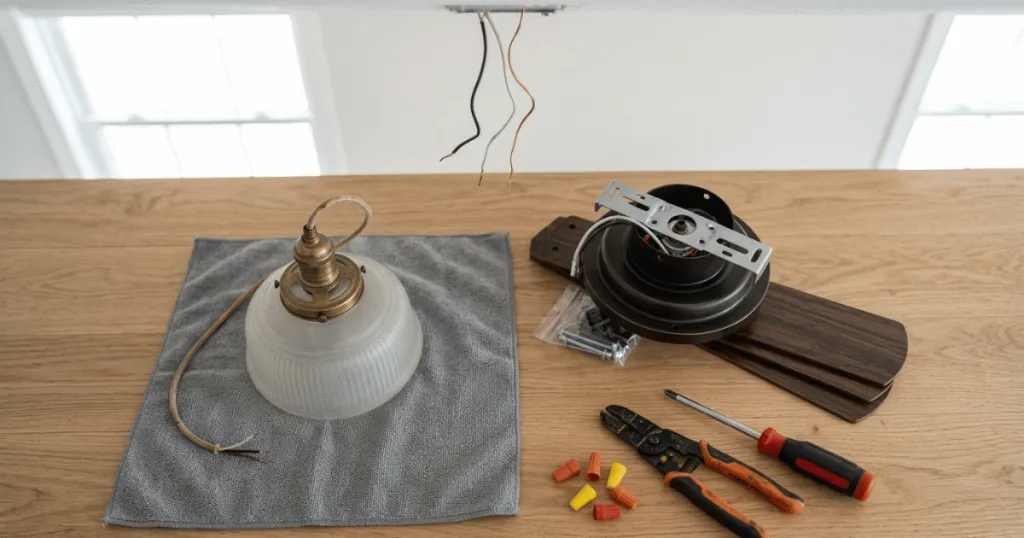
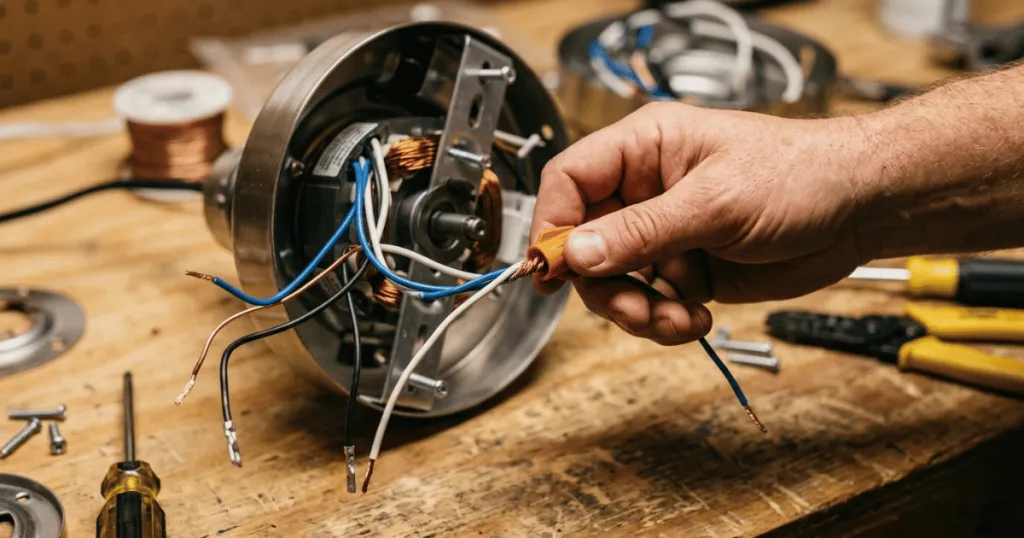
If the bulbs are not the issue, the next step involves inspecting the wiring connections within the canopy. This requires turning off the power at the breaker for safety. Once the canopy is lowered, check every wire nut to ensure they are tight and that no wires are pinched. Often, a wire that looks connected may have a loose strand or a poorly seated connector that only loses contact when the fan’s vibration reaches a certain frequency. Inspect the wire nuts for signs of heat damage or discoloration, as these are clear indicators of a poor connection that is arcing under load.
It is also important to consider the mounting of the fan itself. If the fan is not perfectly balanced or if the mounting bracket is loose, the resulting wobble can be significant. This physical movement can exacerbate minor electrical faults, turning a stable connection into an intermittent one. Ensuring the fan is balanced and the mounting hardware is secure is a practical step that often resolves both noise issues and electrical flickering simultaneously. If you notice the fan housing shifting while it spins, the internal wiring is being subjected to mechanical stress that can lead to wire fatigue over time.
Why Addressing Flickering Matters
Ignoring a flickering light is rarely a good long-term strategy. While it might seem like a cosmetic nuisance, it is often a symptom of an underlying electrical instability. Persistent flickering can indicate arcing, which occurs when electricity jumps across a small gap in a loose connection. Arcing generates heat, and over time, this heat can melt wire insulation, damage the fan’s control module, or even create a fire hazard within the ceiling junction box. If you notice a burning smell or hear a buzzing sound coming from the canopy, turn off the fan immediately and inspect the wiring.
Beyond safety, there is the matter of equipment longevity. If the flickering is caused by a faulty control module or a failing motor capacitor, continuing to operate the fan can cause further damage to the internal electronics. Replacing a simple wire nut or a set of bulbs is an inexpensive task, but replacing a proprietary remote receiver or an entire motor assembly is significantly more costly and labor-intensive. Addressing the issue early prevents a minor annoyance from turning into a complete system failure. Many homeowners find that by the time a flicker becomes constant, the internal components have already suffered significant thermal stress.
Deep Dive: Advanced Diagnostic Steps
When basic troubleshooting does not resolve the issue, you may need to look at the electrical supply to the fan itself. In some older homes, ceiling fans are wired into circuits that also power high-draw appliances. If the fan light flickers when the fan is on, it could be a sign of a voltage drop caused by the motor’s startup current. While this is less common with modern energy-efficient fans, it can happen if the wiring gauge in the ceiling is insufficient for the load. A professional electrician can test the voltage stability at the junction box to determine if the issue is internal to the fan or external within the home’s electrical system.
Another advanced consideration is the difference between AC and DC motor fans. DC motor fans use an internal transformer to convert AC power to DC. If this transformer is faulty, it can introduce electrical noise back into the light kit circuit. If you have a DC fan, the flickering is almost certainly related to the internal control board rather than a loose wire. In these cases, the board often needs to be replaced as a single unit. Always consult the manufacturer’s documentation for your specific model, as some fans have proprietary diagnostic codes that can be triggered by the remote control.
Common Misconceptions About Fan Flickering
A common misconception is that flickering is always a sign of a bad bulb. While bulbs are the easiest component to swap, they are not the only potential failure point. People often spend money replacing multiple sets of bulbs without realizing that the issue is actually in the fan’s remote receiver or the house wiring itself. Always test the bulbs in a different fixture before assuming they are the cause. If the bulbs work perfectly in a table lamp but flicker in the fan, the problem is definitively within the fan’s electrical path.
Another misconception is that flickering is normal for fans with remote controls. While some low-quality dimmers may cause a slight hum or flicker, a properly functioning fan should provide steady, reliable light. If your fan flickers, it is not a design feature or a limitation you should simply accept. It is a performance issue that indicates the system is not operating as intended. Do not settle for subpar performance when a systematic check of your connections and components can usually restore steady operation. Many users assume that because the fan is old, it is destined to flicker, but most of these issues are repairable with basic tools.
Conclusion
When you find that your ceiling fan light flickers when fan is on, the best approach is to move methodically from the simplest potential causes to the more complex ones. Start by verifying your bulb compatibility, then move to checking the physical security of your wiring connections, and finally, evaluate the health of your control modules. By treating the flickering as a diagnostic signal rather than just a nuisance, you can maintain a safer and more comfortable home environment while extending the life of your ceiling fan. Regular maintenance, such as checking the tightness of the canopy screws and ensuring the light kit is secure, can prevent these issues from developing in the first place.
FAQ
Can a loose wire in the ceiling box cause the light to flicker?
Yes, a loose connection in the ceiling junction box is a common cause. Vibration from the fan can cause wires to shift, leading to intermittent contact that results in flickering lights.
Does the age of the fan affect the likelihood of flickering?
Yes, older fans are more prone to flickering due to the degradation of internal components like capacitors, wire insulation, and the electronic relays found in remote receivers.
Is it safe to use a non-dimmable LED bulb in a fan with a light kit?
It is generally not recommended. If your fan has a remote control or wall dimmer, non-dimmable bulbs will often flicker or fail prematurely because they are not designed to handle the chopped voltage output of those control systems.