When you reach for your wall-mounted or handheld controller and find your ceiling fan remote not working, the disruption to your home comfort is immediate. Whether you are trying to adjust the airflow on a sweltering afternoon or simply want to dim the lights, a non-responsive fan can be frustrating. Most of these issues stem from simple power interruptions or signal interference rather than a total hardware failure of the fan motor itself.
Understanding the basic communication between your remote and the fan receiver is the first step in restoring functionality. By systematically checking the power supply, the signal path, and the internal settings, you can often resolve the issue without needing to replace the entire unit or hire a professional electrician. This guide focuses on the most common points of failure that homeowners encounter when dealing with unresponsive fan controls.
It is important to recognize that ceiling fan remote systems are not universal. While the symptoms of a failure often look the same, the underlying technology can vary between older AC motor fans and newer, more efficient DC motor models. Taking a methodical approach to troubleshooting will help you identify whether the problem is a simple battery issue or a more complex failure of the internal receiver module.
Common Reasons Your Ceiling Fan Remote Not Working
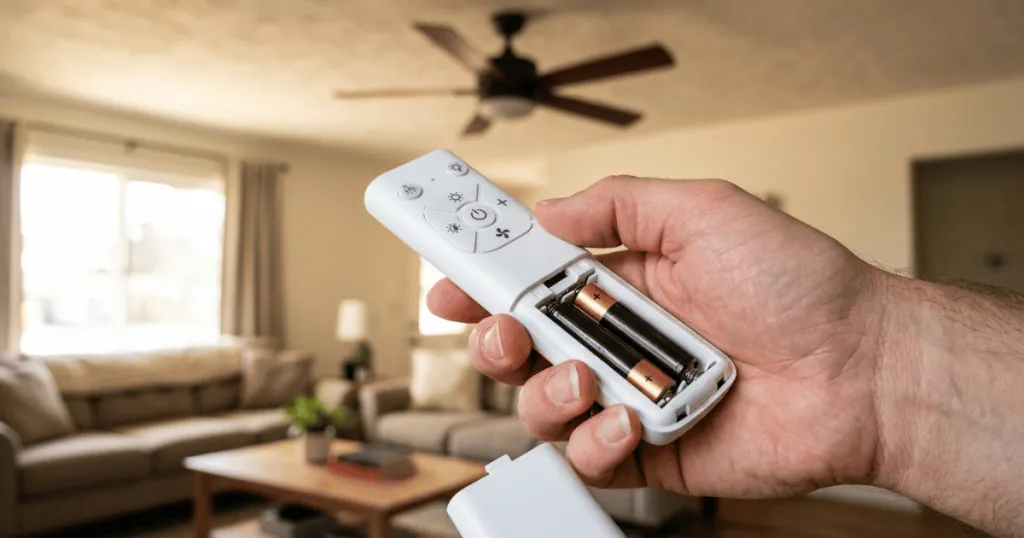
The most frequent culprit behind a malfunctioning remote is a simple loss of power or signal. Before assuming the electronics have failed, start with the most accessible components. Batteries are the primary point of failure for handheld units. Even if the remote light blinks, the voltage may be insufficient to send a strong enough signal to the receiver hidden in the fan canopy. Always test with fresh, high-quality batteries before moving to more invasive steps.
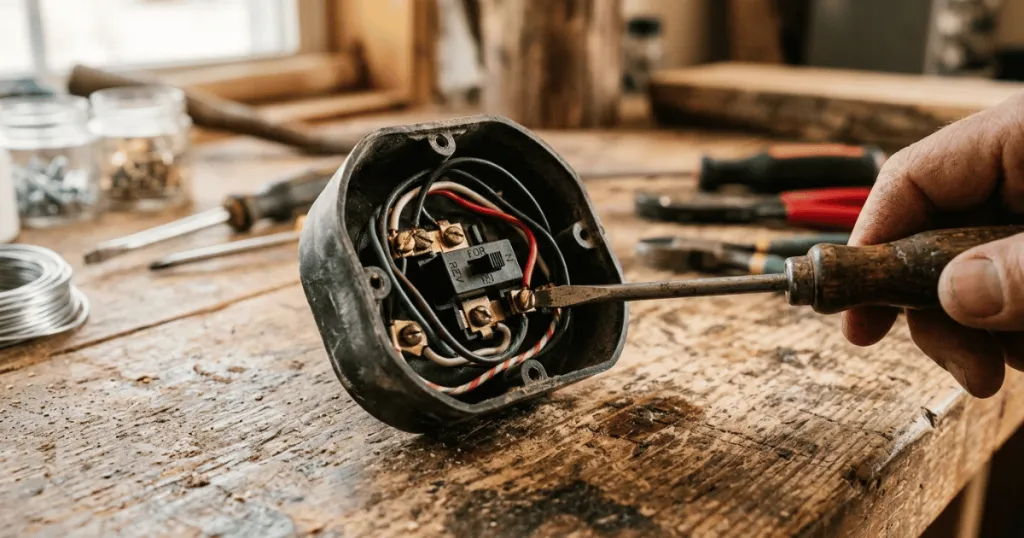
Another common issue involves the dip switches. Many older or standard ceiling fan remotes use a series of small switches inside the battery compartment and on the receiver unit to establish a unique frequency. If these switches are bumped or if the fan was recently serviced, the remote and the receiver may no longer be on the same frequency. Both sets of switches must be set to the exact same pattern to communicate effectively. If you live in an apartment complex or a dense neighborhood, check that your neighbor’s fan remote is not accidentally operating your unit by changing your dip switch pattern to a unique configuration.
Signal interference is another factor that often goes overlooked. If you have recently installed other wireless devices or if your fan is located near a high-traffic area for Wi-Fi signals, the radio frequency might be getting blocked. Additionally, if the receiver module inside the canopy has become loose due to vibrations, the antenna wire might be tucked away in a position where it cannot receive the infrared or radio signal from your remote. Ensure the antenna is not pinched or coiled tightly against metal housing, as this can severely dampen the signal range.
Real-World Troubleshooting Context
In a typical residential setting, the receiver is tucked into the mounting bracket at the ceiling. Over time, the constant vibration of the fan can cause wire nuts to loosen or the receiver itself to shift. If you have recently moved into a home or had the fan serviced, check the wiring connections at the ceiling canopy first. A loose neutral wire or a disconnected receiver lead will prevent the fan from responding to any command, regardless of the remote status. Always turn off the power at the circuit breaker before inspecting the canopy wiring to ensure your safety.
Consider the environment of the room as well. If your ceiling fan is in a large room with high ceilings, the distance between the remote and the receiver can occasionally push the limits of the signal range, especially if the batteries are waning. In these cases, simply replacing the batteries with high-quality alkaline versions can restore the necessary range. It is also helpful to ensure that no large metal objects or decorative ceiling elements are physically obstructing the line of sight if your remote uses infrared technology. Infrared remotes require a direct path to the sensor, whereas radio frequency remotes can typically penetrate walls and obstructions.
If you have multiple fans of the same brand in your home, it is possible for one remote to accidentally control two fans if they share the same frequency. If your remote is working but affecting the wrong fan, you will need to adjust the dip switches on the receiver of the unintended fan to a different frequency setting. This is a common occurrence in open-concept floor plans where multiple fans are installed in proximity. By assigning each fan a unique frequency, you regain individual control over your home environment.
Advanced Diagnostic Steps for Persistent Issues
When basic troubleshooting fails, you may need to perform a hard reset of the system. Many modern fan receivers have a learning mode. To trigger this, you must cut power to the fan at the wall switch or circuit breaker for at least 30 seconds. Once power is restored, you usually have a short window of time, often 30 to 60 seconds, to press and hold the pairing button on the remote. This forces the receiver to scan for the remote signal and establish a new handshake. If your fan does not have a dedicated pairing button, consult the manual for the specific sequence of button presses required to enter learning mode.
Another edge case involves the receiver module itself. If you notice a burning smell, flickering lights, or the fan operating at only one speed regardless of the remote input, the receiver may have suffered an internal component failure. Capacitors within the receiver can degrade over time, especially in hot climates where the fan is used frequently. If you suspect the receiver is faulty, you can sometimes find a replacement module that matches your fan model. However, ensure the replacement is compatible with your specific motor type, as DC motor receivers are not interchangeable with AC motor receivers.
For homeowners with smart home integration, check your bridge or hub settings if your remote is part of a larger automation system. Sometimes the issue is not the physical remote but the software bridge that connects your fan to your home network. Rebooting your smart hub can often resolve communication gaps that mimic a broken remote control.
Why Reliable Remote Control Matters
Maintaining a functional remote is about more than just convenience; it is about the longevity of your fan system. When a remote stops working, homeowners often resort to using the wall switch to toggle the power on and off repeatedly. This can be hard on the internal capacitors of the fan receiver and the motor itself. Consistent, clean signals from the remote ensure that the fan starts and stops according to the manufacturer’s design, reducing unnecessary wear on the electrical components.
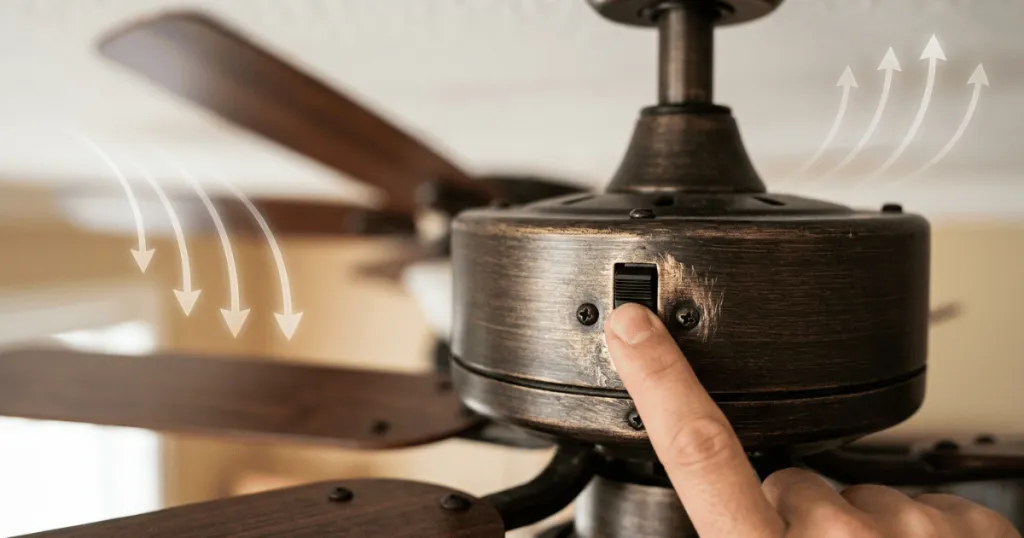
Furthermore, many modern ceiling fans rely on the remote to manage specific features like light dimming, reverse airflow, or breeze modes. Without a working remote, you may lose access to these advanced comfort features entirely. Ensuring your control system is healthy allows you to maximize the energy efficiency of your home by properly adjusting airflow based on the season, rather than leaving the fan on a single, potentially inefficient setting because the remote is broken. Proper airflow management reduces the load on your primary HVAC system, which can lead to lower energy consumption over the course of a year.
Common Misconceptions About Fan Controls
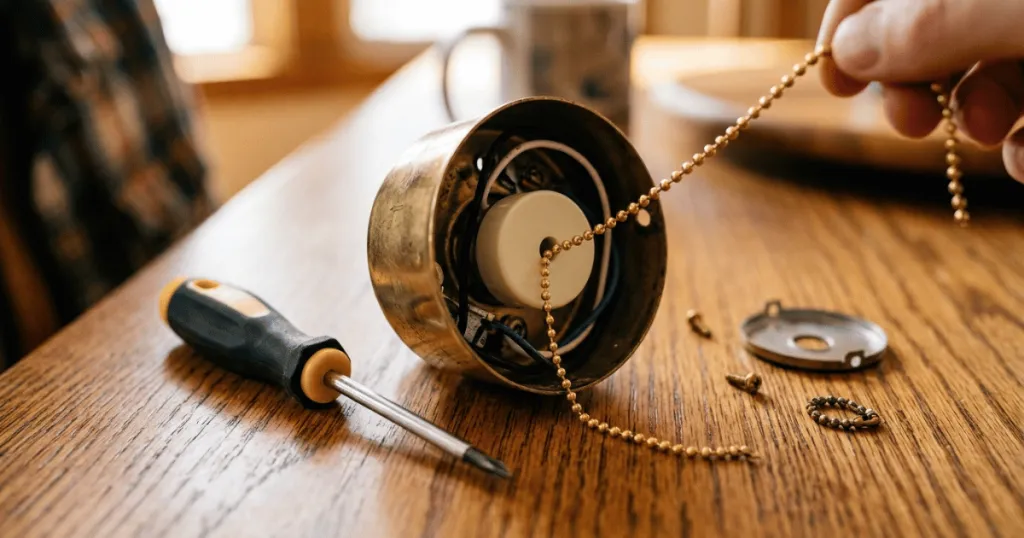
A frequent misconception is that a non-responsive remote always indicates a dead motor. In reality, the fan motor and the remote receiver are separate systems. If the fan works when you pull a manual chain but does not respond to the remote, the issue is strictly within the remote-receiver communication loop. You do not necessarily need to replace the fan if the motor is still spinning. The motor is a mechanical component, while the remote system is an electronic control interface.
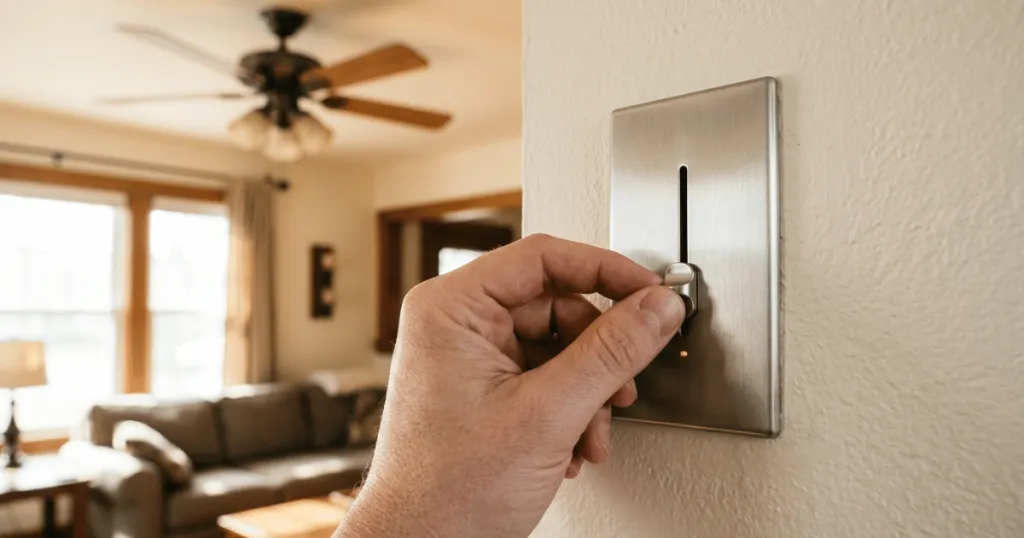
Another misunderstood aspect is the role of the wall switch. Many people believe that the wall switch must be off to reset the remote. However, the receiver needs power to receive the reset signal. If you are attempting to re-pair a remote, ensure the wall switch is in the on position. Following the specific pairing procedure outlined in your manufacturer manual is vital, as the steps for syncing a remote vary significantly between different manufacturers and models. Do not assume that the pairing process for one brand of fan will work for another, even if they look identical from the outside.
Finally, do not assume that a remote is broken simply because it feels light or cheap. Many modern remotes use lightweight plastic to keep costs down and improve ergonomics. The internal circuitry is what matters. If you drop your remote, the internal battery contacts can become misaligned. Before discarding a remote that you believe is broken, open the battery compartment and ensure the metal tabs are making firm contact with the battery terminals. Sometimes a simple adjustment with a small screwdriver is all that is needed to restore the connection.
Conclusion
When you find your ceiling fan remote not working, stay calm and follow a logical path of elimination. Start with the batteries, verify the dip switch settings, and inspect the receiver connections within the canopy. By addressing these simple mechanical and electrical variables, you can restore your fan to full functionality and avoid the unnecessary expense of a full replacement. If these steps do not resolve the issue, consult your specific fan manual for model-specific reset procedures or consider replacing the receiver module if it has reached the end of its operational life. Taking the time to troubleshoot your fan control system is a practical way to extend the life of your appliance and maintain consistent comfort in your home.
FAQ
Why does my ceiling fan remote light up but the fan does not respond?
The remote may be sending a signal, but the receiver in the fan may not be receiving it. This is often due to a frequency mismatch, a loose antenna wire, or the receiver needing to be re-paired with the remote.
How do I know if the receiver in my ceiling fan is broken?
If you have replaced the batteries, verified the dip switch settings, and ensured the power is on, yet the fan remains unresponsive, the internal receiver module may have failed. This is common in older fans where electrical components have degraded over time.
Can I use a universal remote if my original ceiling fan remote is not working?
Yes, many universal ceiling fan remotes are compatible with standard AC motor fans. However, ensure the remote is compatible with your specific fan type, especially if you have a DC motor fan, which requires a specific controller.
Does the wall switch need to be on for the remote to work?
Yes, the wall switch provides power to the receiver unit inside the fan canopy. If the wall switch is off, the receiver cannot process any signals from the remote.