A ceiling fan making a whirring sound is one of the most common complaints among homeowners, yet it is often misunderstood as a sign of permanent motor failure. In reality, most of these noises originate from loose components, improper balancing, or minor electrical interference rather than a catastrophic mechanical breakdown. Addressing the issue early often prevents further wear on the internal bearings and ensures your home remains a quiet, comfortable environment.
Understanding the difference between a rhythmic clicking and a persistent whirring is the first step toward a quiet home. While some airflow noise is natural, a distinct, repetitive whirring usually points to a specific point of friction or vibration that can be resolved with basic maintenance. By identifying the source of the noise, you can often restore your fan to its intended whisper-quiet performance without needing to replace the entire unit.
Common Causes for a Ceiling Fan Making a Whirring Sound
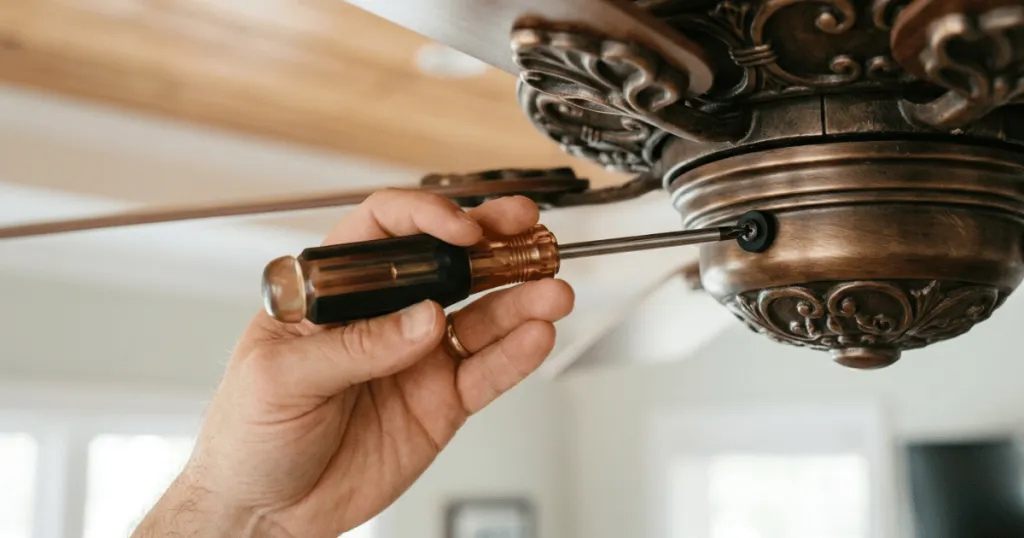
The primary reason for a whirring noise is vibration caused by loose hardware. When a fan operates, it generates significant kinetic energy. If the screws connecting the blades to the motor housing or the canopy to the ceiling bracket are not perfectly tight, that energy translates into a vibrating, whirring sound. Over time, the natural oscillation of the fan can cause these fasteners to back out slightly, creating a gap that allows metal to vibrate against metal.
Blade Alignment and Balance
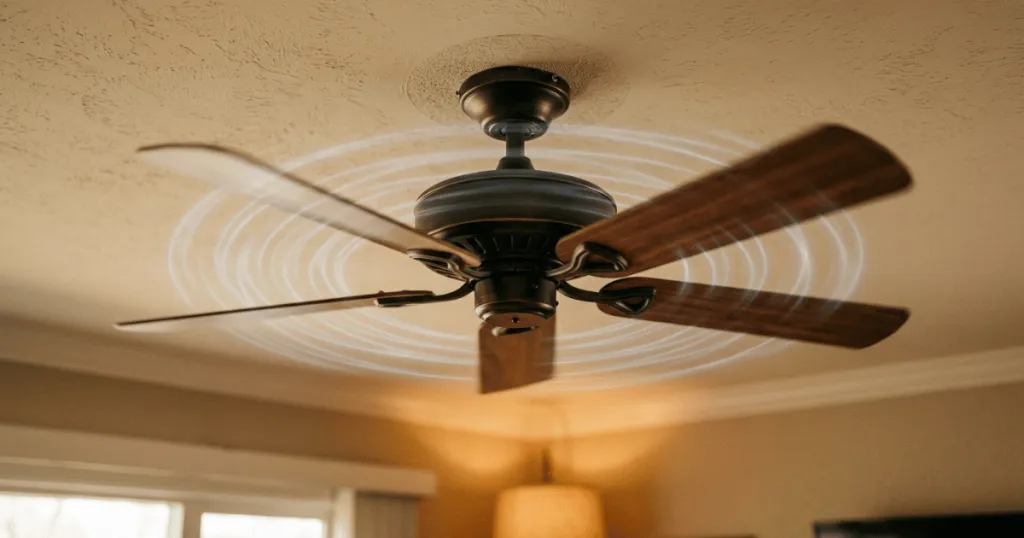
Blade imbalance is another frequent culprit. If one blade is slightly lower than the others or is angled differently, the fan will wobble during rotation. This wobble puts uneven stress on the motor housing, which can manifest as a low-frequency whirring or hum. Checking the blade level is a simple process; use a yardstick to measure the distance from the tip of each blade to the ceiling, ensuring they are all identical. If you find a discrepancy, gently bend the blade iron, which is the metal bracket holding the blade, until the tip aligns with the others. Even a quarter-inch difference can cause significant aerodynamic drag and subsequent noise.
Internal Motor and Bearing Issues
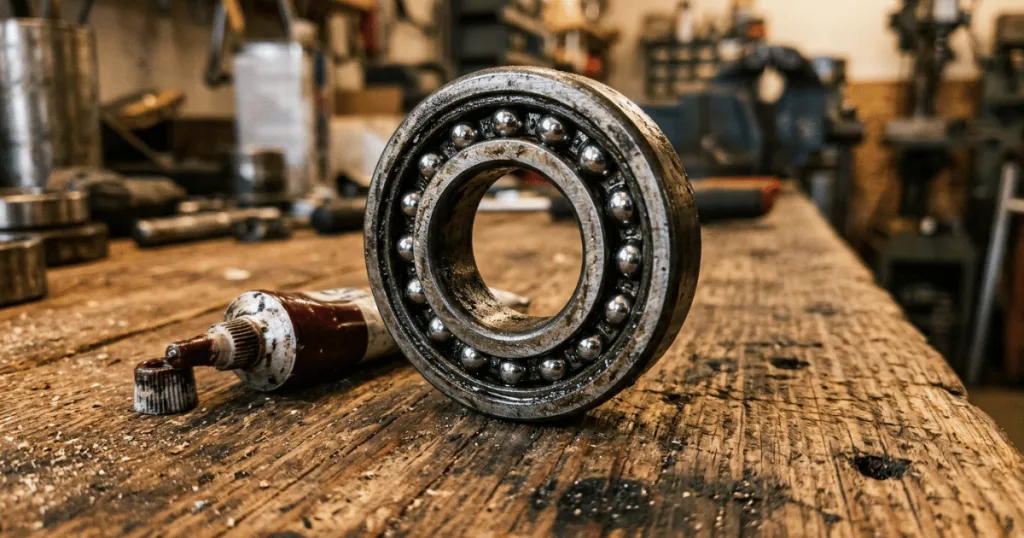
While less common than loose hardware, internal motor issues can produce a persistent whirring. If the sealed bearings inside the motor housing begin to lose their lubrication, they may create a dry, grinding, or whirring noise as they spin. This is more prevalent in older fans that have seen years of continuous use. If the noise persists after you have tightened all external screws and balanced the blades, the motor bearings may be reaching the end of their service life.
In some cases, the internal capacitor, which manages the electrical flow to the motor, may be failing. A failing capacitor often produces a subtle electrical buzz that mimics a mechanical whirring sound. Replacing this component is a task for those comfortable with basic electrical work, but it is often more cost-effective to consult a professional if you are unsure.
Electrical Interference and Dimmer Switches
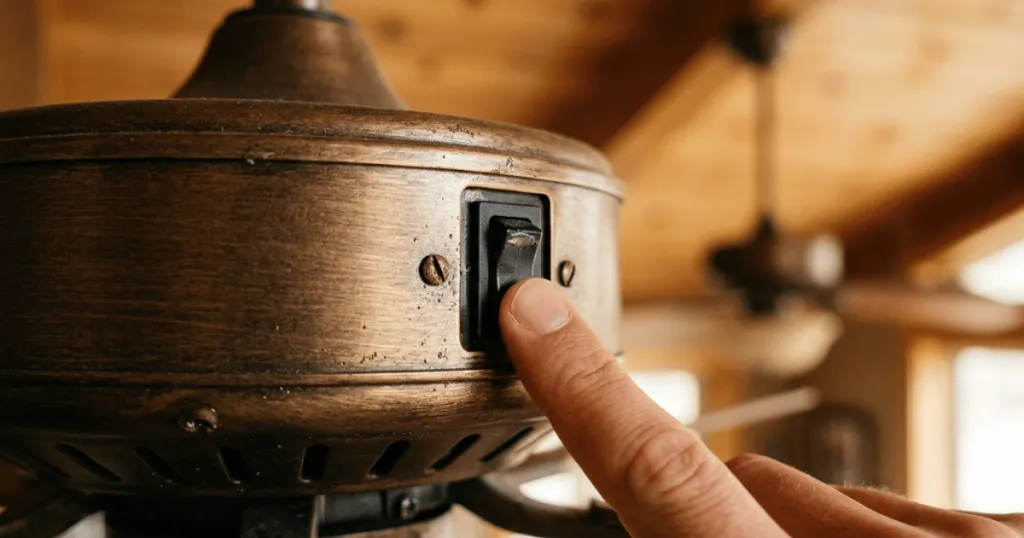
Sometimes the noise is not mechanical at all. If you are using a non-compatible dimmer switch to control your fan speed, you might hear a distinct electrical hum or whirring. This happens because the electrical signal is being chopped or restricted, causing the motor to struggle to maintain a steady speed. Using a fan-rated speed control instead of a standard light dimmer often eliminates this specific type of noise immediately. Standard dimmers are designed for resistive loads like incandescent bulbs, whereas fan motors are inductive loads. When you force an inductive load onto a resistive switch, the motor receives an irregular waveform, which manifests as an audible vibration within the motor windings.
Deep Dive: Troubleshooting Mechanical Vibrations
Beyond the basics, homeowners should inspect the connection points between the fan and the ceiling. The mounting bracket is the foundation of your fan. If the screws securing the bracket to the ceiling joist are loose, the entire fan assembly will vibrate against the drywall. This creates a low-frequency whirring that can resonate through the entire room. Check that the mounting bracket is flush against the ceiling and that the screws are driven firmly into the wooden joist or a properly rated electrical box.
Another often overlooked area is the light kit. If your fan has a light fixture, the glass shades or the decorative housing can vibrate against the metal frame. Try removing the glass shades temporarily to see if the noise stops. If the whirring ceases, you know the issue is simply a loose glass fitting. You can resolve this by adding small rubber washers or felt pads to the contact points where the glass meets the metal. This simple modification absorbs the micro-vibrations that cause the annoying sound.
Real-World Context for Troubleshooting Noises
In a typical residential setting, noise issues often surface after a seasonal change or a long period of inactivity. If a fan has been turned off for several months, the internal lubricants can settle, or dust accumulation can slightly alter the weight distribution of the blades. Cleaning the blades thoroughly is a practical first step, as uneven dust buildup can cause a subtle imbalance that leads to audible vibration. Use a damp cloth to wipe down both sides of each blade, ensuring that you remove heavy dust clumps that could be throwing off the center of gravity.
Consider the mounting system as well. Fans installed on downrods are more susceptible to sway than flush-mount models. If the ball-and-socket joint at the top of the downrod is not seated correctly, the entire assembly may vibrate against the canopy. This often creates a whirring sound that seems to echo through the ceiling. Ensuring the canopy is not touching the ceiling drywall is a critical check, as even a hairline contact point can amplify motor vibrations into a loud, annoying rattle. If the canopy is touching the ceiling, adjust the downrod or the mounting bracket to create a small gap, which acts as a buffer to prevent sound transmission.
Noise sensitivity also varies by room. A whirring fan in a large, open-concept living room might go unnoticed, but the same sound in a quiet bedroom can be disruptive. When diagnosing the noise, try to isolate it by turning off the light kit and the fan separately. If the noise stops when the fan motor is off but the light is on, the issue is likely related to the light fixture housing or glass shades rather than the motor itself. This systematic approach saves time and prevents unnecessary disassembly of the motor housing.
Why Addressing Fan Noise Matters
Ignoring a persistent whirring sound can lead to accelerated wear on your ceiling fan. When a fan wobbles or vibrates, it places undue strain on the motor bearings and the mounting bracket. Over time, this can lead to a failure of the internal components, turning a simple maintenance task into a full replacement project. Addressing the noise early is a matter of extending the operational lifespan of your appliance.
Beyond maintenance, the quality of your home environment is a primary concern. Ceiling fans are intended to provide comfort through consistent, quiet airflow. A noisy fan disrupts the peaceful atmosphere of a room, which is especially problematic in spaces dedicated to rest or focused work. By resolving the source of the whirring, you reclaim the intended function of the fan, allowing it to move air effectively without serving as a constant auditory distraction. Regular maintenance, such as tightening screws and cleaning blades, should be part of your seasonal home care routine to ensure long-term reliability.
Common Misconceptions About Fan Noise
A frequent misconception is that all ceiling fan noise is caused by a bad motor. Many homeowners assume that if a fan makes a sound, the motor is dying and the unit must be replaced. In practice, motor failure is relatively rare compared to simple installation issues like loose screws, unseated canopy covers, or incompatible wall controls. Before assuming the worst, always perform a systematic check of the external hardware.
Another common error is over-tightening components. While loose screws cause noise, overtightening can strip threads or crack plastic housing, which creates new, different types of rattling sounds. The goal is to ensure all fasteners are snug and secure, not tightened to the point of mechanical stress. Always use the manufacturer-provided hardware, as using mismatched screws can alter the balance of the blades and lead to further vibration issues. If you have lost original hardware, contact the manufacturer for replacements rather than using generic screws from a local hardware store, as the weight and thread pitch of the original screws are calibrated for the specific balance of the fan blades.
Preventative Maintenance for Long-Term Quiet
To keep your ceiling fan operating silently, incorporate a bi-annual maintenance check. During the spring and fall, when you switch the direction of the fan for seasonal comfort, take five minutes to inspect the unit. Check the blade screws for tightness, wipe the blades clean, and ensure the canopy is secure. If you notice any slight wobble, use a balancing kit to redistribute the weight. These small, proactive steps significantly reduce the likelihood of developing a whirring sound in the future. By treating your ceiling fan as a mechanical appliance that requires periodic attention, you ensure that it remains a quiet and effective part of your home comfort strategy for many years.
FAQ
Can a ceiling fan making a whirring sound be fixed by balancing the blades?
Yes, blade balancing is one of the most effective ways to stop a whirring sound. If the blades are uneven or out of weight, they cause the motor to wobble, which creates vibration and noise. Using a blade balancing kit or simply checking for loose blade-to-arm screws can often resolve the issue.
Does a dimmer switch cause a ceiling fan to make a whirring sound?
Yes, using a standard light dimmer switch to control a ceiling fan can cause an electrical hum or whirring. Fans require specific fan-rated speed controls to manage the motor current properly. If you hear this noise, check if your wall control is specifically rated for ceiling fan motor use.
How do I know if the whirring sound is a bad motor?
If you have tightened all hardware, balanced the blades, and ensured the fan is not touching the ceiling canopy, yet the noise persists, it may be an internal bearing issue. A grinding or consistent, deep whirring that originates from inside the motor housing usually indicates that the internal bearings are worn and may require professional repair or unit replacement.