When you finish mounting a fixture, the last thing you expect is an audible distraction. Finding your new ceiling fan making noise after installation is a common frustration, yet it is rarely a sign of a defective motor. Most acoustic issues stem from mechanical vibrations or minor alignment errors that occur during the assembly process. Understanding these patterns helps you distinguish between a simple adjustment and a deeper installation concern.
While some homeowners assume that any sound indicates a faulty product, most noises are actually environmental or structural. A fan is a kinetic device that moves air through a room, and any loose connection can amplify small movements into noticeable clicks, hums, or wobbles. By systematically checking the mounting hardware and blade assembly, you can usually resolve these issues without needing to replace the unit or contact professional support.
It is important to recognize that ceiling fans are dynamic systems. Unlike a stationary light fixture, a fan exerts constant rotational force on its mounting point. If the installation environment does not account for this energy transfer, the resulting noise is a symptom of physics rather than a manufacturing defect. By isolating the source of the sound, you can often silence the unit with basic hand tools and a bit of patience.
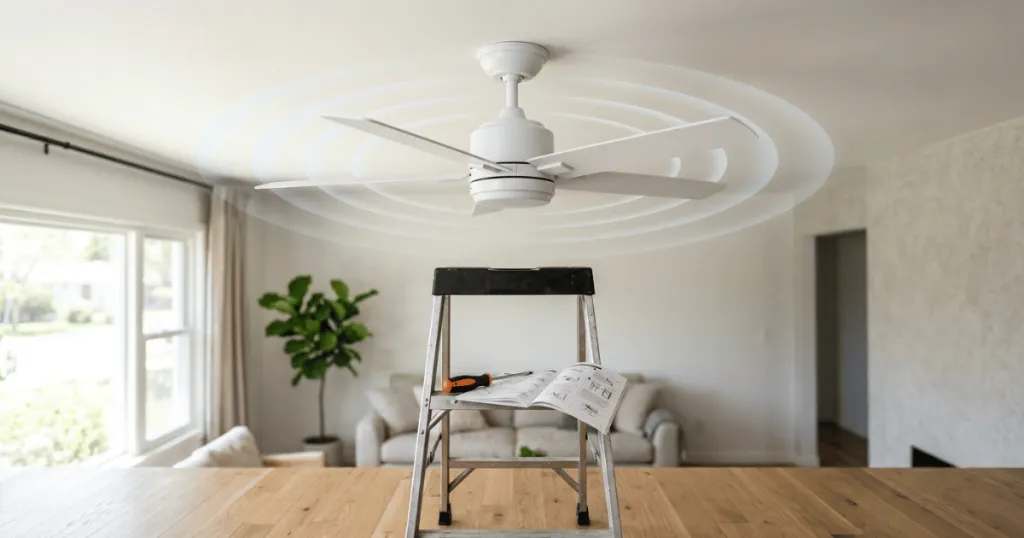
Understanding Why Your New Ceiling Fan Making Noise After Installation Occurs
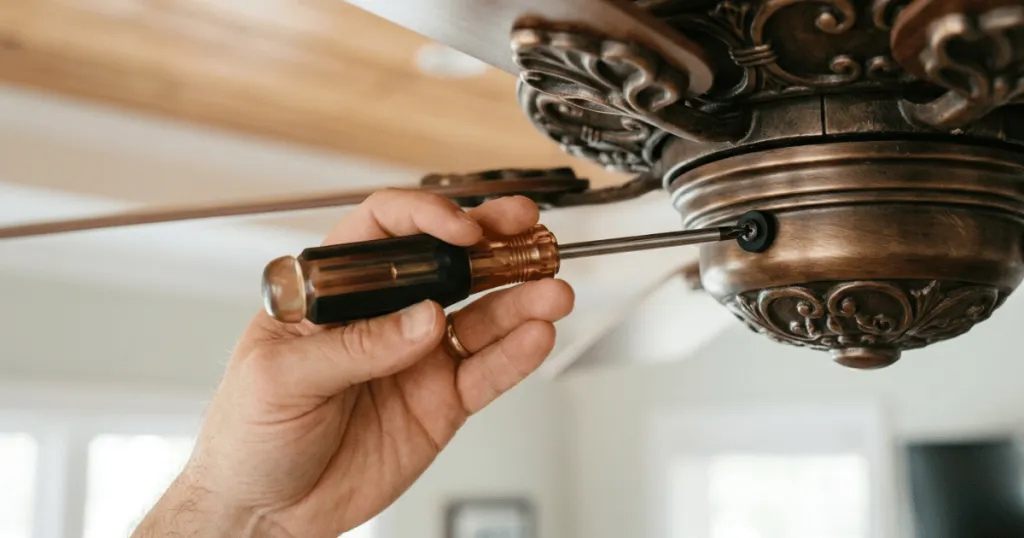
The most frequent culprit behind a noisy fan is the vibration transfer between the fan and the ceiling junction box. When a fan operates, it creates rotational force that naturally wants to move the fixture. If the mounting bracket is not perfectly flush against the ceiling or if the screws are not tightened to the manufacturer’s specified torque, the entire assembly can rattle against the drywall or the support structure.
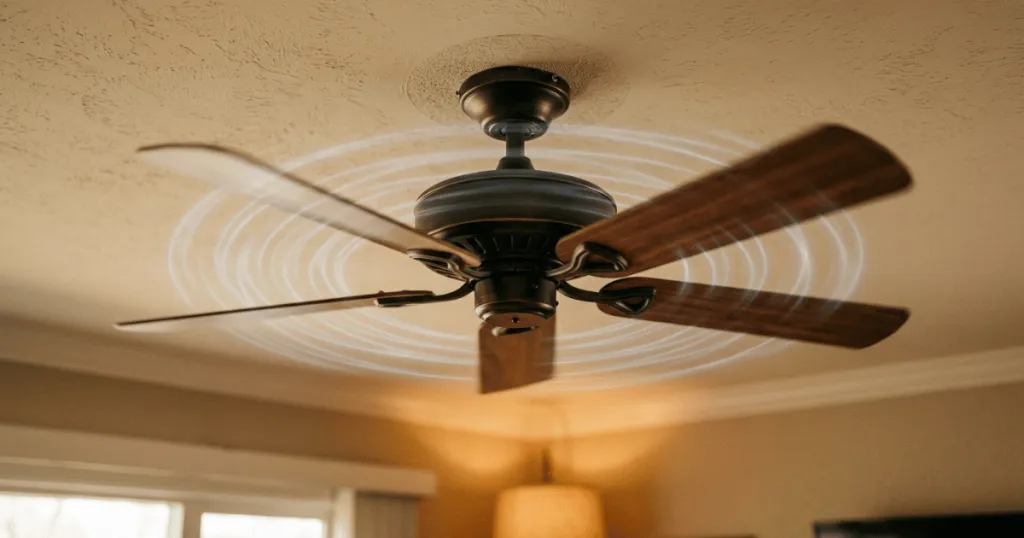
Another common source of sound is the blade assembly. If the blades are not perfectly level or if the screws securing the blade irons to the motor housing are slightly loose, the fan will develop an uneven weight distribution. This imbalance creates a rhythmic thumping or clicking sound as the fan rotates. Even a difference of a few millimeters in blade height can cause the motor to work harder, leading to audible strain or clicking during operation.
Beyond these primary causes, consider the role of the canopy. The canopy is the decorative cover that hides the mounting bracket and electrical connections. If this cover is pushed too tightly against the ceiling, or if it is not centered, it can vibrate against the ceiling surface. This friction creates a buzzing or scraping sound that is often mistaken for a motor issue. Adjusting the canopy so it has a tiny amount of clearance from the ceiling surface often eliminates this specific type of noise immediately.
The Role of Electrical Hums and Dimmer Switches
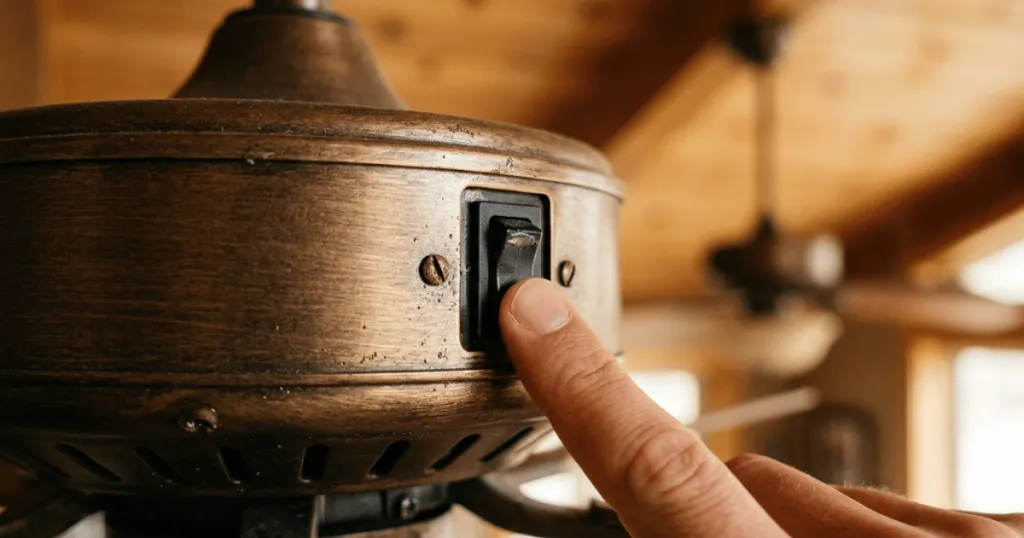
Sometimes the noise is not mechanical but electrical. If you are using a wall-mounted dimmer switch that is not specifically rated for ceiling fan motors, you may hear a low-frequency hum or buzz. This occurs because the dimmer chops the AC current in a way that the motor windings find difficult to process, leading to magnetic resonance within the motor housing.
Always verify that your control switch is compatible with the fan model. If you have a DC motor fan, it requires a specific electronic control rather than a standard wall dimmer. Replacing an incompatible switch often eliminates the hum immediately, proving that the fan itself is functioning perfectly and the issue was simply a signal mismatch. In some cases, even a compatible dimmer can cause a slight hum if the electrical load is too low, which is why using the manufacturer-recommended control is the best practice for long-term silence.
Evaluating Evidence and Mechanical Limitations
It is important to separate the reality of fan physics from the assumption that a fan should be completely silent. Every ceiling fan produces some level of white noise due to the movement of air blades cutting through the atmosphere. This is a normal byproduct of airflow, not a mechanical defect. However, if the sound is metallic, grinding, or rhythmic, it indicates a specific point of failure that requires attention.
The evidence regarding installation quality is clear: most noise issues are resolved by re-tightening hardware. Over time, or even during the initial mounting, screws can settle. A common mistake is failing to check the set screws on the downrod or the motor coupler. These small components are responsible for holding the rotating mass in place, and if they are loose, they will click every time the fan changes direction or speed.
When assessing the noise, consider the environment. If the fan is installed on a sloped ceiling without the proper canopy adapter, the motor housing might be rubbing against the ceiling surface. This creates a friction-based noise that sounds like a scraping or rubbing sound. This is a structural limitation of the installation rather than a flaw in the fan design, and it requires a specific adapter to provide the necessary clearance for the canopy to sit correctly.
Furthermore, evaluate the junction box itself. A fan-rated junction box is designed to handle the weight and the kinetic energy of a moving fan. If you have installed a heavy fan on a standard light-fixture box, the box may flex under the weight. This flexing creates structural vibration that travels through the ceiling joists, making the entire ceiling act like a speaker diaphragm. If you suspect the box is the issue, you must replace it with a UL-listed fan-rated box to ensure both safety and quiet operation.
Who Benefits from Proper Troubleshooting
Homeowners who prioritize quiet environments, such as those installing fans in bedrooms or nurseries, benefit most from a methodical approach to noise reduction. A fan that clicks or hums can be incredibly disruptive in a quiet room, especially at night. By taking the time to balance the blades and secure the mounting hardware, you ensure that the fan provides the intended cooling effect without becoming a source of irritation.
DIY-minded individuals also benefit from learning these diagnostic steps. Instead of assuming the product is defective and going through the hassle of a return or an exchange, you can often solve the problem in under thirty minutes. This saves time and provides a better understanding of how the fixture integrates with your home’s electrical and structural systems.
Finally, those living in older homes with non-standard junction boxes benefit from recognizing that their ceiling structure might be the source of the noise. Older homes often have boxes that are not rated for the weight or the movement of a modern ceiling fan. If the box itself is loose, it will vibrate regardless of how well the fan is installed. Identifying this early allows you to reinforce the box, which is a necessary step for both noise reduction and safety.
Common Misconceptions About Fan Noise
A widespread myth is that a new fan needs a break-in period where it will naturally make noises before becoming quiet. While some motors might have a very slight settling of internal components, a properly installed fan should be quiet from the moment it is turned on. If you hear grinding or loud clicking, do not wait for it to go away on its own, as this usually indicates a loose part that could cause further damage if left unaddressed.
Another misconception is that the noise is always coming from the motor. Many people spend hours trying to diagnose the motor when the issue is actually the light kit. If the glass shades or the light bulbs are not tightened properly, the vibration of the fan will cause them to rattle against the metal housing. Always check the light kit components first, as they are the easiest to access and the most common source of rattling sounds.
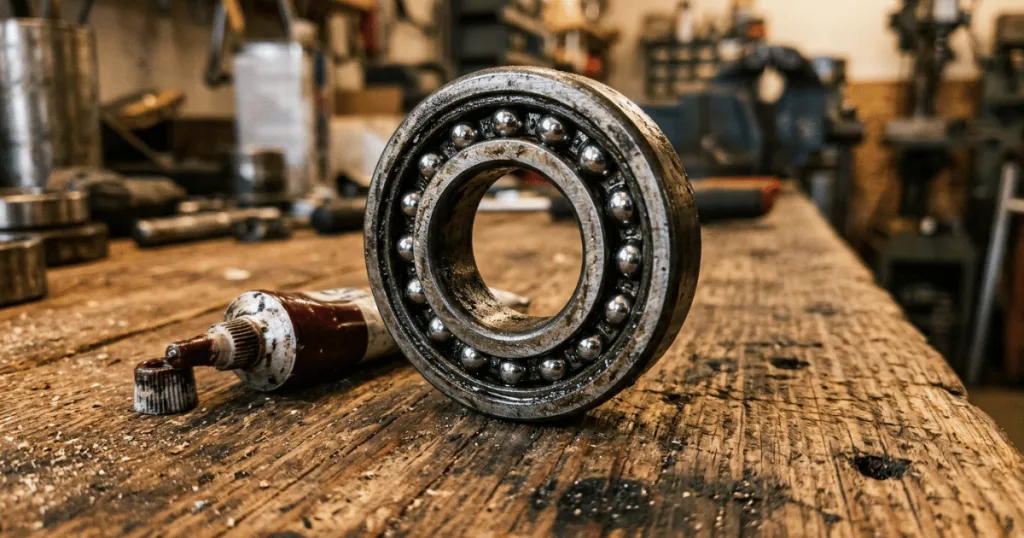
Lastly, many assume that a wobbling fan is a separate issue from a noisy fan. In reality, they are often two symptoms of the same problem: an out-of-balance blade assembly. When a fan wobbles, it puts uneven stress on the motor bearings and the mounting bracket, which in turn creates noise. Fixing the balance by using a balancing kit or ensuring the blades are uniform will often stop both the wobble and the noise simultaneously.
Advanced Diagnostic Steps for Persistent Noise
If you have checked the obvious culprits and your new ceiling fan is still making noise, it is time to look at the internal assembly. Start by inspecting the rubber gaskets or vibration dampeners that are often included with the mounting bracket. These components are designed to isolate the motor from the ceiling. If they were omitted during installation or if they have become compressed, the metal-to-metal contact will transmit vibrations directly into the ceiling structure.
Another advanced step involves checking the blade irons. Sometimes the metal arms that hold the blades can become slightly bent during shipping or handling. Even a minor bend can cause the blade to track incorrectly, leading to air turbulence and noise. You can check the tracking by measuring the distance from the tip of each blade to the ceiling. If one blade is significantly higher or lower than the others, gently bend the blade iron until all blades are at an equal height. This simple adjustment often resolves persistent clicking or rhythmic thumping sounds that seem to defy explanation.
Finally, consider the influence of the downrod. If you are using a long downrod, the fan is more susceptible to swaying. Ensure that the pin and clip at the top of the downrod are fully seated and that the set screws are tightened securely. A loose downrod can create a metallic clinking sound as the fan changes speed or direction. By ensuring every connection point is rigid and secure, you minimize the potential for noise and maximize the longevity of your ceiling fan.
Conclusion: Restoring Peace and Airflow
When you find your new ceiling fan making noise after installation, the best approach is to remain patient and systematic. Start by checking the most accessible parts, such as the light kit and blade screws, before moving to the mounting bracket and electrical connections. In almost every case, the noise is a result of a loose connection or a minor alignment issue that can be corrected with simple tools. By addressing these factors, you ensure that your fan operates efficiently, quietly, and reliably for years to come.
FAQ
Why does my new ceiling fan make a clicking noise?
A clicking noise is usually caused by loose blade screws or a light kit component that is vibrating against the motor housing. Check all screws on the blade irons and ensure the glass shades are securely tightened.
Can a dimmer switch cause a new ceiling fan to make noise?
Yes, if the dimmer switch is not rated for ceiling fans, it can cause an electrical hum or buzz. Ensure you are using a control specifically designed for the motor type of your fan.
Is it normal for a new ceiling fan to make a humming sound?
A very faint hum can be normal for some AC motors, but a loud or distracting hum usually indicates an electrical incompatibility or a loose mounting bracket that is vibrating against the ceiling.