Finding a new ceiling fan wobbling right after installation can be frustrating, especially after you have spent time securing the mounting bracket and wiring the motor. While it is natural to feel concerned about the stability of the fixture, a slight wobble is often a result of minor assembly inconsistencies rather than a defective unit. Most wobbling issues stem from components that are not perfectly balanced or secured, which can be addressed with simple adjustments to the blade assembly or the canopy housing.
When you notice your fan shaking, the first step is to observe the movement while the fan is running at a low speed. Identifying whether the wobble originates from the motor housing or the blades themselves will help you narrow down the root cause. In many cases, the issue is not a structural failure but a matter of fine-tuning the installation to ensure all parts are seated correctly and operating in harmony with the rotation of the motor.
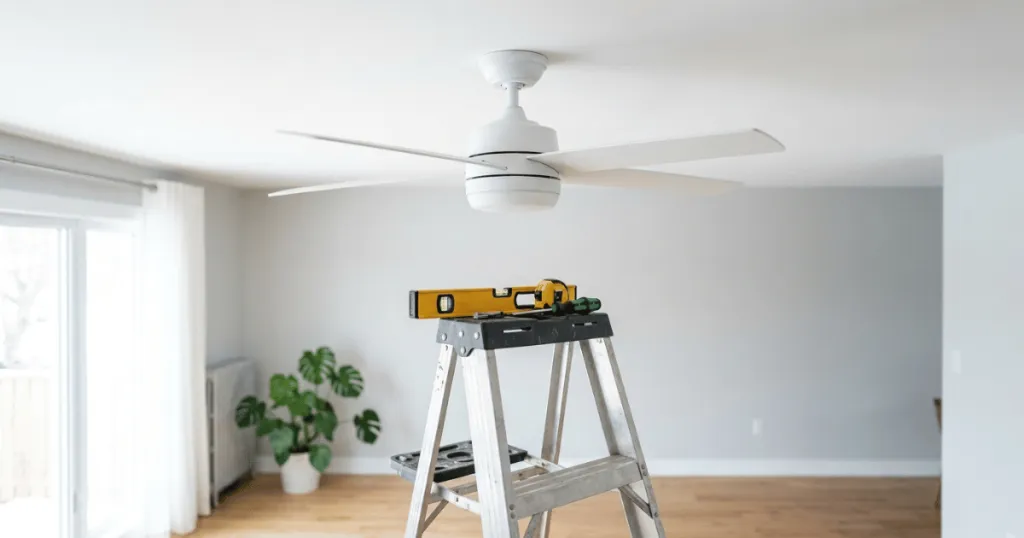
Common Factors Behind a New Ceiling Fan Wobbling Right After Installation
The most frequent culprit for a wobbly fan is an imbalance in the weight distribution of the blades. Even a gram of difference between blades can cause the fan to oscillate as it reaches higher speeds. Manufacturers typically ship blades in matched sets, but if one blade is slightly tighter or looser than the others, the weight distribution shifts. You should check that every blade screw is tightened to the same degree, as a loose screw can allow a blade to sag or shift during rotation.
Beyond simple screw tightness, consider the material density of the blades. If you are using aftermarket blades or if one blade has absorbed more moisture than others in a humid environment, the weight discrepancy will cause the motor to struggle to maintain a smooth rotation. Always ensure that the blades are installed in the correct sequence as indicated by the manufacturer, as some fans have specific weight-matched pairings for each arm.
Mounting Bracket and Canopy Alignment
The foundation of any stable ceiling fan is the mounting bracket. If the bracket is not flush against the ceiling or is not secured to a properly rated junction box, the entire motor assembly will lack the necessary rigidity. Ensure the bracket is screwed tightly into the joist or the fan-rated box. If the canopy is rubbing against the mounting bracket or the ceiling, it can create a rhythmic vibration that mimics a wobble. Adjusting the canopy to ensure it has a small, even gap around the perimeter often resolves this issue.
Pay close attention to the canopy screws. If these are tightened unevenly, the canopy can sit at a slight tilt, which forces the downrod or the motor housing to lean. This lean creates a centrifugal imbalance that becomes more pronounced as the fan speed increases. A perfectly centered canopy ensures that the motor hangs plumb, which is vital for smooth operation.
Blade Iron and Blade Pitch Issues
Blade irons, the metal brackets that connect the blades to the motor, can sometimes be bent during shipping or handling. If one iron is slightly angled differently than the others, the blade it holds will travel through a different plane of rotation. You can check this by measuring the distance from the tip of each blade to the ceiling. If one measurement is significantly different, you may need to gently bend the blade iron back into alignment. This requires patience and a light touch to avoid damaging the finish or the metal integrity.
When adjusting blade irons, it is helpful to use a fixed reference point on the ceiling. Rotate the fan by hand and bring each blade to that exact spot. If you notice a variance of more than a quarter inch, the blade iron is likely the source of the wobble. Do not force the metal, as fatigue can cause the iron to snap. Instead, apply steady, incremental pressure until the blade height matches its neighbors.
Real-World Context for Homeowners
In a typical residential setting, ceiling fans are installed in rooms with varying ceiling heights and junction box types. A common mistake is using a standard light-fixture junction box instead of a fan-rated box. A standard box is not designed to handle the dynamic load and torque of a rotating fan, which leads to movement at the ceiling interface. If your fan is mounted on a downrod, ensure the ball-and-socket joint is seated correctly in the bracket. If the ball is not locked into the groove, the fan will have excessive play, leading to a noticeable wobble that worsens at higher speeds.
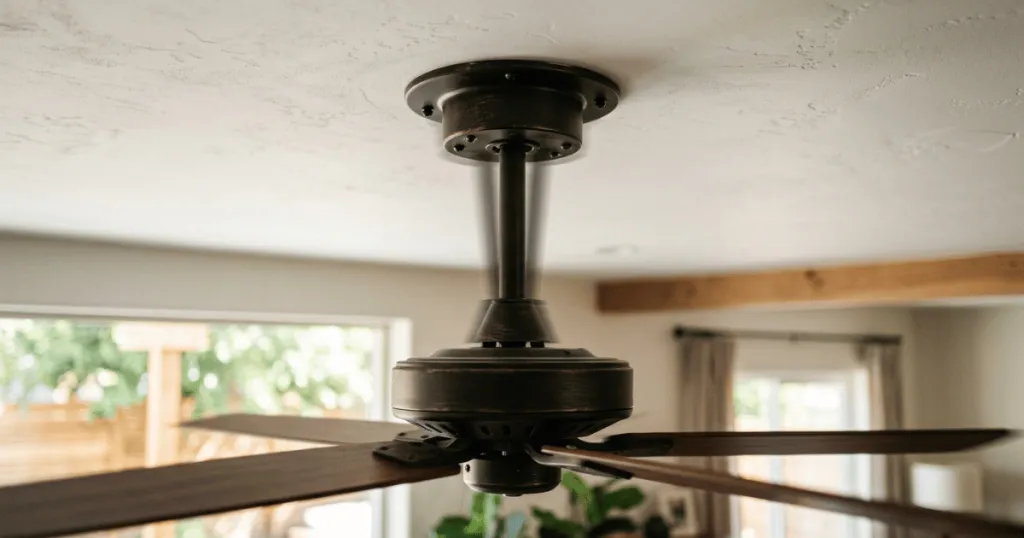
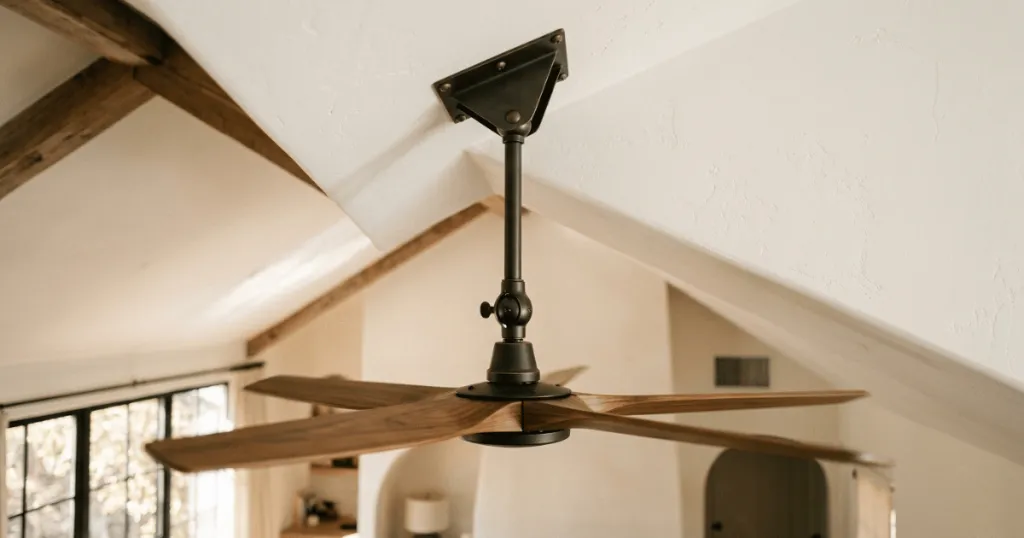
Another scenario involves the use of extension downrods. If you have installed a longer downrod to accommodate a vaulted ceiling, the potential for wobble increases because the leverage on the mounting point is greater. In these cases, even a perfectly balanced set of blades can cause the rod to sway if the mounting hardware is not perfectly centered. Checking the set screws on the downrod and the motor coupler is essential, as these must be tightened securely to prevent any lateral movement within the connection points. If the downrod is not perfectly vertical, the motor will naturally pull toward the side with the most weight, creating a persistent oscillation.
Homeowners should also consider the impact of air currents in the room. Sometimes, a fan is not actually wobbling, but rather the entire mounting assembly is shifting because the junction box is not anchored to a structural joist. If you feel the ceiling drywall move when you push on the fan, the issue is with the structural support rather than the fan itself. In this case, you must reinforce the ceiling support before attempting to balance the blades, as no amount of adjustment will fix a loose foundation.
Why Addressing Fan Stability Matters
Beyond the obvious aesthetic annoyance, a persistent wobble can lead to long-term mechanical wear. When a fan operates out of balance, the motor bearings are subjected to uneven stress, which can shorten the lifespan of the appliance and eventually lead to noisy operation. A fan that shakes continuously may also cause the screws holding the blades or the canopy to loosen over time, creating a cycle where the wobble progressively gets worse. Addressing the issue early ensures that the internal components remain protected and the fan operates as quietly as the manufacturer intended.
Furthermore, a wobbling fan can cause damage to the ceiling surface or the mounting hardware if left unchecked for an extended period. The vibrations can transfer to the ceiling drywall, potentially causing hairline cracks around the canopy. By taking the time to balance the fan correctly, you are protecting your investment and ensuring the safety of the installation. A stable fan is a quiet fan, and it provides the consistent airflow that makes a room comfortable during warmer months.
Consider the impact on noise sensitivity. A fan that wobbles often produces a clicking or humming sound as the motor housing vibrates against the mounting bracket or the ceiling. This noise is often mistaken for a motor defect, but it is frequently just the result of the physical movement of the unit. By stabilizing the fan, you eliminate these secondary noises, leading to a more peaceful living environment.
Common Misconceptions About Fan Wobble
Many homeowners assume that a brand-new fan should be perfectly balanced out of the box, leading them to believe the motor is defective if it wobbles. While quality control is high, the reality of shipping and the nuances of individual ceiling installations mean that some minor adjustments are almost always necessary. Another misconception is that adding weight to the blades is the only way to fix a wobble. While balancing kits are useful, they should be a last resort after you have confirmed that all screws are tight and the blade irons are properly aligned. Adding weight to a fan that is simply installed loosely will not solve the underlying mechanical issue and may introduce new vibrations.
Another common error is assuming that a wobble is always caused by the blades. Sometimes, the motor housing itself is not level. If the motor is tilted, the rotation will naturally be uneven. Always check the level of the motor housing before focusing entirely on the blades. If the motor is tilted, check the downrod connection or the mounting bracket to ensure everything is square. Taking a holistic view of the installation helps you avoid unnecessary work and ensures that you are addressing the actual cause of the instability.
Conclusion: Resolving Your New Ceiling Fan Wobbling Right After Installation
When you encounter a new ceiling fan wobbling right after installation, remain methodical in your troubleshooting. Start by verifying the tightness of every screw, from the blade attachments to the canopy housing. Ensure the mounting bracket is rock-solid and the fan-rated junction box is secure. By systematically checking these connection points and verifying the blade alignment, you can usually eliminate the wobble without needing complex tools or professional assistance. If the movement persists after these adjustments, consider using a balancing kit to fine-tune the weight distribution, ensuring your fan runs smoothly and quietly for years to come.
Remember that patience is your best tool. Most wobbles are minor and can be corrected with small, deliberate adjustments. If you find that the wobble remains significant despite your best efforts, it may be worth re-reading the manufacturer manual to ensure no specific steps were missed, such as the use of specific washers or spacers that came with the hardware. By following these steps, you ensure that your ceiling fan provides reliable comfort and efficient airflow for the long term.
FAQ
Can I use a standard electrical box for my new ceiling fan?
No. You must use a fan-rated junction box. Standard boxes are not designed to support the weight or the dynamic movement of a ceiling fan, which is a common cause of wobbling and safety concerns.
How do I know if my fan blades are out of alignment?
Measure the distance from the tip of each blade to the ceiling. If one blade is at a different height than the others, the blade iron is likely bent and needs to be gently adjusted to match the others.
What is a fan balancing kit and when should I use it?
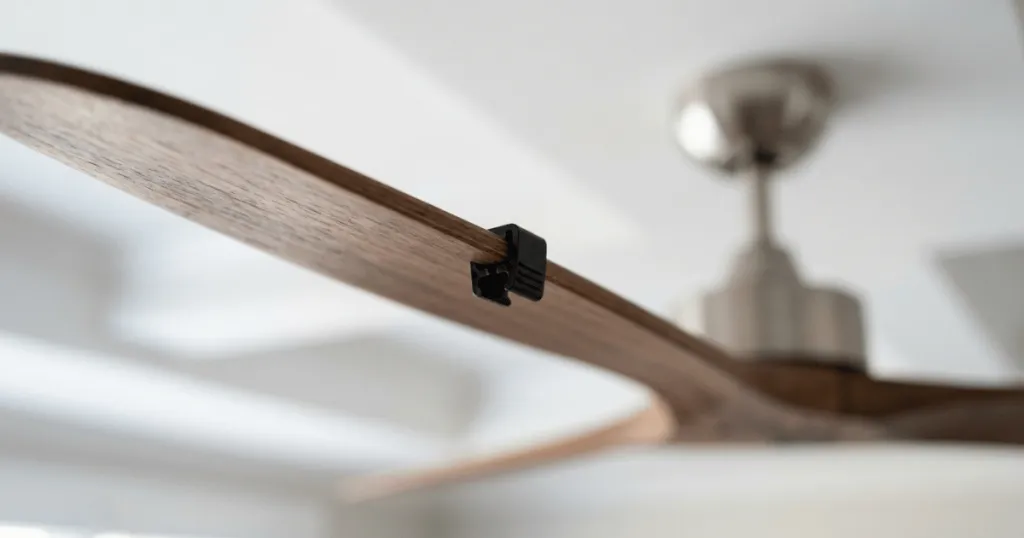
A balancing kit includes a clip and weights used to identify and correct weight imbalances in the blades. Use this only after you have confirmed that all screws are tight and the mounting hardware is secure.