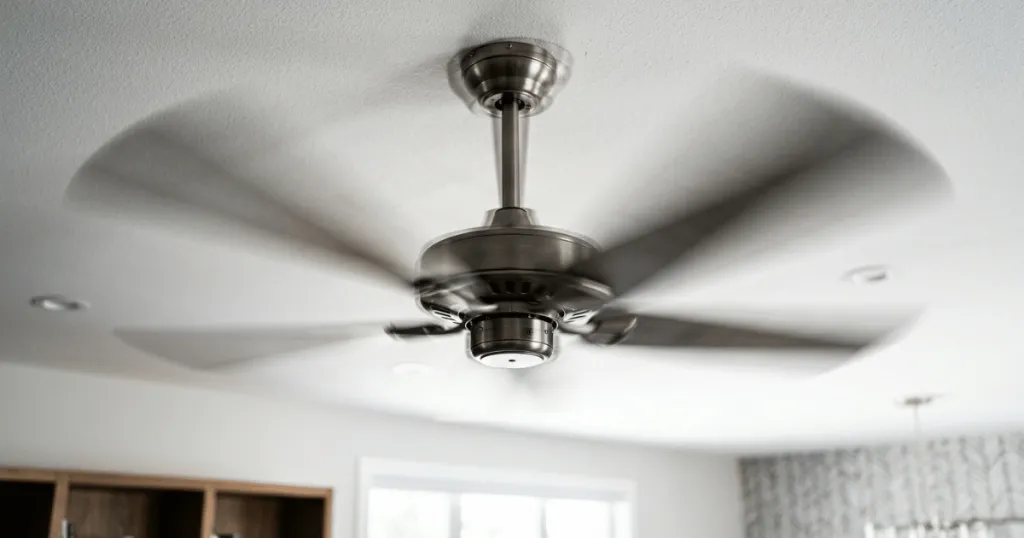
Few things are as distracting in a home as a ceiling fan wobbling or shaking during operation. Beyond the annoying visual distraction, an unstable fan can create rhythmic clicking sounds and potentially lead to long-term wear on the motor or mounting hardware. While many homeowners assume that a shaky fan indicates a faulty motor, the reality is that most stability issues stem from simple installation errors or minor imbalances that can be corrected with basic tools.
Understanding why your ceiling fan wobbling or shaking occurs is the first step toward restoring comfort to your living space. By systematically checking the mounting, blade alignment, and hardware, you can often resolve the issue without needing professional repair services. This guide explores the common culprits behind fan instability and provides the practical steps necessary to ensure your fan runs smoothly and safely for years to come.
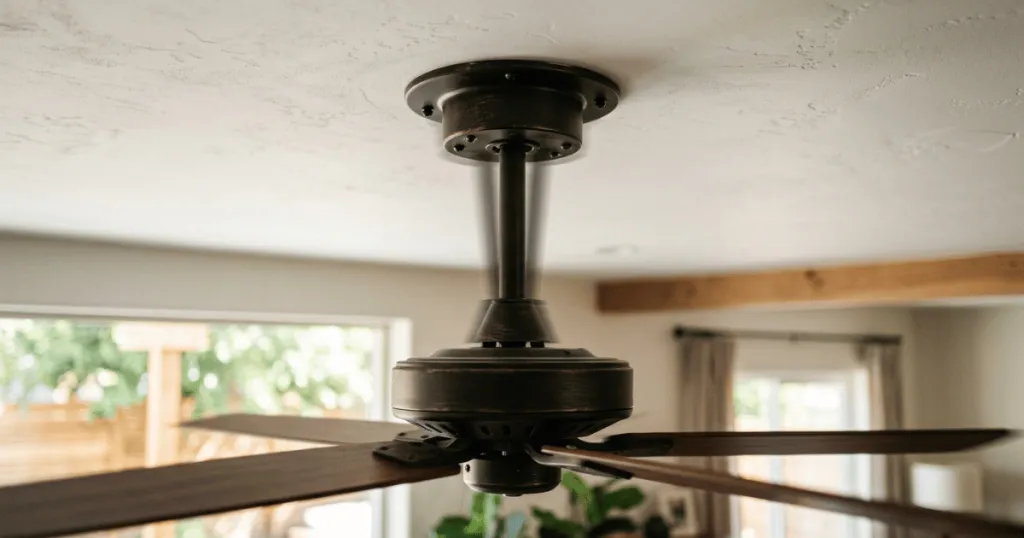
Common Reasons for Ceiling Fan Instability
The most frequent cause of a fan that shakes is an imbalance in the weight distribution of the blades. Ceiling fans are precision-engineered to rotate with a specific center of gravity. If one blade is slightly heavier, lighter, or angled differently than the others, the fan will experience centrifugal force variations that manifest as a wobble. This imbalance is often subtle, but it becomes magnified as the fan speed increases.
Blade alignment issues frequently arise from loose screws at the blade-to-bracket connection. Over time, the constant vibration of the motor can cause these screws to back out slightly. Even a fraction of an inch of play in a single blade can throw off the entire rotation. Regularly checking these connection points is a simple maintenance task that prevents minor wobbles from becoming significant structural issues.
Another primary factor is the mounting hardware itself. If the canopy or the mounting bracket is not securely attached to the electrical junction box, the entire assembly will shift during rotation. Homeowners often find that the screws securing the bracket to the ceiling joist have loosened due to the torque generated by the motor. Ensuring that the mounting bracket is rock-solid is essential for eliminating lateral movement.
The electrical junction box is a frequently overlooked component. Ceiling fans require a fan-rated box specifically designed to handle the weight and dynamic forces of a rotating motor. If a standard light fixture box was used, it may not provide the necessary rigidity to keep the fan stable. If you suspect the box is the issue, it is important to verify that it is rated for fan use, as this is a critical safety consideration.
Real-World Context and Practical Troubleshooting
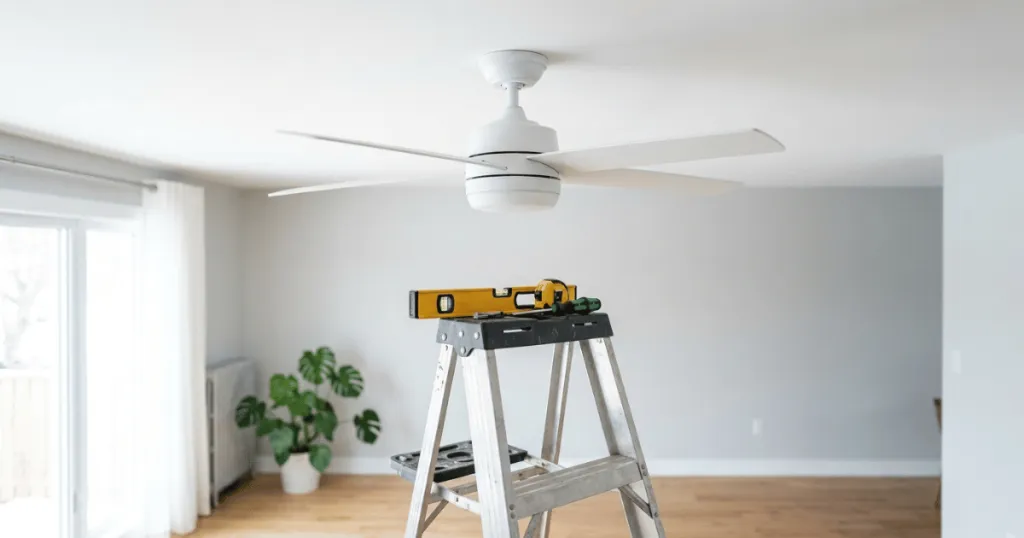
When you notice your fan shaking, the first step is to perform a visual inspection while the fan is turned off. Look for any blades that appear to hang lower than the others. You can use a yardstick or a tape measure from the ceiling to the tip of each blade to check for consistency. If one blade is significantly lower, the blade bracket might be bent. This often happens if someone accidentally pushed down on a blade while cleaning or moving furniture.
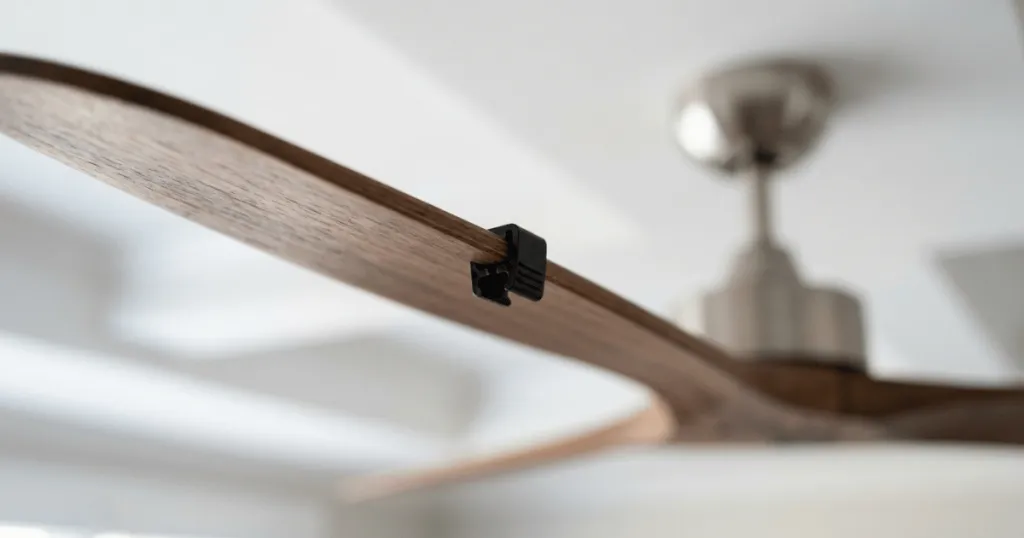
If the blades appear level, the next step is to check all hardware. Tighten every screw on the blade arms, the blade-to-bracket connections, and the motor housing. It is surprising how often a simple turn of a screwdriver resolves a persistent wobble. If the fan still shakes, you might need to use a balancing kit. These kits typically include a small clip and adhesive weights, allowing you to identify which blade is causing the imbalance by testing the weight distribution at different points.
In practice, the environment also plays a role. If your fan is located near an HVAC vent, the airflow from the air conditioner or furnace can interact with the fan blades. This external pressure can cause the fan to move slightly, especially if the mounting is not perfectly rigid. While this is not a mechanical failure of the fan, it can be mistaken for a wobble. Observing the fan while the HVAC system is off can help you determine if the movement is internal or environmental.
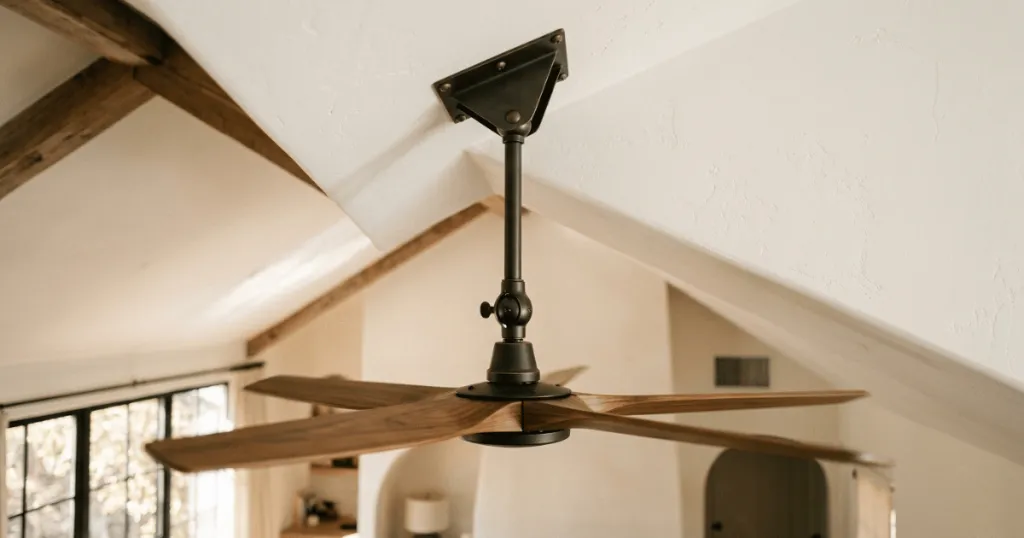
For those with high ceilings, accessing the fan can be challenging. If you are using an extension downrod, ensure that the pin and clip at the top and bottom of the rod are fully seated. A loose downrod connection will allow the entire fan assembly to sway. Always prioritize safety when working at heights, and ensure your ladder is stable before attempting any adjustments to the fan hardware.
Beyond these basics, consider the impact of blade material. Wooden blades can warp over time due to changes in humidity, especially in kitchens or bathrooms. If you notice a blade has developed a slight curve or twist, it may be impossible to balance perfectly. In these cases, replacing the entire set of blades is often the only way to restore stability. Furthermore, ensure that the decorative light kit is centered. If the glass shades are not uniform in weight or are loose, they can create a pendulum effect that exacerbates any existing motor vibration.
Why Fan Stability Matters for Longevity
Addressing a ceiling fan wobbling or shaking is not just about aesthetics or noise reduction. A fan that operates with excessive vibration puts unnecessary stress on the internal motor bearings. Over time, this friction can lead to premature motor failure, turning a simple maintenance issue into a costly replacement. Keeping the fan balanced protects your investment and ensures the motor runs efficiently.
Furthermore, persistent shaking can lead to the loosening of other components within the fan housing. This includes the light kit, glass shades, and decorative covers. If these parts become loose, they can rattle against the metal housing, creating a secondary noise that is often more irritating than the wobble itself. By stabilizing the fan early, you prevent a cascade of minor repairs that can accumulate over the life of the appliance.
From a safety perspective, a stable fan is a reliable fan. While it is rare for a residential ceiling fan to fall, the constant stress of an imbalanced rotation can eventually compromise the integrity of the mounting hardware. Taking the time to ensure the fan is properly secured provides peace of mind, especially in rooms where the fan is used daily for comfort and air circulation.
Consider the long-term impact on your ceiling structure as well. If a fan is improperly mounted to a box that lacks the necessary support, the constant vibration can eventually cause hairline cracks in the drywall around the canopy. This is a clear indicator that the mounting system is struggling to manage the rotational force. By correcting the wobble, you preserve not just the fan, but the ceiling finish and the structural connection point itself.
Advanced Diagnostic Steps for Persistent Issues
If you have tightened all screws and verified that the blades are level, yet the fan still exhibits a wobble, you may need to look at the blade brackets themselves. Sometimes, a bracket can become slightly twisted during shipping or installation. You can test this by removing the blades and checking if the brackets sit flush against a flat surface. If one bracket is clearly bent, it will force the blade into an incorrect pitch, which creates drag and imbalance.
Another advanced technique involves checking the motor housing for internal debris. In older homes, dust and cobwebs can accumulate inside the motor housing. While this rarely causes a massive wobble, it can contribute to uneven weight distribution if the buildup is significant. Cleaning the interior of the housing with compressed air can help, but always ensure the power is completely disconnected at the breaker before opening any part of the motor assembly.
If you are dealing with a fan that has a remote receiver, ensure the receiver is properly tucked into the canopy. If the receiver is jammed against the mounting bracket, it can prevent the canopy from sitting flush against the ceiling. This misalignment can make the fan appear to wobble even if the motor itself is spinning perfectly true. A clean, flush installation is essential for both the visual appeal and the mechanical stability of the unit.
Common Misconceptions About Fan Wobble
A common misconception is that a new fan should never wobble. While high-quality fans are balanced at the factory, shipping and installation can introduce minor imbalances. It is not uncommon for a brand-new fan to require a slight adjustment to the blade alignment or a balancing kit during the initial setup. Do not assume that a slight wobble immediately means the product is defective.
Another misunderstanding is that the motor is always the culprit. Many homeowners immediately blame the motor when they see movement, but the motor is rarely the source of the wobble. The motor provides the rotational force, but the stability is entirely dependent on the structural connection to the ceiling and the weight distribution of the blades. Focusing your troubleshooting on the blades and the mount will yield results far more often than questioning the motor itself.
Finally, some believe that adding more weight to the blades is the only way to fix a wobble. While balancing kits do use weights, the goal is to achieve equilibrium, not just to add mass. Adding excessive weight can actually increase the stress on the motor. Always follow the manufacturer instructions when using a balancing kit, and use the minimum amount of weight necessary to achieve a smooth rotation.
Conclusion
A ceiling fan wobbling or shaking is a manageable issue that most homeowners can resolve with patience and the right approach. By focusing on blade alignment, hardware tightness, and the integrity of the mounting bracket, you can eliminate the distraction and protect your fan from long-term wear. Remember that stability is a function of balance and secure installation, and addressing these factors promptly ensures that your fan continues to provide comfort and quiet operation for years to come.
FAQ
Can I fix a ceiling fan wobbling or shaking without a balancing kit?
Yes, you can often fix the issue by first ensuring all screws on the blade brackets and motor housing are tight. Check that the mounting bracket is securely fastened to the ceiling junction box and that all blades are level by measuring the distance from the tip of each blade to the ceiling.
Is it dangerous to run a ceiling fan that is shaking?
While a minor wobble is usually just an annoyance, a significant or worsening shake can lead to loose hardware, rattling noises, and increased wear on the motor bearings. It is best to address the instability as soon as you notice it to prevent potential damage to the fan or the ceiling mounting.
Why does my fan wobble only on high speed?
Centrifugal force increases with speed, which amplifies any minor weight imbalances in the blades. If the fan is perfectly stable on low but wobbles on high, it indicates that the blades are not perfectly balanced, and using a balancing kit is likely the most effective solution.