When you notice that your ceiling fan wobbles only on high speed, it is often a sign of a subtle imbalance that only becomes apparent under the stress of maximum airflow. While a slight sway is common in many residential fans, a noticeable wobble that appears exclusively at top velocity typically points to a specific mechanical or structural issue rather than a general installation error. Understanding why this happens allows you to isolate the problem without unnecessary troubleshooting.
This phenomenon matters because persistent vibration can lead to premature wear on the motor bearings, loosening of mounting hardware, and increased noise levels that disrupt your comfort. By identifying whether the issue stems from blade weight distribution, mounting stability, or internal motor factors, you can address the root cause and restore quiet, efficient operation to your living space.
Addressing this issue promptly is essential for maintaining the longevity of your ceiling fan. When a fan operates with an imbalance, the internal components experience uneven stress that can accelerate the degradation of the motor housing and the electrical connections within the junction box. By taking a systematic approach to diagnostics, you can often resolve the wobble in an afternoon, ensuring that your home environment remains both comfortable and quiet during the hottest parts of the year.
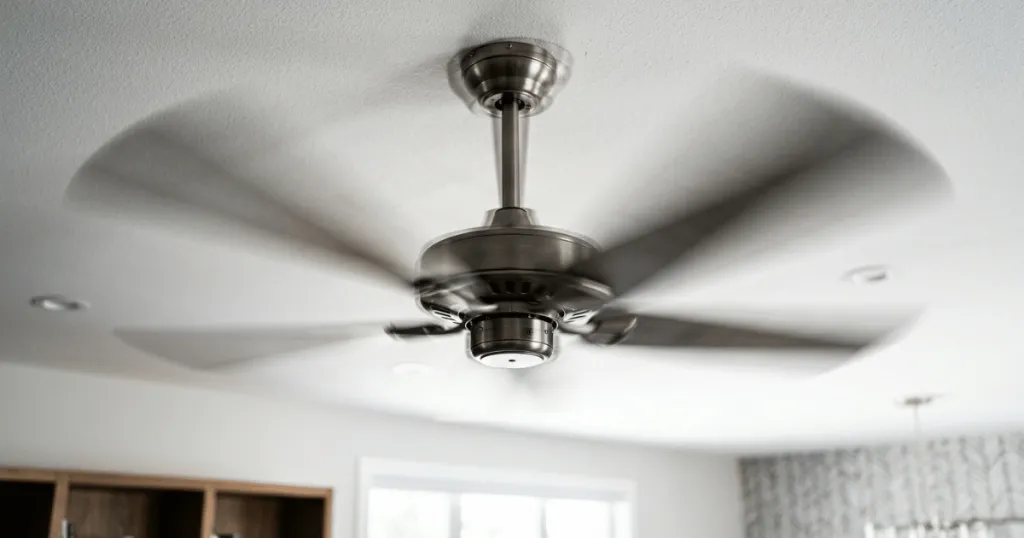
Understanding Why a Ceiling Fan Wobbles Only on High Speed
The primary reason a fan exhibits instability at higher speeds is the amplification of minor imbalances. At low or medium settings, the centrifugal force generated by the blades is relatively modest. As you increase the speed, the force exerted on the motor housing and the mounting bracket increases exponentially. If there is even a slight discrepancy in the weight or pitch of a single blade, that force becomes magnified, causing the entire assembly to oscillate.
In many cases, the culprit is not the motor itself but the blade assembly. Over time, dust accumulation can settle unevenly on the top of the blades, or a small piece of debris might become lodged in a blade iron. Even a few grams of difference between blades can create a significant imbalance when the fan is spinning at its maximum revolutions per minute. Because the force is speed-dependent, the wobble remains invisible at lower settings but becomes pronounced as the fan reaches its peak performance.
The Role of Blade Alignment and Pitch
Blade pitch refers to the angle at which the blade is set to move air. If one blade is bent or slightly misaligned due to accidental contact during cleaning or installation, it will create a different drag profile than the others. When the fan spins, this uneven drag creates a rhythmic pull on the motor shaft. At high speeds, this pull is strong enough to cause the entire fan to sway, whereas at low speeds, the motor torque is sufficient to mask the minor deviation.
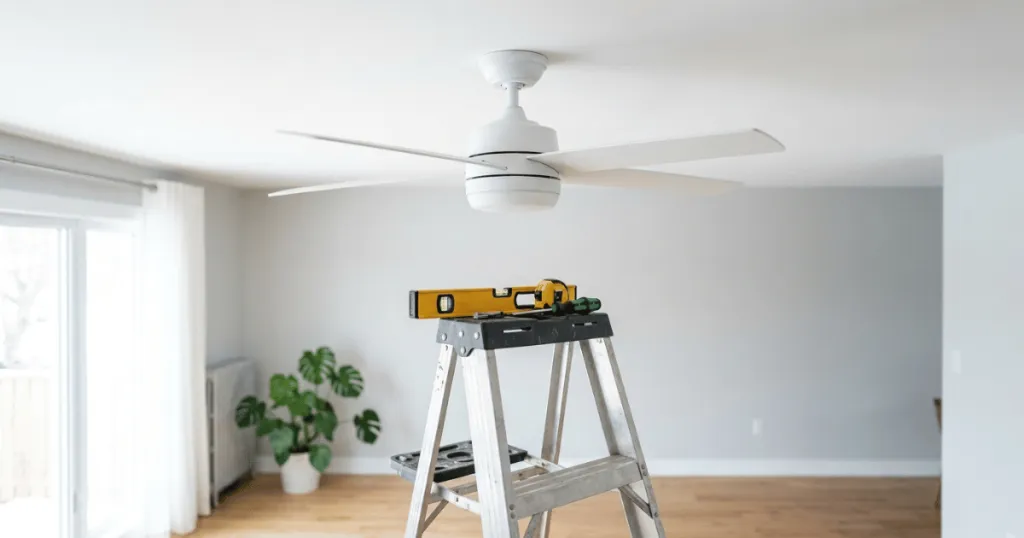
Check the vertical alignment of your blades by measuring the distance from the tip of each blade to the ceiling. Use a stable point on the ceiling as a reference and rotate the fan by hand to bring each blade to that exact spot. If you find one blade sits significantly higher or lower than the others, it is likely the source of the wobble. Gently bending the blade iron, the metal bracket connecting the blade to the motor, can often correct this discrepancy. When adjusting, apply pressure slowly and incrementally to avoid metal fatigue or permanent damage to the bracket.
Mounting Hardware and Structural Integrity
Sometimes the issue is not the fan blades but the connection between the fan and the ceiling. If the mounting bracket is not perfectly flush or if the screws securing the canopy to the junction box have loosened over time, the fan will lack the rigid support required for high-speed operation. This is particularly common in older installations where the constant vibration of the fan has gradually backed out the mounting screws.
Inspect the canopy and the mounting bracket for any signs of movement. If the fan housing shifts when you apply light pressure, the mounting hardware requires tightening. Ensure that the junction box itself is rated for ceiling fan use. A standard light fixture box is often not reinforced to handle the weight and torque of a fan, which can lead to structural instability that only reveals itself when the motor is working at full capacity. If you suspect the box is loose, you may need to access the attic or crawl space above the ceiling to ensure the box is securely fastened to a joist or a fan-rated brace.
Real-World Context for Homeowners
In a typical residential setting, ceiling fans are installed in bedrooms, living rooms, and kitchens where air circulation is essential for comfort. When a fan begins to wobble, it often goes unnoticed until the summer months when you finally switch the unit to its highest setting. This timing often leads homeowners to believe the fan has suddenly broken, when in reality, the imbalance may have been present in a minor form for a long time.
Consider the environment of the room. Fans in kitchens are prone to grease buildup, which can create uneven weight distribution on the blades. Fans in high-traffic areas might experience more frequent vibrations from nearby doors closing or floor movement, which can eventually loosen the hardware. Understanding these environmental factors helps you determine if the fix is as simple as a thorough cleaning or if it requires a more involved mechanical adjustment.
Another common scenario involves the use of light kits. If you have recently added a heavy glass shade or an aftermarket light kit to an existing fan, you may have inadvertently altered the balance of the unit. The added weight can put extra strain on the motor and the mounting system. If the fan was perfectly stable before the addition, the issue is almost certainly related to the weight distribution or the way the new components are secured to the motor housing. Always ensure that any added accessories are compatible with the specific fan model to avoid overloading the motor assembly.
Why Addressing Wobble Matters
Ignoring a fan that wobbles only on high speed is a common mistake that can lead to long-term consequences. Beyond the annoyance of the visual sway and the potential for clicking or rattling sounds, the vibration acts as a constant stressor on the internal motor components. Over time, this can lead to premature failure of the bearings, which are designed to support the rotating mass of the fan smoothly. Once the bearings are damaged, the fan will often become noisy even at lower speeds, eventually requiring a full unit replacement.
Furthermore, there is the matter of safety. A fan that is loose at the mounting point poses a risk of detachment. While it is rare for a fan to fall, the constant motion can weaken the connection to the ceiling joists or the electrical box. Regularly checking for stability ensures that your fan remains a safe, reliable part of your home infrastructure. A few minutes spent balancing the blades or tightening a screw can extend the lifespan of your appliance by several years. Consider this a form of preventative maintenance that pays dividends in both comfort and safety.
When you allow a fan to wobble, you are essentially allowing a mechanical system to operate outside of its design parameters. This creates a feedback loop where the vibration causes further loosening of screws, which in turn increases the wobble. By intervening early, you prevent the need for more complex repairs, such as replacing internal motor components or re-securing the ceiling junction box. This is particularly important for fans mounted on high ceilings where access is difficult and maintenance is infrequent.
Common Misconceptions About Fan Instability
One of the most persistent myths is that all ceiling fans are destined to wobble as they age. While mechanical wear is a reality, a well-maintained fan should remain stable throughout its service life. If your fan is wobbling, it is almost always a sign of a specific, correctable issue rather than the inevitable result of aging. Do not assume that you simply have to live with the motion.
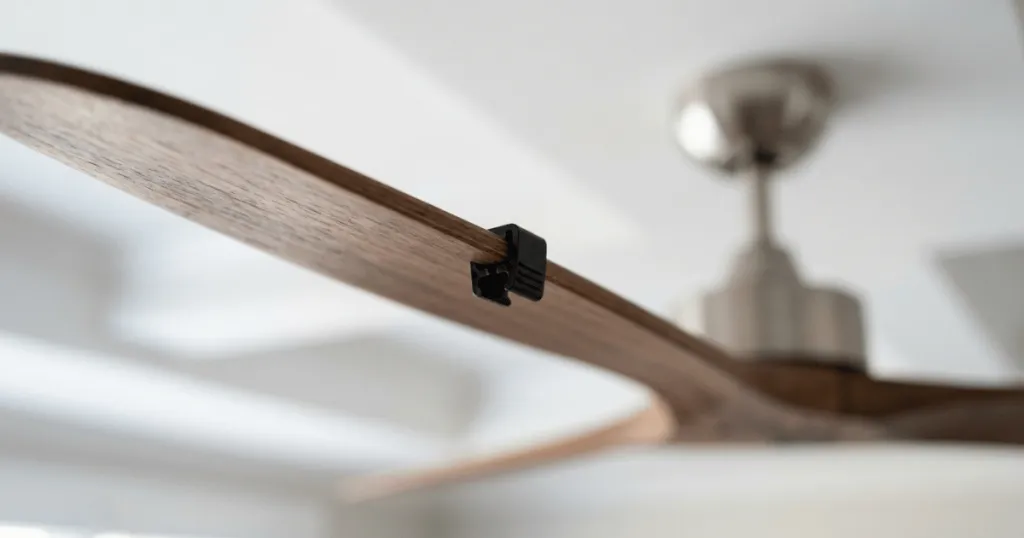
Another misconception is that adding a balancing kit is the first step you should take. Balancing kits, which use small weights to offset blade discrepancies, are useful, but they should only be used after you have confirmed that the blades are clean, the blade irons are straight, and the mounting hardware is tight. Using a balancing kit to mask a structural issue is like putting a bandage on a deeper problem. Always perform the physical inspections first, as they are often free and solve the problem at the source.
Finally, many people believe that a wobble is always caused by a bad motor. In practice, motor failure is relatively rare compared to issues with blades, mounting, or debris. Before you consider replacing the entire fan, perform the basic diagnostic steps. Most wobbles are caused by simple, external factors that can be corrected with basic household tools and a bit of patience. If you find that the motor itself is making a grinding noise, that is a separate issue from a wobble and may indicate internal bearing failure, but do not jump to that conclusion until you have ruled out all external mechanical causes.
Advanced Troubleshooting for Persistent Wobble
If you have cleaned the blades, checked the mounting bracket, and verified the blade alignment, but the fan still wobbles on high speed, you may need to look at the blade-to-motor connection. Sometimes the screws that attach the blade irons to the motor housing can work themselves loose. Check each screw individually to ensure they are snug. If a screw is stripped, it may not be holding the blade iron firmly against the motor, leading to a slight play that only manifests under high torque.
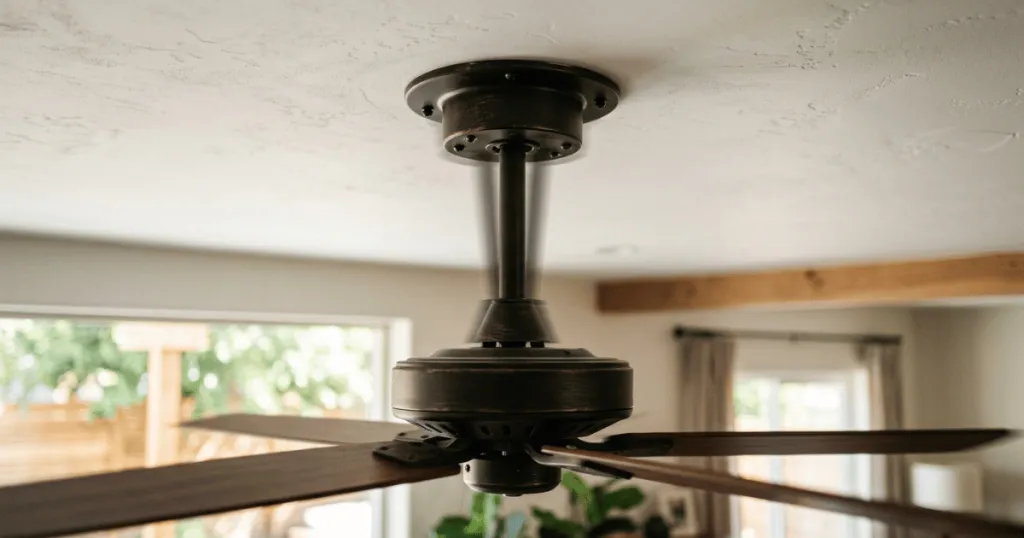
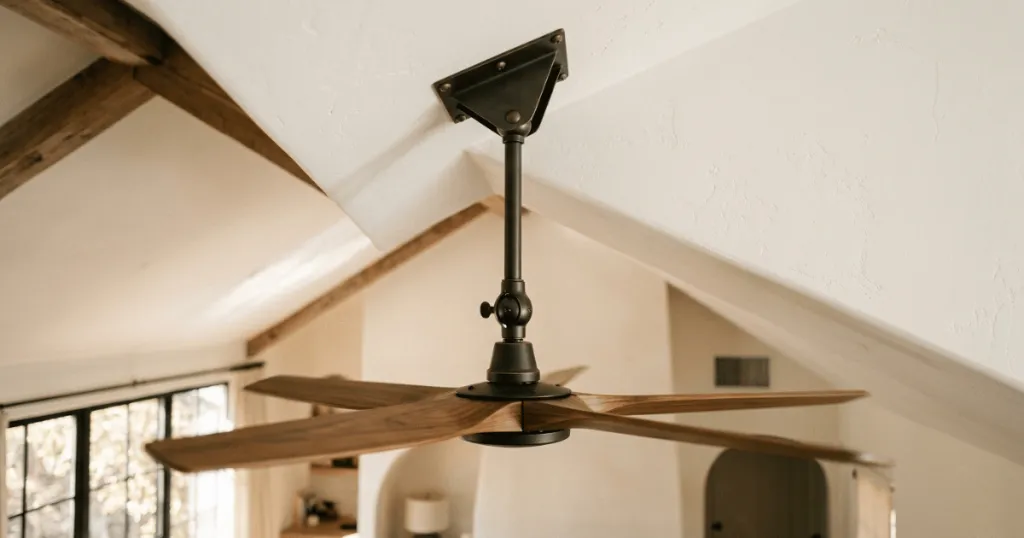
Another factor to consider is the ceiling fan downrod. If your fan uses a downrod, ensure that the pin and clip at the top of the rod are properly seated. If there is excessive play in the ball-and-socket joint at the ceiling canopy, the fan will naturally sway more than it should. While some movement is normal for a downrod-mounted fan to allow for self-balancing, excessive movement at high speed suggests the ball is not seated correctly or the canopy is not providing enough lateral support.
Lastly, consider the possibility of a warped blade. Even if the blade irons are aligned, the blade material itself can warp over time due to humidity or temperature fluctuations. If you have a wooden blade, look down the length of the blade to see if it has developed a twist or a curve. A warped blade will catch the air differently than the others, creating an aerodynamic imbalance that is most noticeable at high speeds. In this case, the only solution is to replace the set of blades to ensure uniform weight and drag.
Conclusion
When your ceiling fan wobbles only on high speed, it is usually a clear signal that the system is struggling to maintain equilibrium under load. By methodically checking for debris, verifying blade alignment, and ensuring that all mounting hardware is secure, you can often eliminate the issue without professional assistance. Taking the time to address these imbalances not only restores the quiet comfort of your room but also protects the longevity of the motor. If you have performed these checks and the wobble persists, it may be time to consult the manufacturer documentation or a qualified professional to evaluate the internal motor assembly.
FAQ
Can I use a balancing kit to fix a fan that wobbles only on high speed?
You can use a balancing kit, but only after you have confirmed that the blades are clean, the blade irons are not bent, and the mounting screws are tight. A balancing kit should be a final step, not the first one, as it cannot fix structural or mechanical issues.
How do I check if my ceiling fan blades are aligned correctly?
Measure the distance from the tip of each blade to the ceiling using a fixed reference point. Rotate the fan by hand to bring each blade to that exact spot. If one blade sits higher or lower than the others, the blade iron is likely bent and needs to be gently adjusted.
Does dust on ceiling fan blades really cause a wobble?
Yes. Dust buildup is often uneven, adding weight to one side of the blade assembly. At high speeds, even a small amount of uneven weight can create enough centrifugal force to cause the fan to wobble.