A ceiling fan should be a silent partner in your home comfort, providing a steady breeze without drawing attention to its mechanical operation. When you notice a persistent ceiling fan grinding noise, it is usually a clear signal that a specific component is struggling, misaligned, or in need of maintenance. While the sound can be startling, it rarely indicates that the entire unit is beyond repair. Most instances of this noise arise from common mechanical issues that are manageable for homeowners who are comfortable with basic tools and ladder safety.
Understanding the source of the sound is the first step toward a quiet living space. Rather than assuming the motor has failed, consider the various points of friction that can occur within the assembly. From loose hardware to internal bearing wear, identifying the culprit allows you to address the root cause rather than simply masking the symptom. By systematically checking the fan components, you can often restore the smooth, near-silent operation that defines a high-quality ceiling fan.
Understanding the Causes of Ceiling Fan Grinding Noise
The mechanical nature of a ceiling fan involves several moving parts that must remain perfectly aligned to operate quietly. When these parts shift or lose lubrication, friction occurs, which manifests as a grinding or scraping sound. In many cases, this noise is not a sign of a catastrophic failure, but rather a request for adjustment or minor repair. Recognizing these patterns helps you determine if the issue is a simple fix or something that requires professional intervention.
Loose Hardware and Structural Vibrations
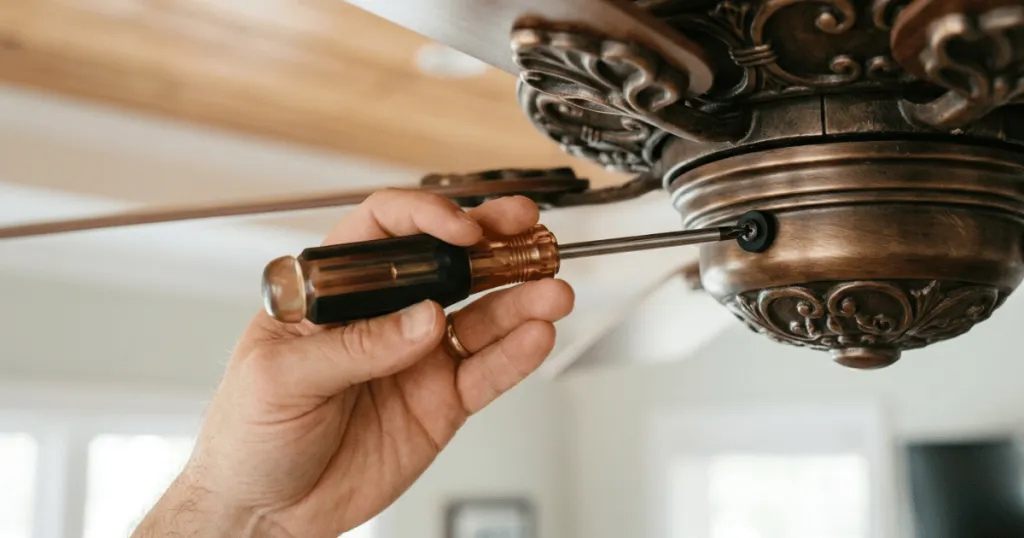
One of the most frequent sources of noise is loose hardware. Over time, the natural vibration of the fan can cause screws, bolts, and canopy attachments to work themselves loose. When these fasteners are not tight, the housing or the blade irons can vibrate against the motor assembly, creating a sound that mimics a grinding noise. This is particularly common in fans that have been running for several years or in homes where the fan is frequently operated at high speeds.
Check the blade-to-iron screws and the iron-to-motor screws first. A single loose screw can cause the entire blade assembly to wobble slightly, leading to uneven rotation and audible friction. Tightening these components often eliminates the noise immediately. Always ensure the power is off before reaching up to check these connections, as even a small shift in the blade position can be hazardous while the fan is active.
Beyond the blades, inspect the ceiling canopy. The canopy is the decorative cover that hides the mounting bracket and electrical connections. If the canopy is not flush against the ceiling or if the screws holding it in place are loose, the entire fan assembly can vibrate against the ceiling surface. This vibration often travels through the ceiling joists, amplifying the sound throughout the room. Ensure the canopy is secured tightly and that no wires are pinched between the canopy and the mounting bracket, as these can also cause rattling or scraping sounds during operation.
Internal Bearing and Motor Friction
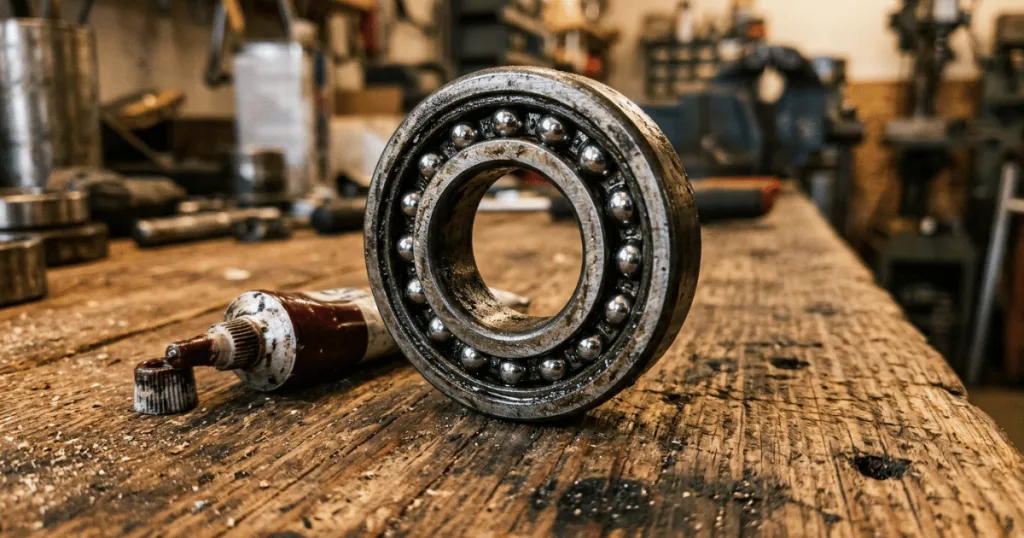
If the external hardware is secure, the issue may reside within the motor housing. Ceiling fans rely on sealed bearings to allow the motor shaft to rotate smoothly. If these bearings become dry, contaminated with dust, or worn out, they can produce a distinct grinding or humming noise. Unlike loose screws, this sound often changes pitch depending on the speed setting of the fan.
In many modern fans, these bearings are permanently sealed and cannot be manually lubricated. If the grinding is coming from deep within the motor, it often indicates that the internal components have reached the end of their service life. While some enthusiasts attempt to disassemble motor housings, this is generally discouraged due to the risk of damaging the internal windings or the capacitor, which are essential for the safe operation of the fan. If you suspect the bearings are failing, the most practical step is to contact the manufacturer for potential warranty support or to consider a replacement of the motor assembly if it is a modular unit.
Consider the impact of environmental debris on these internal parts. Over time, fine dust particles can settle into the motor housing. While most motors are designed to be dust resistant, they are not airtight. In homes with pets or high levels of airborne dust, this accumulation can eventually interfere with the rotation of the motor shaft. While you cannot easily clean the inside of a sealed motor, keeping the exterior of the fan clean and ensuring the room is well ventilated can help reduce the amount of debris that reaches the motor over the long term.
Evidence and Limitations of DIY Repairs
When addressing a ceiling fan grinding noise, it is helpful to distinguish between what you can safely fix and what requires a replacement. Most manufacturers design their fans with modular components, meaning that if a specific part like a light kit or a blade iron fails, it can often be replaced without discarding the entire fixture. However, the motor itself is typically a non-serviceable unit.
The evidence regarding motor longevity suggests that environmental factors, such as high humidity or excessive dust, play a significant role in how long a fan remains silent. Fans installed in kitchens or bathrooms, for example, are more susceptible to debris accumulation that can eventually infiltrate the motor housing. While regular cleaning of the blades and exterior housing is beneficial, it cannot prevent the eventual wear of internal mechanical parts. If the grinding persists after you have tightened all external fasteners and ensured the fan is balanced, the limitation of DIY repair is reached.
It is important to avoid over-tightening components. While loose screws cause noise, forcing a screw beyond its natural stopping point can strip the threads or crack the mounting bracket. A firm, hand-tightened fit is usually sufficient. If you find yourself needing to use excessive force, it is a sign that the component might be misaligned or that the wrong size of hardware is being used. Always prioritize the integrity of the mounting points over the desire to eliminate every vibration.
When troubleshooting, use a systematic approach. Start with the most accessible parts, such as the blades and the light kit, before moving to the mounting hardware. If the noise persists, check the downrod or the flush mount connection. By isolating each section of the fan, you can determine if the grinding is localized to a specific area or if it is coming from the motor itself. This methodical process saves time and prevents unnecessary disassembly of parts that are functioning correctly.
Who Benefits Most from Proactive Maintenance
Homeowners who prioritize a quiet environment, such as those with fans in bedrooms or home offices, benefit most from proactive maintenance. A grinding fan in a sleeping area is significantly more disruptive than one in a garage or utility space. By performing a quick inspection of your fans every six months, you can catch loose hardware before it leads to more significant wear or damage to the motor shaft.
Those living in older homes or areas with high seasonal temperature fluctuations should also be mindful of their fan hardware. Changes in temperature can cause metal components to expand and contract, which may lead to fasteners loosening over time. A simple seasonal check, perhaps when you switch the direction of your fan for winter or summer, is an excellent habit. This practice ensures that your fan continues to provide the intended airflow without the distraction of mechanical noise.
If you are sensitive to noise, consider the mount type when installing or maintaining your fan. Downrod mounts often have more points of potential movement than flush-mount fans. While downrods are excellent for high ceilings, they require careful attention to the canopy and ball-joint assembly to ensure everything remains seated correctly. If you notice a grinding or rattling sound, checking the ball-joint seating in the mounting bracket is a productive step that often resolves the issue without needing to touch the motor itself.
Furthermore, consider the weight of the fan blades. Heavier blades, often found on decorative or high-end fans, place more stress on the motor and the mounting hardware over time. If you have a fan with heavy wooden blades, ensure that the blade irons are robust and that all mounting screws are properly tightened. Regular inspection of these heavy components is essential to prevent the minor vibrations that eventually turn into audible grinding noises. By staying ahead of these maintenance tasks, you protect the longevity of your fan and maintain a peaceful home environment.
Common Misconceptions About Fan Noise
A common misconception is that all fan noise is caused by the motor. Many people assume that if a fan is loud, the motor is failing, and they immediately begin looking for a replacement. In reality, the vast majority of fan noises are caused by external factors that are easily corrected. Blade imbalance, for instance, can cause the entire fan to shake, which creates a rhythmic scraping or grinding sound as the housing rubs against the ceiling or the mounting hardware.
Another misconception is that oiling the fan will solve any grinding noise. While older, vintage-style fans often had oil ports that required regular maintenance, the vast majority of residential ceiling fans sold today use maintenance-free, sealed bearings. Adding oil to a modern fan is not only ineffective but can also attract dust and grime, which may accelerate the wear of the internal components. Always consult your specific fan manual before attempting to apply any lubricant.
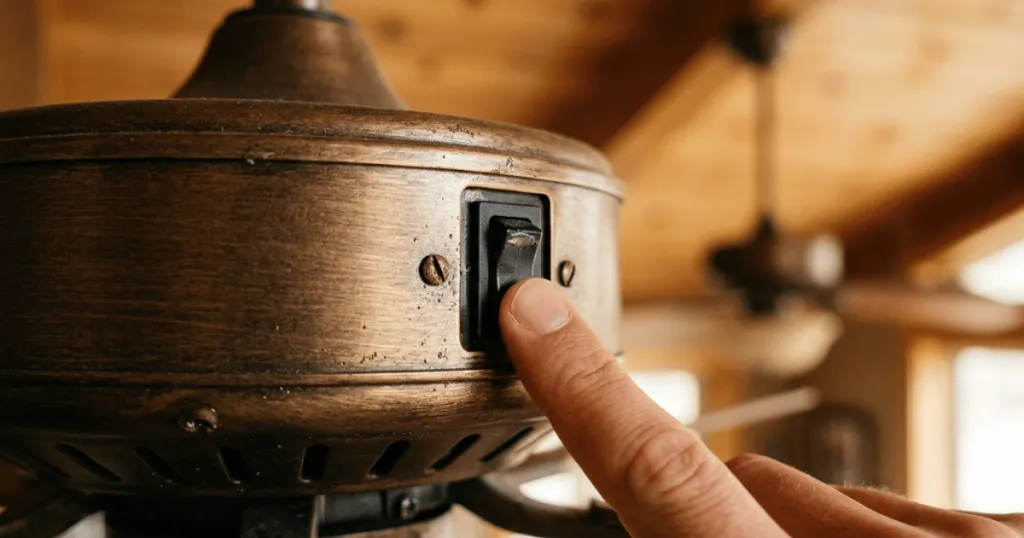
Finally, do not assume that a grinding noise means the fan is unsafe to operate. While it is certainly annoying and indicates a need for attention, a minor noise does not necessarily mean the fan is at risk of falling or causing an electrical hazard. However, if the noise is accompanied by a burning smell, smoke, or the fan failing to start, you should turn it off at the wall switch or circuit breaker immediately and discontinue use. These are signs of electrical failure rather than simple mechanical friction.
It is also worth noting that some noise is simply a byproduct of air movement. High-velocity fans or fans with large blade spans will naturally produce a sound as they displace air. This is different from a mechanical grinding noise. If the sound is a consistent whoosh, it is likely just the fan doing its job. If the sound is a metallic scrape or a rhythmic grind, it is time to investigate the mechanical components. Distinguishing between airflow noise and mechanical noise is a key skill for any homeowner looking to maintain a quiet and efficient home cooling system.
FAQ
Can I fix a ceiling fan grinding noise by oiling the motor?
Most modern ceiling fans feature sealed, maintenance-free bearings. Adding oil to these units is generally ineffective and can actually attract dust, which may worsen the noise or damage the internal components. Always check your manual to see if your specific model is designed for manual lubrication.
Why does my ceiling fan make a grinding sound only at high speeds?
If the noise only occurs at higher speeds, it is often due to vibration caused by loose hardware or an imbalanced blade assembly. At higher rotations, these minor issues are amplified. Check that all blade screws and mounting hardware are tight and that the blades are properly balanced.
Is a grinding noise in a ceiling fan a safety hazard?
A minor grinding noise is usually a mechanical issue rather than an immediate safety hazard. However, if the noise is accompanied by a burning smell, smoke, or the fan failing to turn, you should turn off the power at the circuit breaker and stop using the fan immediately, as these indicate an electrical fault.