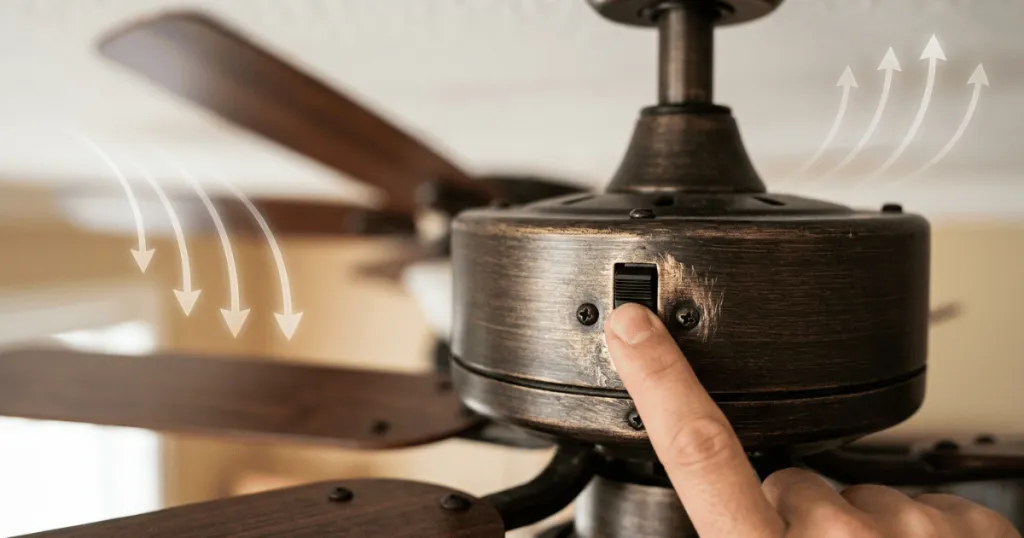
When your ceiling fan fails to change direction, it often points to issues with the small toggle or slide mechanism located on the motor housing. Understanding Reverse Switch Problems & Fixes is essential for maintaining year-round comfort, as the ability to toggle between clockwise and counter-clockwise rotation is what allows a fan to provide cooling breezes in the summer and heat destratification in the winter. If your switch feels loose, unresponsive, or simply fails to engage the motor’s internal reversing mechanism, you are likely dealing with a mechanical or electrical failure that requires a systematic approach to resolve.
Most ceiling fan owners encounter these issues when the switch has been left in one position for an extended period, leading to dust accumulation or internal oxidation. While it is tempting to assume the entire motor has failed, the switch itself is a distinct, replaceable component that often acts as the primary point of failure. Addressing these problems early prevents the fan from being stuck in an inefficient mode, ensuring that your HVAC system does not have to work harder than necessary to maintain a comfortable room temperature.
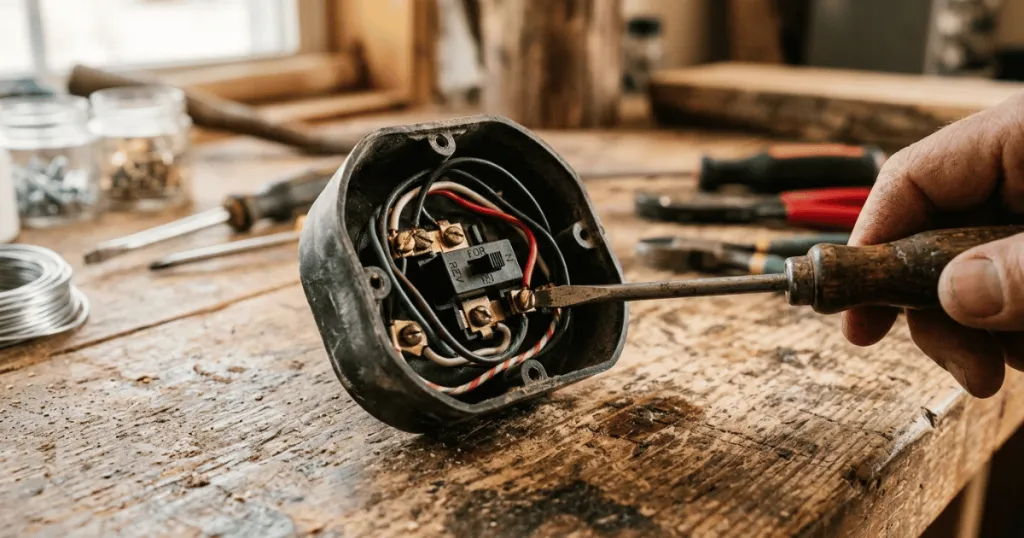
Understanding the Mechanics of Reverse Switch Problems & Fixes
The reverse switch is essentially a simple electrical component that alters the flow of current to the motor windings. By changing the electrical path, it reverses the polarity of the magnetic field, which in turn changes the direction of the motor’s rotation. When you encounter issues, the problem usually stems from one of three areas: mechanical obstruction, electrical contact failure, or internal component damage.
Mechanical Obstructions and Dust
In many cases, the switch is not broken but merely stuck. Ceiling fans operate in environments where dust and debris are constantly circulating. Over time, these particles settle into the crevices of the switch housing. If the switch is rarely moved, this debris can harden, effectively locking the toggle in place. Attempting to force a stuck switch can snap the plastic toggle or damage the internal spring mechanism, so patience is required.
To address this, start by inspecting the switch housing for visible buildup. Using a soft brush or a can of compressed air can often dislodge debris that prevents the switch from sliding fully into its track. If the switch remains stubborn, avoid using liquid lubricants, as these can attract more dust and potentially damage the internal electrical components. Instead, focus on gentle, consistent pressure to work the switch back and forth once the debris is cleared.
Electrical Contact Degradation
If the switch moves freely but the fan continues to rotate in the same direction, the internal contacts have likely failed. These contacts are made of metal strips that must physically touch to complete the circuit. Over years of use, these strips can become pitted, corroded, or bent. When the contact fails to bridge the gap, the motor may hum or fail to start entirely because the circuit remains incomplete. This is a common issue in humid environments where moisture accelerates the oxidation of these metal components.
When oxidation occurs, the electrical resistance increases, preventing the motor from receiving the necessary signal to reverse. In some cases, you might notice the fan starting to spin in the wrong direction briefly before stopping or making a buzzing sound. This is a clear indicator that the switch is struggling to maintain a solid connection. If cleaning the exterior does not resolve the issue, the internal contacts may require a more thorough inspection, which involves accessing the motor housing.
Real-World Context for Fan Maintenance
To address Reverse Switch Problems & Fixes effectively, you must first ensure the fan is completely powered down. Many homeowners make the mistake of attempting to flip the switch while the fan is spinning or while the wall control is still engaged. This can cause arcing within the switch, which further damages the delicate internal contacts. Always turn off the fan at the wall switch or pull chain before attempting to toggle the reverse function.
Consider the environment of your fan as well. A fan installed in a covered patio or a kitchen is far more likely to experience switch issues than one in a dry, climate-controlled bedroom. Humidity and cooking grease create a sticky film that acts as a magnet for dust. If your fan is located in such an area, you may need to periodically clean the switch housing with a quick blast of compressed air to prevent buildup before it becomes a functional problem.
Furthermore, consider the frequency of use. Fans that are used daily in high-traffic areas are subject to more vibration, which can loosen the internal wiring connections attached to the reverse switch. If you notice the switch feels loose or wobbly, it may be a sign that the mounting screws inside the switch housing have backed out over time. A quick tightening of these internal fasteners can often restore the structural integrity of the switch and improve its performance.
Why Proper Direction Matters for Comfort
The primary reason for resolving these issues is the impact on room comfort. A ceiling fan does not actually change the temperature of the air; it changes how the air feels to the occupants through the wind-chill effect. In the summer, you want the blades to spin counter-clockwise to push air directly downward. If your switch is stuck in the reverse position, the fan will pull air upward, which is counterproductive for cooling.
During the winter, the reverse function is equally important. By switching the fan to clockwise rotation at a low speed, you gently pull cool air up toward the ceiling. This forces the warm air that has naturally risen to the ceiling back down the walls and into the living space. This process, known as destratification, can help your heating system run more efficiently. If the switch is broken, you lose this seasonal versatility, effectively turning a year-round appliance into a single-season tool.
Beyond basic comfort, proper airflow management reduces the load on your HVAC system. When a fan is correctly configured, it allows you to adjust your thermostat by a few degrees without sacrificing comfort. If the reverse switch is faulty, you lose this leverage, and your heating or cooling equipment must work harder to compensate for the lack of air circulation. This is why resolving switch issues is not just about convenience, but also about long-term energy management within the home.
Common Misconceptions About Fan Reversing
A frequent misunderstanding is that the reverse switch is a high-voltage component that requires an electrician to replace. While the fan motor itself involves high-voltage wiring, the reverse switch is usually a low-profile, modular part that is relatively straightforward to access. Many homeowners assume that if the switch fails, the entire fan is ruined. In reality, most manufacturers design these switches to be replaceable, provided you can identify the correct model number for your specific fan unit.
Another misconception is that the switch must be toggled while the fan is at full speed to ‘force’ it to change. This is a dangerous practice that can damage the motor capacitor or the switch itself. The motor should always be at a complete standstill before you change the direction. Forcing the switch while the motor is spinning creates unnecessary electrical stress and mechanical wear that will inevitably lead to a total component failure.
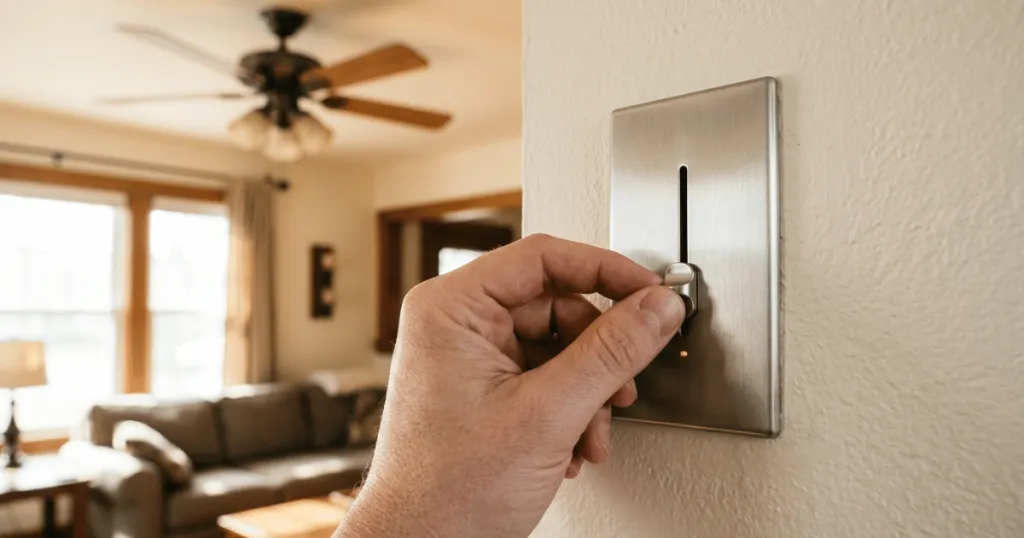
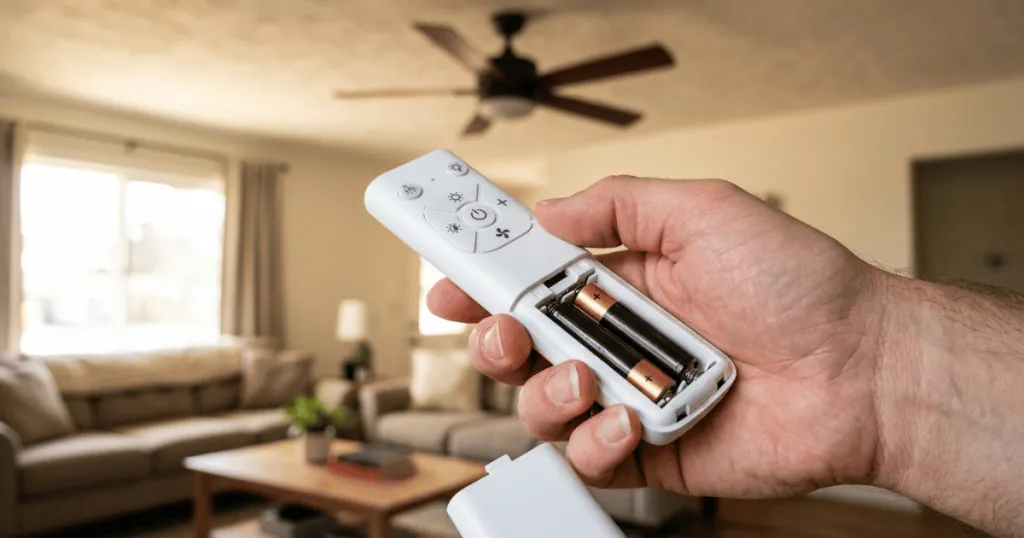
Some users also believe that the direction of the fan is determined by the wall control or the remote receiver. While some modern smart fans allow for digital reversing, the vast majority of traditional ceiling fans rely on the physical toggle switch on the motor housing. If you have a remote-controlled fan, verify if the reverse function is handled by the remote or the physical switch. If it is a physical switch, the remote cannot override a mechanical failure at the motor housing.
Advanced Troubleshooting Steps
If you have cleaned the switch and verified that it is not physically obstructed, but the fan still fails to reverse, you may need to perform a continuity test. Using a multimeter, you can check if the switch is actually completing the circuit when toggled. This requires disconnecting the fan from power and accessing the wiring harness. If the multimeter shows no continuity in one or both positions, the switch is internally damaged and must be replaced.
When replacing the switch, ensure you document the wiring configuration before disconnecting anything. Take a photo of the wire colors and their positions. Most reverse switches use a standard wire color code, but variations exist between manufacturers. Using the wrong terminal can lead to a short circuit or prevent the fan from operating entirely. If you are uncomfortable working with internal wiring, consult the manufacturer manual or a professional, as safety should always be the priority.
Conclusion
Addressing Reverse Switch Problems & Fixes is a manageable task for most homeowners who take the time to understand how their fan operates. By keeping the switch clean, ensuring the fan is off before toggling, and understanding the seasonal benefits of proper rotation, you can extend the life of your ceiling fan significantly. If you find that the switch is physically broken or the contacts are beyond repair, sourcing a replacement part is almost always more cost-effective than replacing the entire fan assembly. Prioritize safety by cutting power, and you will find that most of these issues are simple to rectify with basic tools and a bit of patience.
FAQ
Can I replace a broken reverse switch myself?
Yes, most ceiling fan reverse switches are modular and can be replaced by a DIY-minded homeowner. You will need to turn off the power, access the switch housing, and match the replacement part to your specific fan model.
Why does my fan hum but not move after I use the reverse switch?
This often indicates that the switch is not fully engaged or the contacts are dirty. Ensure the switch is firmly clicked into the correct position. If the issue persists, the internal contacts may be damaged or oxidized.
Is it safe to change the fan direction while it is running?
No. You should always wait for the ceiling fan blades to come to a complete stop before toggling the reverse switch. Changing direction while the motor is spinning can cause electrical arcing and damage the switch or motor capacitor.