Short Answer: If your ceiling fan lacks a physical switch on the motor housing, it is likely controlled by a remote, a digital wall panel, or a smartphone app. To reverse it, look for a ‘Reverse’ button on your remote, hold the ‘Fan Off’ button on your wall control for five seconds, or toggle the ‘Summer/Winter’ mode within your smart home app. Always ensure the fan is at a complete stop before triggering the reverse command to avoid damaging the motor.
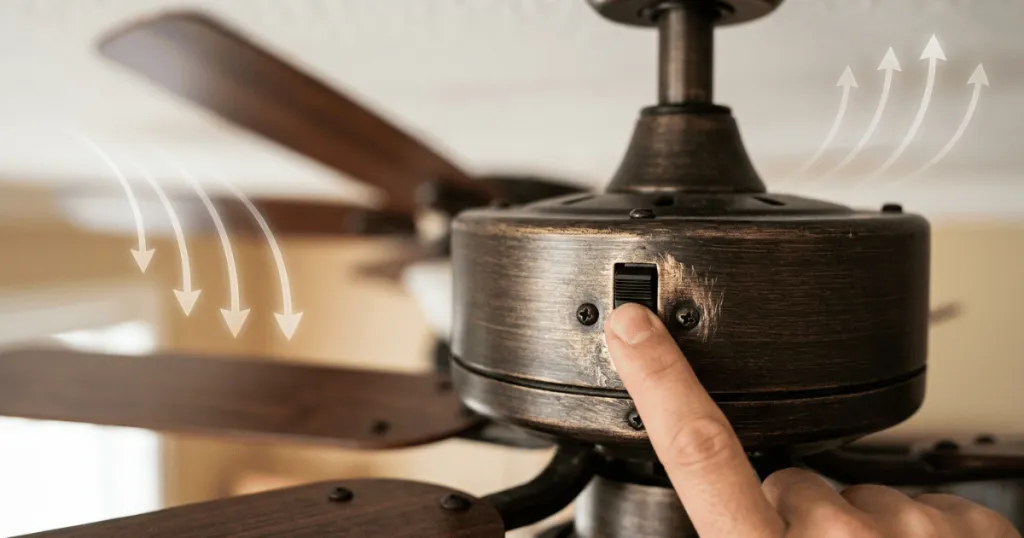
When the seasons change, you likely want to adjust your ceiling fan direction to optimize airflow for heating or cooling. If you are wondering how to reverse a ceiling fan without switch access, you are not alone. Many modern and legacy fans lack an obvious toggle on the motor housing, leading to confusion about how to change the blade rotation. This guide helps you identify your specific control method so you can restore comfort to your living space without unnecessary frustration.
Before you begin, it is important to understand that the ability to reverse your fan depends entirely on the control system installed. Some fans use internal receivers, while others rely on wall-mounted hardware or specific remote-control sequences. By identifying your hardware type, you can determine if a manual adjustment is possible or if you need to troubleshoot the existing control interface.
Before you reach for a ladder, perform a quick readiness check. Verify that your fan is currently receiving power and that the wall switch or breaker is in the ON position. If the fan is unresponsive to basic commands, attempting to reverse the rotation will be impossible until the power supply is verified. Ensure you have a clear path to the fan and that you are not dealing with a faulty wall dimmer, which can sometimes interfere with the electronic signals required for reversing modern fan motors.
Before You Start: Identifying Your Control System
The most critical step in learning how to reverse a ceiling fan without switch access is identifying exactly how your fan communicates with its motor. Most fans that lack a physical slide switch on the base fall into one of three categories: remote-controlled units, wall-integrated digital controls, or smart-home enabled fans. Attempting to force a manual change on a motor designed for digital input can damage the internal circuitry.
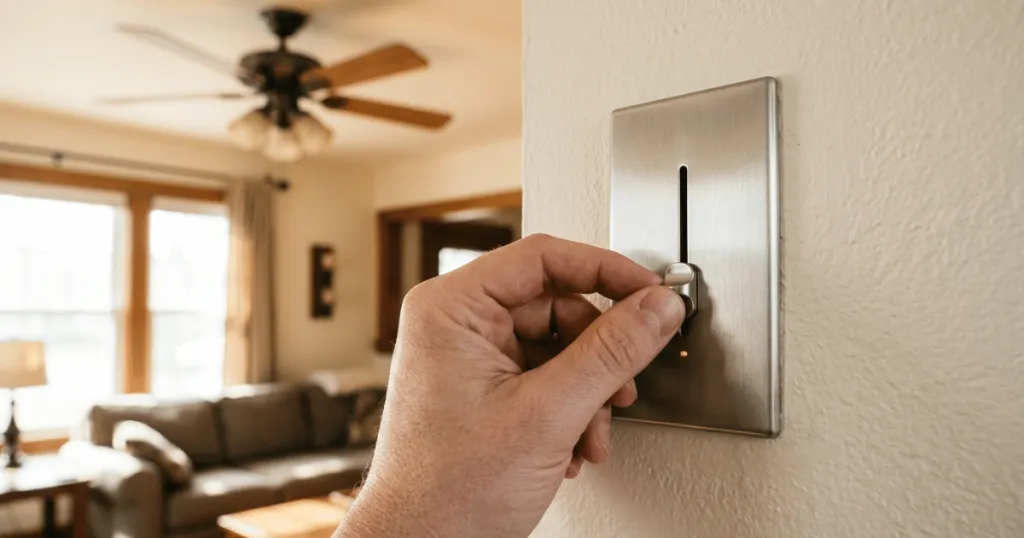
First, inspect the wall plate. If you have a wall control that looks like a standard light switch but features multiple buttons or a digital display, this is your primary interface. These units often contain the reversing logic within the wall module itself. If you do not see a physical switch on the fan motor housing, do not attempt to disassemble the motor cover. Modern DC motor fans, in particular, are designed to be controlled strictly through the remote or wall interface.
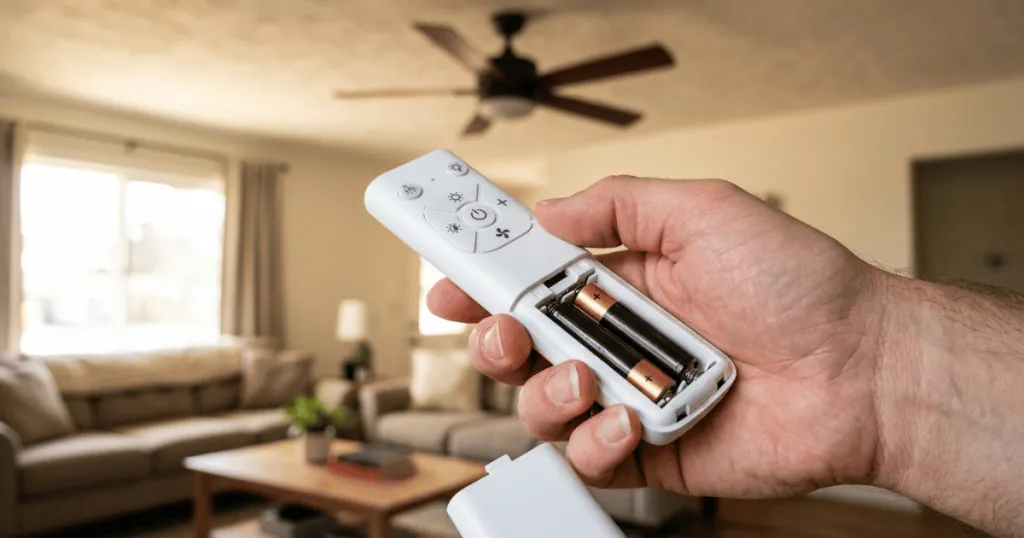
Check for a remote control. If your fan came with a handheld remote, the reverse function is almost certainly located there. Look for a button labeled ‘Reverse,’ ‘Rev,’ or an icon showing two arrows in a circular motion. If the button is missing, the function might be hidden behind a secondary menu or a specific button combination, such as holding the ‘Light’ and ‘Fan’ buttons simultaneously for several seconds. If you have inherited the fan with the home, check the top of the remote or the battery compartment, as manufacturers sometimes place secondary function buttons in these less obvious locations to maintain a clean aesthetic on the face of the remote.
Prerequisites and Safety Considerations
Safety remains the priority when interacting with any electrical appliance. Before you attempt any adjustments, ensure the fan is turned off and the blades have come to a complete stop. Never attempt to manipulate the internal wiring of a fan while it is energized. If you are using a ladder to reach the fan, ensure it is placed on a level, stable surface, and have a second person spot you if you feel unsteady.
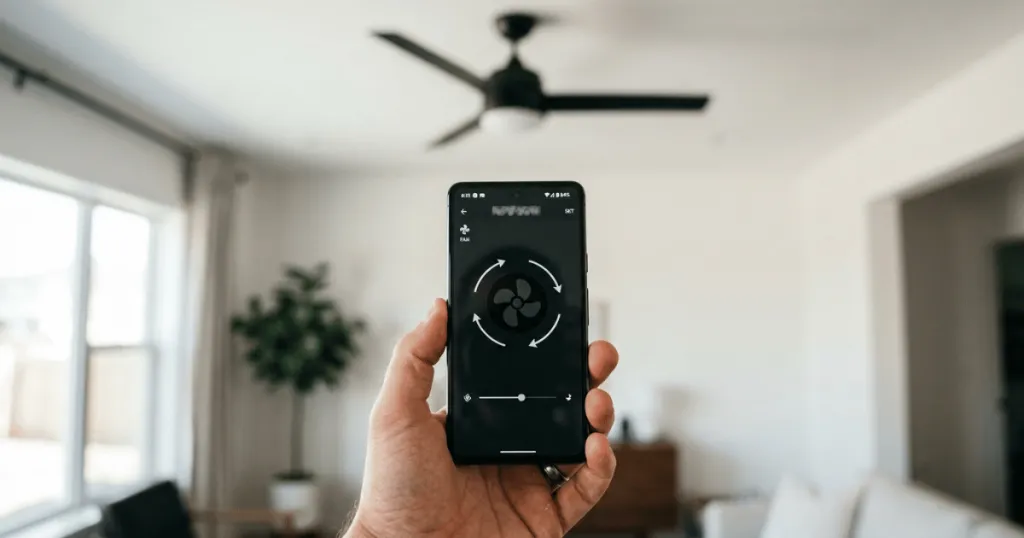
If you suspect your fan is a smart device, check the manufacturer application on your smartphone. Many modern ceiling fans integrate with Wi-Fi, allowing you to toggle the rotation direction via a mobile app. This is often the most reliable way to reverse a fan that lacks a physical switch. Ensure your phone is connected to the same network as the fan before attempting the change. If the app shows the fan as offline, you must resolve the connectivity issue before you can access the rotation settings, as the command must travel through the cloud or local network to the fan receiver.
Step-by-Step Instructions: How to Reverse a Ceiling Fan Without Switch
Follow these steps based on the control method identified in your initial assessment. If one method does not work, move to the next logical step rather than forcing the hardware.
Method 1: Using the Remote Control
Many fans without a housing switch rely on a dedicated remote. Locate the remote and look for a button labeled ‘Reverse.’ If you do not see it, check the battery compartment; some manufacturers hide the reverse button inside the battery cover to prevent accidental activation. Press the button while the fan is running at a low speed. You should notice the fan slow down, stop, and then begin spinning in the opposite direction. If the fan does not respond, try holding the button for three to five seconds. This extended press acts as a signal to the receiver that you intend to change the mode rather than just toggle the power.
Method 2: Using the Wall-Mounted Digital Control
If your fan is controlled by a wall-mounted panel, look for a ‘Reverse’ button on the panel face. If there is no dedicated button, try holding the ‘Fan Off’ button for five seconds. This is a common manufacturer shortcut for toggling the rotation direction on digital wall controls. Wait for the fan to complete its cycle before attempting to change the speed settings. Some wall controls require you to turn the fan off completely, wait for the blades to stop, and then press the ‘Fan’ and ‘Light’ buttons in a specific sequence to enter the configuration mode where the reverse option is located.
Method 3: Using Smart Home Applications
For fans connected to a smart home system, open the corresponding app on your mobile device. Navigate to the specific room where the fan is located. Look for a ‘Settings’ or ‘Advanced’ menu within the fan interface. You will typically find a toggle switch for ‘Summer‘ and ‘Winter’ modes. Selecting these modes will automatically reverse the motor to match the desired airflow direction. If you do not see a direct ‘Reverse’ option, look for a ‘Direction’ setting. Some apps allow you to create a scene or automation that switches the fan direction based on the time of year, which can be a helpful way to automate your home comfort.
Deep Dive: Understanding Motor Types and Reversing Logic
It is helpful to understand why your fan lacks a switch. Older AC motors relied on a physical polarity switch to change the direction of the current flow. Modern DC motors, which are significantly more energy efficient, use an electronic controller to manage the phase of the electricity sent to the motor windings.
Because this is handled by a circuit board, the ‘switch’ is essentially a line of code or a digital signal. This is why you cannot simply add a switch to a fan that was not designed for one. The internal receiver is the brain of the operation, and it must be programmed to recognize the reverse command. If you are replacing an old fan, look for models that explicitly state they include a remote with reverse functionality to avoid these issues in the future.
Common Mistakes to Avoid
One of the most frequent mistakes is attempting to manually force the blades to rotate in the opposite direction while the motor is energized. This can cause significant damage to the motor bearings and the internal capacitor. Always allow the fan to come to a full stop before the motor attempts to reverse its direction. Forcing the blades can also strip the internal gears if the fan is a high-torque model.
Another common error is assuming that all fans have a reverse function. Some entry-level or industrial-style fans are designed to operate in one direction only. If you have checked your remote, the wall control, and the mobile app and still cannot find a reverse option, consult your user manual to confirm if your specific model supports reverse operation. Do not assume that because a fan has multiple speeds, it must also have a reverse function. If your fan is a basic model, it may only be designed to push air downward, which is standard for cooling but ineffective for heat destratification.
Troubleshooting Your Fan Direction
If you have followed the instructions but the fan refuses to reverse, start by power-cycling the unit. Turn the fan off at the wall switch or the circuit breaker, wait for thirty seconds, and turn it back on. This resets the internal receiver and often clears minor software glitches that prevent the reverse command from registering. This is particularly effective for smart fans that may have lost their handshake with the Wi-Fi router.
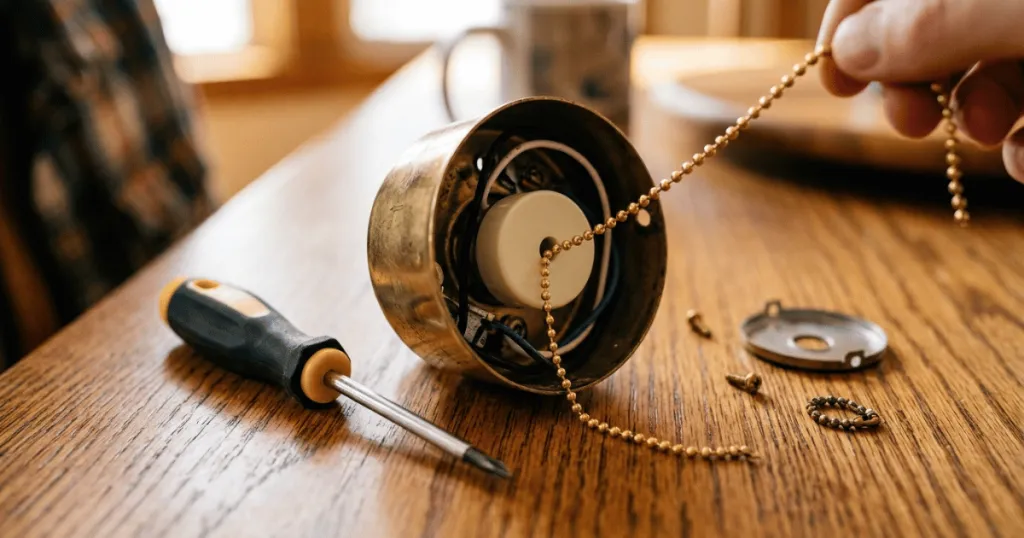
If the fan still does not respond, check the batteries in your remote control. A weak battery may provide enough power to turn the fan on or off but may lack the signal strength required to send the more complex ‘reverse’ command. Replace the batteries with fresh ones and try the sequence again. If the issue persists, the internal receiver in the fan canopy may have failed, which typically requires a replacement part from the manufacturer. Before ordering a new receiver, ensure that the dip switches on the remote and the receiver match. If they are mismatched, the remote will not be able to communicate with the fan, and the reverse command will be ignored.
Consider the physical environment as well. If your fan is installed on a vaulted ceiling, the signal from the remote might be blocked by the angle of the canopy or the proximity to metal ductwork. If you suspect signal interference, try standing directly under the fan while pointing the remote toward the canopy. If the command works from this position but not from the doorway, you have confirmed a signal range or interference issue rather than a mechanical failure.
Optimizing Airflow for Seasonal Comfort
Once you have successfully reversed your fan, it is important to verify that the rotation is correct for your needs. In the summer, the blades should rotate counter-clockwise to create a downdraft, which provides a wind-chill effect that makes the room feel cooler. In the winter, the blades should rotate clockwise at a low speed to pull cool air up toward the ceiling, which displaces the warm air trapped near the top of the room and pushes it down the walls. If you are unsure which way your fan is spinning, stand directly under the blades.
You should feel a distinct breeze if it is in summer mode. If you feel no breeze, the fan is likely in winter mode or spinning too slowly to be effective.
Remember that the goal of winter mode is not to create a breeze, but to gently move air. If you run the fan on high speed during the winter, you will likely create an uncomfortable draft, even if the air is technically warmer. Use the lowest speed setting for winter operation to achieve the best results for heat distribution. If your fan has a dimmable light, ensure that the reverse function does not interfere with the light settings, as some receivers share the same frequency for both functions.
Conclusion
Learning how to reverse a ceiling fan without switch hardware is a straightforward process once you identify your control interface. Whether you are using a remote, a digital wall panel, or a smart app, the key is to allow the motor to stop completely before changing the direction. By following these steps, you can ensure your fan provides the correct airflow for your home throughout the year, keeping your living space comfortable regardless of the season.
If you encounter persistent issues, always refer back to the manufacturer documentation for your specific model, as they often provide unique codes or reset procedures that are not universal across the industry.
FAQ
Why does my fan not have a reverse switch?
Many modern ceiling fans utilize DC motors or integrated digital receivers, which allow for electronic control of the rotation direction via remote or wall interface, eliminating the need for a manual slide switch on the motor housing.
Can I damage my fan by reversing it while it is running?
Yes, forcing a motor to reverse while it is spinning can damage the internal capacitor and motor bearings. Always wait for the blades to come to a complete stop before triggering the reverse function.
What if my remote is lost and there is no wall switch?
If you have lost the remote and lack a wall control, you may need to purchase a universal ceiling fan remote kit that includes a new receiver to install in the fan canopy, or check if your fan model supports a specific smartphone app.