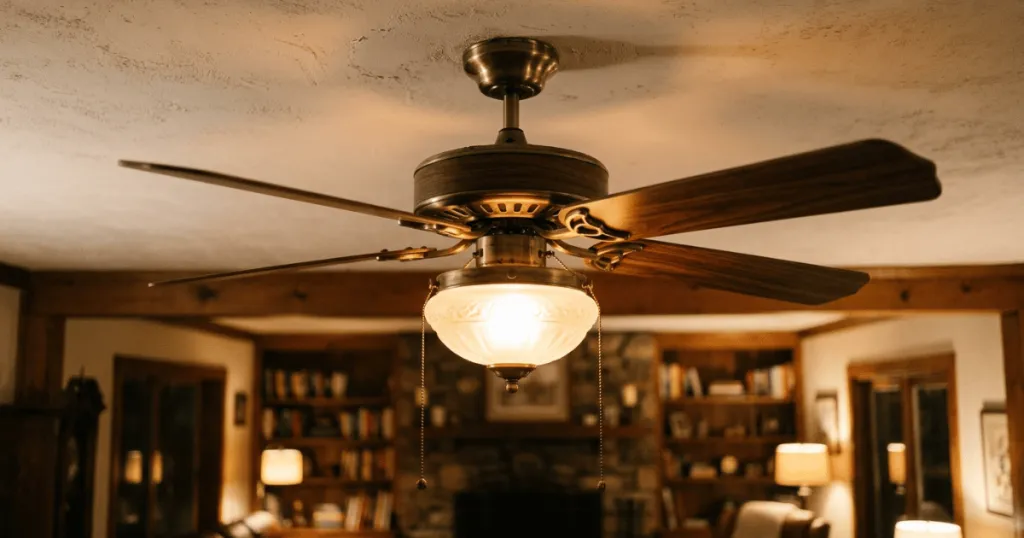
When you find that your ceiling fan light kit won’t turn off, it is usually a sign of an issue with the receiver, the wall switch, or the internal wiring. This frustrating problem often leaves homeowners scrambling to find a way to cut power to the fixture, especially at night. Understanding why this happens requires looking at how modern ceiling fans manage power through remote receivers and pull chains.
Most ceiling fans operate using a combination of manual controls and electronic components. When a light refuses to shut down, the culprit is rarely the light bulbs themselves. Instead, the failure typically lies in the signal processing or the physical switching mechanism that controls the flow of electricity to the light assembly. Identifying the specific cause is the first step toward restoring normal operation in your home.
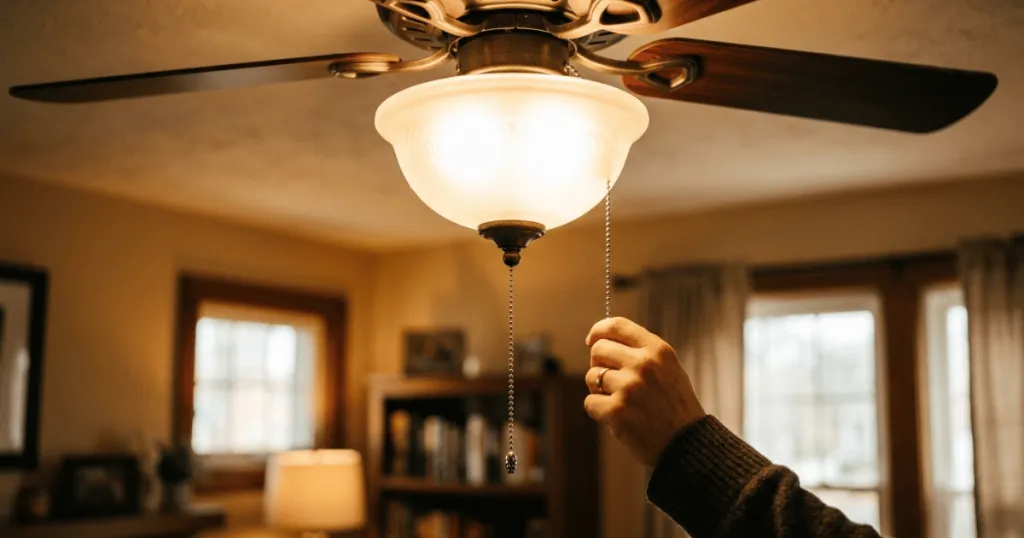
Common Reasons Why a Ceiling Fan Light Kit Won’t Turn Off
The most frequent cause for a light that stays on is a malfunctioning remote control receiver. These small, black boxes are tucked inside the canopy of the fan and act as the brain of the unit. Over time, the internal relays inside these receivers can become stuck in the closed position. When a relay sticks, it creates a continuous circuit that keeps the light powered regardless of any signal sent by your remote or wall control.
Remote Control Receiver Failure
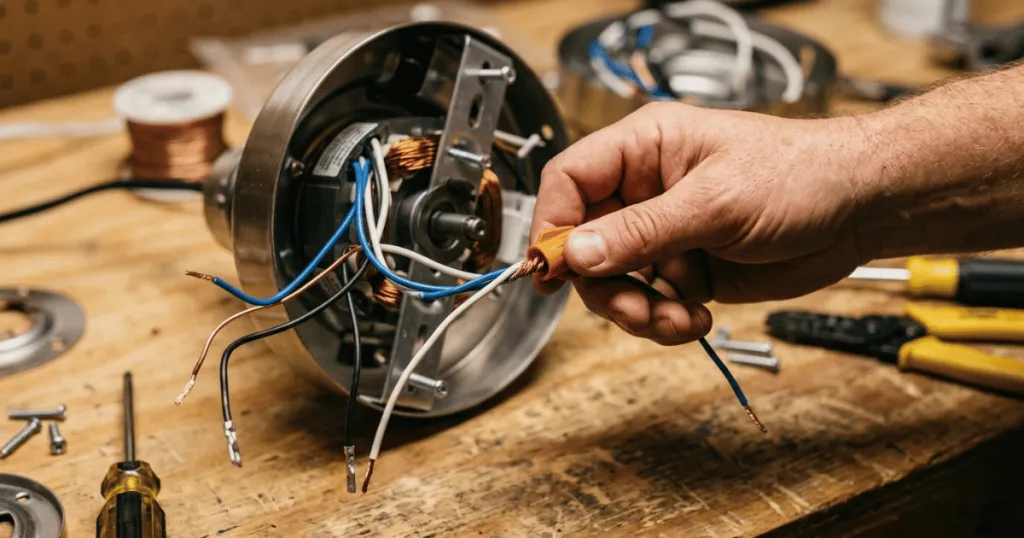
If you have a fan that uses a wireless remote, the receiver is the primary point of failure. These components are exposed to heat from the ceiling and the fan motor itself, which can degrade the internal electronics over several years. If the relay inside the receiver fails, it will not break the circuit when you press the off button. You can often test this by bypassing the receiver temporarily, but this requires working with electrical wiring and should only be done if you are comfortable with basic home electrical safety.
When a receiver fails, it often exhibits specific symptoms beyond just the light staying on. You might notice that the fan speed becomes unresponsive or that the remote signal is no longer acknowledged by the unit. In many cases, the receiver is a modular component. If you determine the receiver is indeed the failure point, you do not necessarily need to replace the entire fan. Many manufacturers offer replacement receivers that match the specific frequency of your remote. Always ensure the replacement unit is rated for the same wattage as your light kit to prevent future overheating issues.
Wall Switch and Dimmer Conflicts
Another common issue involves the wall switch controlling the fan. If you are using a modern LED-compatible fan with a legacy dimmer switch, the two components may conflict. Many fan light kits are not designed to work with standard wall dimmers. When these are used together, the flickering or inability to turn off completely can occur because the electronic ballast or LED driver in the fan light kit cannot interpret the chopped voltage from the dimmer. Replacing the dimmer with a standard toggle switch often resolves this immediately.
It is important to note that many modern ceiling fans include built-in dimming capabilities controlled by the remote. If you install a wall-mounted dimmer in addition to a remote-controlled fan, you are essentially placing two dimming devices in series. This often confuses the internal LED driver, leading to situations where the light stays on at a low intensity or refuses to cycle off. If you are renovating a room, ensure that the wall switch is a simple on/off toggle if your fan already features remote-based dimming.
Pull Chain and Switch Housing Issues
For fans that rely on a physical pull chain, the internal switch housing can wear out. The small switch inside the housing is a mechanical device with spring-loaded contacts. If the spring breaks or the contacts become fused due to arcing, the switch will remain permanently in the on position. This is a mechanical failure rather than an electrical one. In these cases, the switch itself must be replaced, which is a straightforward repair for most DIY enthusiasts.
To diagnose a faulty pull chain switch, you can often feel the difference in the tension of the chain. If the chain feels loose or does not provide the characteristic click when pulled, the internal mechanism has likely failed. Replacing this switch involves opening the light kit housing, disconnecting the wires, and installing a new switch of the same type. Always document the wiring configuration with a photograph before disconnecting any leads to ensure the new switch is connected correctly.
Deep Dive: Troubleshooting and Diagnostic Steps
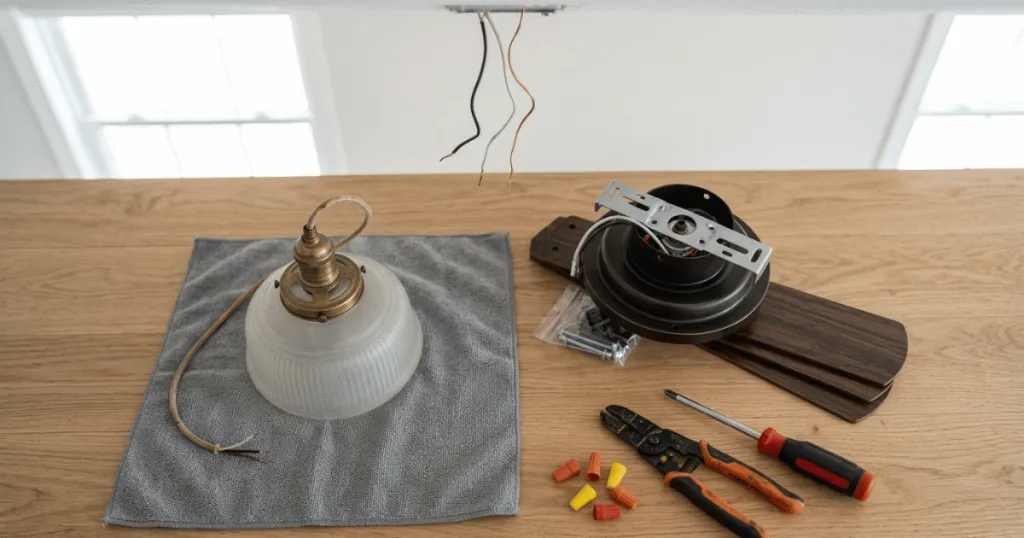
When you are faced with a light that will not turn off, a systematic approach is essential. Begin by isolating the power source. If the light remains on even after you have turned off the wall switch, you are dealing with a wiring issue where the light kit is connected to a constant hot lead. This often happens if the fan was installed by someone who did not properly separate the light and motor circuits during the initial wiring phase. In this case, you will need to access the ceiling junction box to verify that the black and blue wires are connected to the correct switched power leads.
If the light turns off when you flip the wall switch but turns back on immediately when the switch is flipped, the issue is likely within the remote receiver. To verify this, you can perform a power reset. Turn off the circuit breaker for the entire room, wait for at least thirty seconds, and then turn it back on. This forces the receiver to reboot its internal logic. If the light stays off after the reboot but turns on by itself later, the relay is likely failing intermittently due to heat or age.
Another edge case involves smart home integration. If your fan is connected to a smart hub or a Wi-Fi bridge, the issue might not be the hardware at all. A software glitch or a stuck command in your smart home application can keep the light in an on state. Before dismantling the fan, check your smart home app to see if a routine or a stuck command is overriding your manual inputs. Disconnecting the fan from the smart network temporarily can help you determine if the issue is digital or physical.
Real-World Context for Troubleshooting
In a typical home, you might notice the light stays on even after you have used the remote to turn it off. This scenario is common in older homes where the fan receiver has reached the end of its service life. If you have recently replaced your light bulbs with new LED units, you might also be seeing a phenomenon where the light appears to stay on at a very dim level. This is often caused by residual current, sometimes called ghosting, which is a different issue than a light that remains at full brightness.
When troubleshooting, start with the simplest solution. Turn off the wall switch or the circuit breaker for the entire room. If the light turns off, you know the power supply is at least controllable at the source. If the light stays on even after the wall switch is flipped, you likely have a wiring error where the light kit is connected to a constant hot wire rather than the switched leg. This is a common mistake during initial installation or after a recent repair.
Consider the age of your fan. If your unit is more than ten years old, the plastic components inside the receiver may have become brittle or heat-damaged. Trying to repair a circuit board inside a receiver is rarely successful or safe. In most cases, the most practical approach is to replace the receiver unit entirely. Many manufacturers sell universal replacement receivers that are compatible with a wide range of fan models, provided you match the frequency and wiring configuration.
Why This Matters for Home Comfort
Having a light that will not turn off is more than just an annoyance. It impacts your energy consumption and can be a significant disturbance in bedrooms. If the light is stuck on, it prevents you from using the room effectively and may force you to leave the circuit breaker off, which also disables the fan motor itself. This creates a loss of functionality for the entire appliance.
Beyond the inconvenience, there is a safety consideration. A light that refuses to turn off due to a faulty relay or a short circuit can generate excess heat within the light housing. If the fixture is not designed for continuous operation, this heat can damage the plastic lens or the wiring insulation over time. Addressing the issue promptly prevents minor electrical faults from escalating into more complex repairs or potential fire hazards.
Common Misconceptions About Fan Lighting
One major misconception is that the light kit itself is broken. Many people assume they need to replace the entire light assembly, but the issue is almost always upstream in the control system. Another myth is that changing the light bulbs will fix a stuck switch. While it is true that some LED bulbs are incompatible with certain fan controllers, swapping bulbs will not fix a mechanical switch that is physically stuck or an electronic relay that has failed closed.
Finally, many homeowners believe that a flickering light is the same as a light that will not turn off. While both can be caused by receiver issues, flickering is often a sign of a loose connection or an incompatible dimmer switch. A light that will not turn off is a binary failure, meaning the circuit is permanently completed. Distinguishing between these two symptoms helps you focus your troubleshooting efforts on the right component, saving you time and preventing unnecessary parts purchases.
Preventative Maintenance for Ceiling Fan Lights
To avoid future issues with your ceiling fan light kit, consider periodic maintenance. Dust accumulation inside the canopy can trap heat, which accelerates the degradation of the remote receiver. Once a year, use a vacuum with a soft brush attachment to gently clear dust from the vents of the fan housing. This simple step helps maintain proper airflow around the internal electronics.
Additionally, be mindful of the bulbs you install. Always check the maximum wattage rating of your light kit. While LED bulbs consume very little power, using a bulb that exceeds the heat rating of the socket can cause the plastic housing to warp or the internal wiring to become brittle. By sticking to manufacturer-recommended bulb types, you extend the life of the entire light assembly and reduce the risk of electrical faults that could lead to a stuck-on light condition.
FAQ
Can a faulty light bulb cause a ceiling fan light to stay on?
No, a light bulb itself cannot cause a light to stay on if the power is cut. If the light remains on, the issue is with the switch, the receiver, or the wiring supplying power to the fixture.
Is it safe to leave the fan running if the light won’t turn off?
It is not recommended. A light that stays on due to a faulty relay may indicate an electrical fault that could generate heat or lead to further damage to the fan’s internal electronics.
How do I know if my remote receiver is the problem?
If you have a remote-controlled fan, the receiver is the most common failure point. If the wall switch controls the fan but the remote fails to turn off the light, the receiver’s internal relay is likely stuck.