When you install two or more ceiling fans in close proximity, you may encounter the frustrating issue of Ceiling Fan Remote Frequency Interference Between Multiple Fans. This occurs when a single remote control signal unintentionally triggers multiple fans at once, or when one fan responds to the wall switch of another. It is a common annoyance in open floor plans or homes where multiple rooms share a single hallway, but it is rarely a sign of a broken appliance.
Most modern ceiling fan systems are designed to operate on specific radio frequencies, and when these frequencies overlap, the receiver inside the fan canopy cannot distinguish between your intended command and the signal meant for a neighboring unit. Fortunately, this is almost always a configuration issue rather than a hardware defect. By adjusting the communication channels or re-pairing the digital handshake between your remote and the fan receiver, you can restore independent control to every fan in your home.
Understanding the nuances of these control systems is vital for any homeowner looking to optimize their home climate control. When multiple fans operate on the same frequency, the resulting lack of independent fan control can lead to uneven cooling and unnecessary energy consumption. By taking a systematic approach to your home electrical setup, you can ensure that every fan responds only to its designated remote.
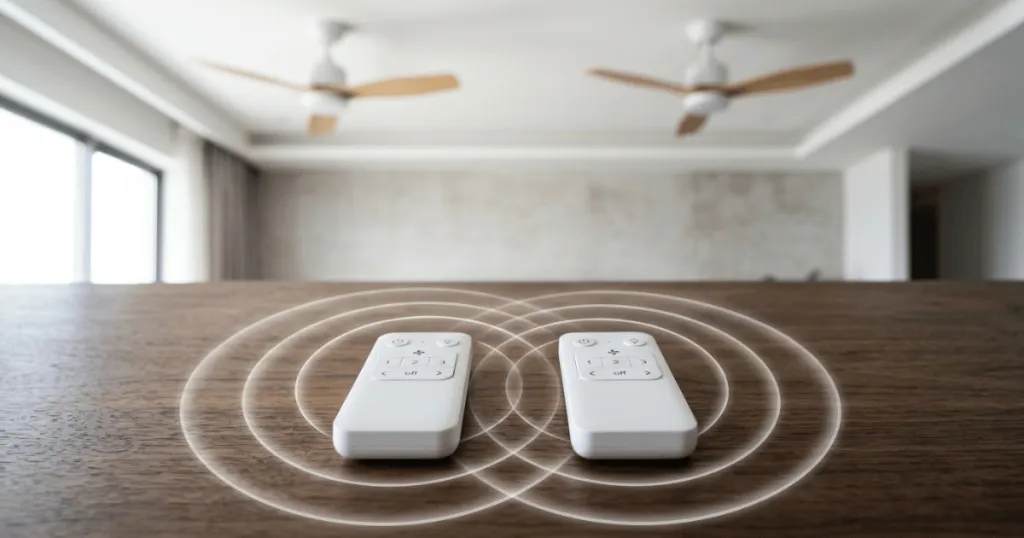
Understanding the Causes of Signal Overlap
The primary reason for interference is that many ceiling fan remote systems operate on a limited number of channels. In older models, these channels were set using physical dip switches, while newer models use digital pairing protocols. If two fans are set to the same channel, they will both listen for the same signal. Think of it like two walkie-talkies set to the same frequency; if you press the button on one, both will receive the transmission.
Signal congestion often occurs during the initial installation phase. When a contractor installs several fans of the same brand and model, they frequently leave the factory settings untouched. Because these devices are mass-produced, they arrive with identical default channel settings. This is a classic configuration error that creates immediate frustration upon the first power-up. Even in homes where fans were installed years apart, a replacement receiver or a new remote might default to the same factory-set frequency, leading to sudden and unexpected interference.
The Role of Dip Switches
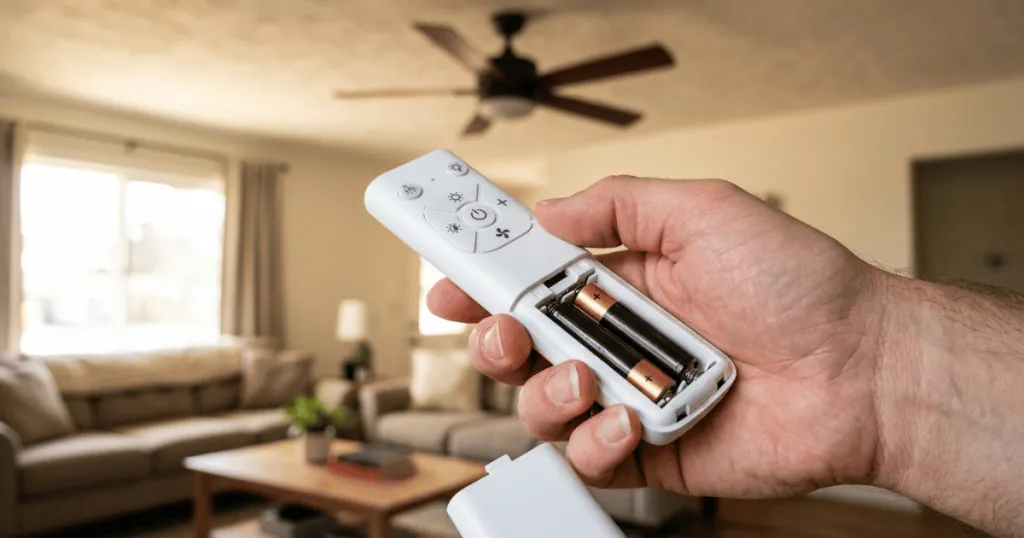
Many traditional AC motor fans utilize a series of small, sliding switches located inside the battery compartment of the remote and on the receiver unit inside the fan canopy. These switches must match exactly for the fan to respond. If you have two fans installed by the same contractor or purchased in the same batch, they often arrive from the factory with the exact same dip switch pattern. When you turn on the power, both fans are already programmed to listen to the same code, leading to immediate interference.
To troubleshoot this, you must treat each fan as an isolated system. If you suspect two fans are conflicting, start by turning off the power to all fans except the one you are currently configuring. This prevents the other fan from responding to your test commands. Once you have isolated the target fan, adjust the dip switches to a unique pattern. It is helpful to document these patterns in a small notebook or on a piece of tape inside the remote battery cover, especially in larger homes with many fans. This record-keeping prevents future confusion if you ever need to replace a remote or reset the system.
Digital Pairing and Signal Congestion
Modern DC motor fans and smart-enabled ceiling fans typically use digital pairing rather than physical switches. These systems generate a unique identification code that is stored in the memory of the receiver. While this is more secure, interference can still occur if the pairing process is not completed correctly or if a receiver remains in a discoverable mode. In some cases, a power surge or a brief outage can reset the receiver, causing it to lose its unique pairing and default to a generic mode that accepts any compatible signal in the vicinity.
Digital systems are generally more robust, but they are susceptible to timing issues. During the pairing process, the receiver enters a listening window where it waits for a signal from a remote. If you have multiple fans in the same room that are powered on simultaneously, they may all enter this listening mode at once. If you press the pairing button on one remote, all receivers in the room might capture that same signal. To avoid this, always isolate the power to the specific fan you are pairing. Use the wall switch or the circuit breaker to ensure only the target fan is receiving power during the digital handshake process.
Practical Steps to Resolve Interference
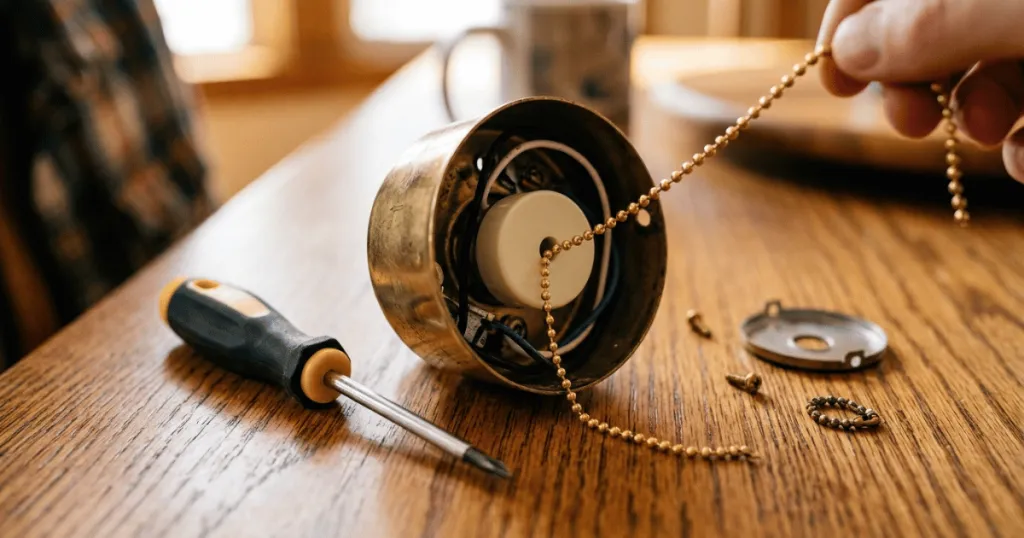
To fix the issue, you must ensure that each fan operates on a distinct channel. If your fans use dip switches, the process is manual but straightforward. You will need a ladder to access the receiver, which is usually tucked inside the mounting bracket or the fan canopy. Turn off the power at the wall switch or circuit breaker before opening the canopy to ensure safety.
Once you have access to the receiver, look for the bank of small switches. Change the pattern on the receiver to a new, unique sequence. Then, open the battery compartment of the corresponding remote and match the switches to the new pattern you just set on the receiver. Repeat this process for each fan, ensuring that no two fans share the same switch configuration. Once you restore power, the fans should only respond to their matched remote.
If you find that the switches are difficult to move, use a small precision screwdriver or a toothpick. Avoid using metal tools that could accidentally bridge two switches and cause a short circuit. After setting the pattern, double-check that every switch is fully pushed into the desired position. A partially set switch can lead to intermittent signal reception, where the fan works sporadically or fails to respond to specific commands like light dimming or speed changes.
Handling Digital Pairing Systems
If your fans do not have dip switches, you need to perform a hard reset and re-pairing sequence. This usually involves cutting the power to the specific fan for about 30 seconds and then turning it back on. Within a few seconds of restoring power, press and hold the pairing button on the remote, often labeled as the light or fan power button, until the fan light flashes or the fan moves slightly. This indicates that the fan has locked onto that specific remote and ignored all other signals.
In scenarios where you have multiple fans on a single circuit, performing this reset can be challenging because you cannot easily isolate power to just one unit. If you cannot reach the individual fan’s power supply, you may need to temporarily disconnect the wiring at the canopy of the other fans. While this requires more effort, it is the only way to ensure that the receiver you are currently pairing is the only one in listening mode. Always prioritize electrical safety by verifying that the power is off before handling any wiring connections.
Why This Matters for Home Comfort
Managing your fan controls is essential for maintaining the intended climate in different zones of your home. If a fan in the kitchen turns on every time you adjust the fan in the living room, you are wasting energy and potentially disrupting the airflow balance you established for that specific space. In bedrooms, this interference can be particularly disruptive, especially if a remote signal from a hallway or adjacent room accidentally toggles a fan while you are sleeping.
Beyond the immediate convenience, resolving this issue prevents unnecessary wear on the fan motors and lighting components. When a fan receives constant, unintended signals, the receiver remains in an active state, which can lead to minor electrical inefficiencies. By ensuring each fan operates independently, you maintain better control over your home environment and extend the lifespan of the control electronics by preventing them from processing extraneous data packets.
Consider the impact on your home automation strategy as well. If you integrate your fans into a broader smart home system, interference can cause conflicting commands to be sent to your central hub. By ensuring each fan has a unique identity, you allow your smart home controller to manage the airflow balance in each room accurately. This precision is key to maximizing the energy efficiency of your cooling strategy, especially during peak summer months when fans are used to supplement air conditioning.
Common Misconceptions About Fan Interference
A frequent mistake homeowners make is assuming that the remote itself is broken or that the fan motor has a defect. Many people attempt to replace the batteries or the entire remote control unit without checking the channel settings first. This rarely solves the problem because the issue is not the signal strength or the hardware quality, but the channel assignment. Another misconception is that interference is caused by Wi-Fi or Bluetooth devices in the home. While these operate on similar frequency bands, ceiling fan remotes typically use proprietary radio frequencies that are distinct from standard home networking gear.
Another common error is assuming that distance alone will prevent interference. While radio signals do weaken over distance, many modern fan remotes have enough range to pass through interior walls. If you have two fans located on opposite sides of a wall, they can still interfere with each other if they are on the same channel. Do not rely on physical separation as a solution. Always verify that the channel settings or pairing codes are unique, regardless of how far apart the fans are located within your home.
If you find that your fans are still acting erratically after changing the dip switches or re-pairing the digital units, the issue might be a faulty receiver rather than interference. However, this is significantly less common than simple configuration errors. Before calling for a replacement part, always verify that the power supply to the fan is stable and that no other remote-controlled devices, such as under-cabinet lighting or smart plugs, are operating on a frequency that might be bleeding into the fan receiver’s range. In rare cases, a failing capacitor in the receiver can cause it to become overly sensitive to background noise, which may mimic the symptoms of frequency interference.
Advanced Troubleshooting and Edge Cases
For homeowners dealing with persistent issues, it is worth examining the environment for external sources of radio frequency noise. While rare, certain high-powered electronics or even faulty LED drivers can emit electromagnetic interference that disrupts the signal between your remote and the fan receiver. If you have recently installed new LED lighting or smart home devices, try turning them off to see if the fan control improves. This process of elimination helps determine if the problem is truly a channel conflict or an environmental issue.
Another edge case involves multi-family housing. If you live in a townhouse or apartment, your neighbor’s fan might be close enough to your own to cause signal overlap. Because you cannot access their fan to change its settings, the only solution is to change your own fan to a different channel. If your fan uses dip switches, you have several combinations available. If it uses digital pairing, the process of re-pairing your remote to your receiver usually generates a new, secure code that ignores the neighbor’s signal, effectively shielding your fan from their remote.
Finally, consider the age of your equipment. If you are mixing old and new fans in the same home, you may have a mix of radio frequency technologies. Some older fans operate on 300MHz, while newer ones might use 433MHz or even proprietary digital protocols. These systems are generally incompatible with each other, which is actually a benefit in terms of interference. If you are planning a home renovation, grouping fans by technology type can help you manage your control systems more effectively. Keep a log of which fans use which technology to simplify future maintenance and troubleshooting tasks.
Conclusion
Addressing Ceiling Fan Remote Frequency Interference Between Multiple Fans is a manageable task that restores order to your home climate control. Whether you are dealing with physical dip switches or modern digital pairing, the solution lies in establishing a unique, dedicated communication channel for each unit. By taking the time to configure each fan individually, you avoid the frustration of cross-talk and ensure that your home comfort systems function exactly as intended. If you ever add a new fan to your home, remember to set its frequency or pairing code before finalizing the installation to prevent interference from the start.
FAQ
Can Wi-Fi routers cause Ceiling Fan Remote Frequency Interference Between Multiple Fans?
Generally, no. Most ceiling fan remotes use radio frequencies that are distinct from the 2.4GHz or 5GHz bands used by Wi-Fi routers. Interference is almost always caused by two fans sharing the same RF channel or pairing code.
What should I do if my fan has no dip switches?
If your fan lacks dip switches, it uses a digital pairing process. You must perform a power-cycle reset by turning off the wall switch for 30 seconds, then turning it back on and immediately holding the pairing button on your remote until the fan confirms the connection.
Is it possible for a neighbor’s fan remote to interfere with mine?
While rare, it is possible if you live in a very close-proximity housing situation like townhomes or apartments. If this occurs, changing the dip switch pattern or re-pairing your remote to your specific receiver will move your fan to a different communication channel, effectively blocking the neighbor’s signal.