Few things are as disruptive to a quiet evening as a ceiling fan that decides to operate on its own schedule. When your ceiling fan turns on or off by itself, it is rarely a sign of a haunting or a faulty motor. Instead, this behavior is almost always tied to signal interference, loose electrical connections, or a malfunctioning receiver unit. Understanding why this happens allows you to move past the frustration and identify whether the issue is a simple setting adjustment or a component that needs professional attention.
Most modern ceiling fans rely on wireless technology to communicate between the wall control or handheld remote and the fan motor. When this communication is interrupted or triggered by an external source, the fan may cycle power unexpectedly. By isolating the source of the interference or checking the integrity of your wiring, you can usually restore reliable operation without needing to replace the entire fixture.
Common Reasons Why a Ceiling Fan Turns On or Off By Itself
The most frequent culprit for erratic fan behavior is frequency interference. Many ceiling fans operate on a standard radio frequency, such as 300MHz or 434MHz. If a neighbor has a fan on the same frequency, or if you have other wireless devices in your home operating on a similar band, your fan might interpret those signals as commands to turn on or off.
Signal Interference and Frequency Overlap
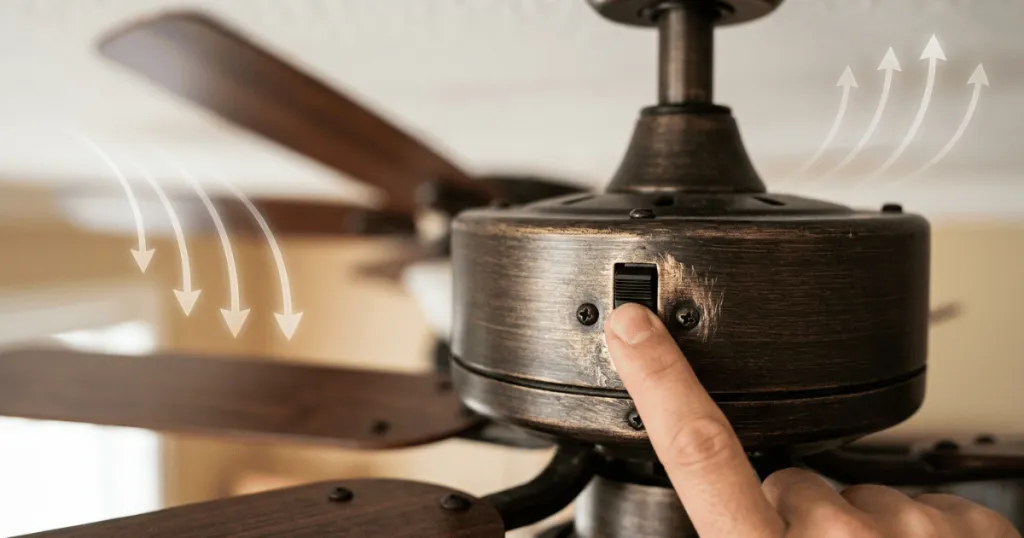
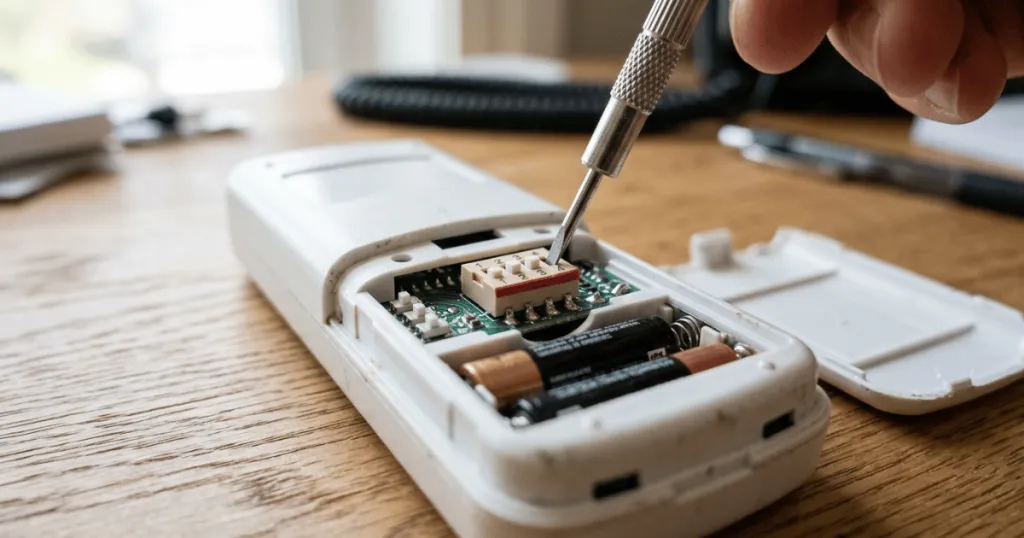
If you live in a multi-family building or a neighborhood with homes in close proximity, your fan’s receiver might be picking up signals from a nearby remote control. This is particularly common with older dip-switch style remotes. If your remote uses a series of small switches to set the frequency, ensure that you have changed the pattern to something unique.
A simple change to the switch configuration on both the remote and the receiver inside the fan canopy often resolves the issue immediately. In modern systems that use digital pairing, you may need to perform a factory reset of the receiver by cutting power at the wall switch for thirty seconds and then re-pairing the remote according to the manufacturer manual. This clears the memory of the receiver and forces it to accept only the signal from your specific handheld unit.
Faulty Receiver Units
The receiver is the small box tucked inside the fan canopy that processes commands from your remote. Over time, these electronic components can fail due to heat buildup or power surges. When a receiver begins to degrade, it may start to misinterpret electrical noise as a valid signal. If your fan turns on or off randomly, and you have already ruled out frequency interference, the receiver is likely the component that requires replacement.
When sourcing a replacement, ensure the new unit matches the voltage and amperage specifications of your original fan motor. Using a generic receiver that is not rated for your specific fan type can lead to poor performance, humming sounds, or even permanent damage to the motor windings.
Loose Wiring Connections
Electrical connections inside the ceiling junction box or the fan canopy can loosen over time due to the natural vibration of the motor. A loose wire, particularly the neutral or the signal wire, can create an intermittent connection that mimics a power cycle. This is a safety concern that should be addressed by inspecting the wire nuts and connections for any signs of arcing or heat damage. Always ensure the power is completely off at the breaker before inspecting these connections.
Look for wires that appear slightly charred or brittle, as these are indicators of poor contact that can cause the fan to cycle on and off as the metal expands and contracts with temperature changes. Tightening these connections and ensuring that wire nuts are properly secured is a fundamental step in home electrical maintenance.
Real-World Context: Troubleshooting Your Fan
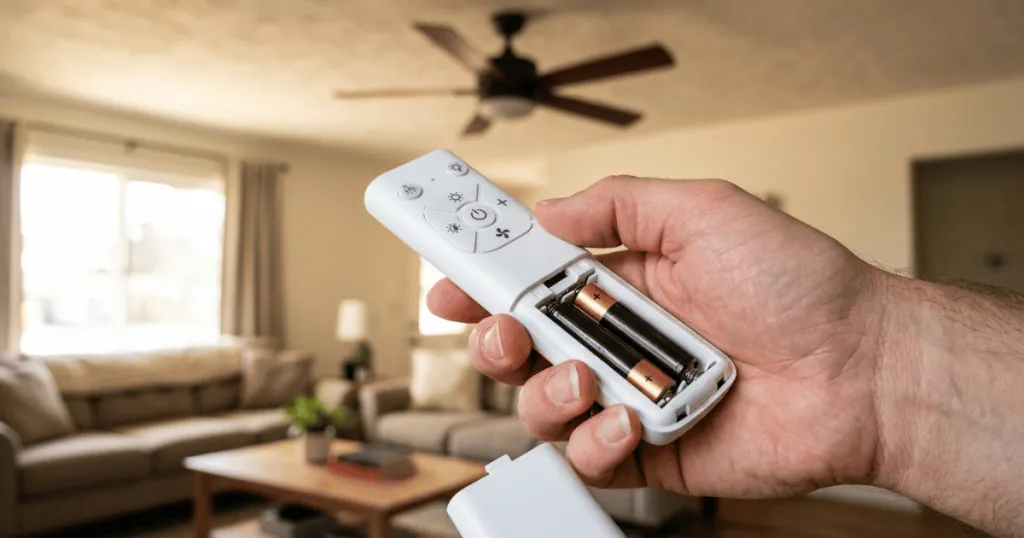
In a typical home environment, the first step in troubleshooting is to eliminate the remote control as a variable. If you have a handheld remote, remove the batteries for a day or two. If the fan stops turning on or off by itself, you have confirmed that the issue is likely related to the remote signal or interference. If the fan continues to act up with the batteries removed, the issue is likely internal to the fan or the house wiring.
Another scenario involves power surges or voltage fluctuations. If your home experiences frequent power blips, some smart-enabled fans or fans with memory functions may default to an ‘on’ state when power is restored. If you notice your fan acting up during storms or when high-draw appliances like a refrigerator or HVAC unit kick on, you might be dealing with a sensitive control board that reacts to voltage drops. In these cases, installing a surge protector at the circuit level or ensuring your home electrical panel is properly grounded can mitigate the impact of these fluctuations on sensitive electronics.
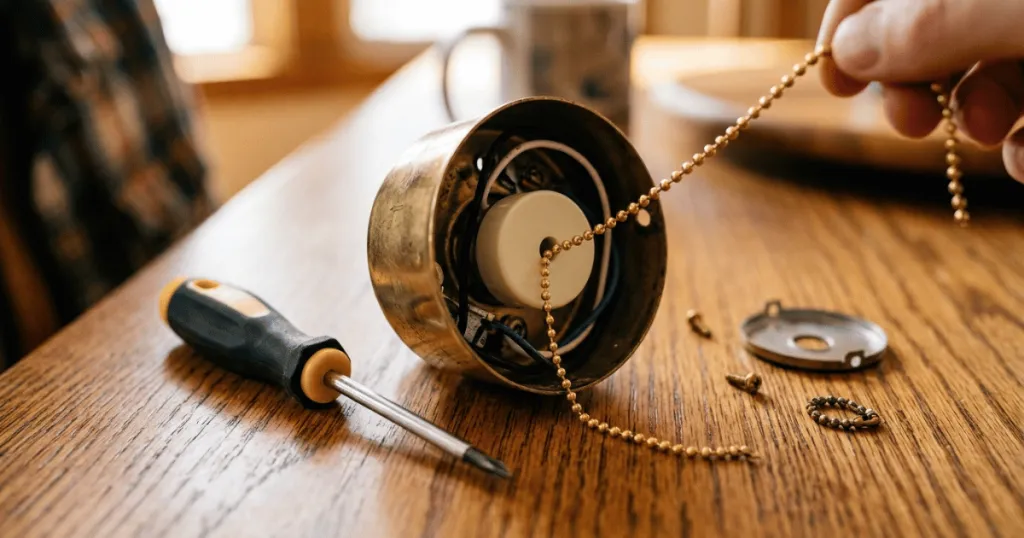
Consider the age of your fan as well. Older fans with pull-chain switches that have been converted to remote operation often have crowded junction boxes. If the wires are pinched or if the receiver is pressed tightly against the metal housing, heat can build up and cause the internal electronics to malfunction. Ensuring there is adequate space and proper ventilation for the receiver can often stabilize the fan’s performance. When installing a receiver, try to position it so that it is not directly touching the metal canopy, as this can sometimes interfere with the antenna reception or trap excessive heat.
Advanced Troubleshooting and Component Health
When basic troubleshooting fails, you must look deeper into the electrical components. The motor capacitor is a critical part that helps the fan start and maintain speed. If the capacitor is failing, the fan might struggle to start, or it might cycle on and off as the motor attempts to overcome the resistance. While a failing capacitor usually presents as a slow-spinning fan or a humming sound, it can occasionally cause the control board to trigger a safety shutdown, leading to the fan turning off unexpectedly. If you notice the fan is sluggish or makes a buzzing noise before it turns off, the capacitor is a likely candidate for replacement.
Furthermore, consider the environment of the room. High humidity levels, such as in a bathroom or a kitchen, can lead to corrosion on the circuit board of the receiver. If you have a fan installed in a damp location, inspect the receiver for signs of oxidation or moisture damage. Even if the fan is rated for damp locations, the internal electronics are still susceptible to long-term exposure. If you find signs of corrosion, the receiver must be replaced, and you should consider applying a dielectric grease to the wire connections to prevent future moisture-related issues.
Why This Matters for Home Comfort
Reliable fan operation is essential for maintaining consistent air circulation and comfort. A fan that turns on when you are sleeping can be disruptive, while a fan that turns off during a hot day can lead to unnecessary discomfort. Beyond the annoyance, an electrical issue that causes a fan to cycle on and off can lead to premature wear on the motor capacitors. Frequent starting and stopping puts a strain on the motor windings, which can eventually lead to a total failure of the fan.
Furthermore, identifying the root cause protects your home’s electrical system. While most instances of a fan turning on or off by itself are related to low-voltage signal issues, an intermittent connection in the junction box can lead to heat buildup. Addressing the issue early prevents the potential for scorched wires or damaged insulation within the ceiling, which is a far more involved repair than simply replacing a remote receiver or tightening a wire nut. By maintaining your fan, you extend its lifespan and ensure that it continues to provide the cooling relief you expect during the warmer months.
Common Misconceptions About Fan Behavior
Many homeowners believe that a fan turning on by itself is a sign that the motor is burning out. In reality, the motor is usually the most durable part of the unit. The electronics controlling the motor are almost always the point of failure. Do not rush to replace a perfectly good motor when a simple receiver swap or a frequency change is the likely solution.
Another common mistake is assuming that all wall controls and remotes are interchangeable. Even if two remotes look identical, they may operate on different protocols or frequencies. Attempting to pair a mismatched remote can lead to erratic behavior, including the fan turning on or off without a direct command. Always check the manufacturer’s compatibility chart if you are replacing a lost or broken remote.
Finally, some users assume that a fan turning on by itself is a sign of a ‘smart’ feature they did not know they had. While some modern fans do have scheduling capabilities, these are almost always managed through a dedicated app or a specific wall-mounted timer. If you have not intentionally set a schedule, the behavior is almost certainly a malfunction rather than an intended feature. If you suspect a smart feature is the cause, check your home automation hub or the fan manufacturer app to see if any automated routines have been enabled without your knowledge.
Practical Steps for Long-Term Reliability
To prevent future issues, ensure that your fan installation follows best practices. When installing a new fan, make sure the receiver is securely mounted and that all wire connections are tight. Use high-quality wire nuts and ensure that no bare copper is exposed. If you live in an area with frequent power surges, consider installing a whole-home surge protector to safeguard all your electronic devices, including your ceiling fan receivers. Regularly dusting the fan motor housing can also help with heat dissipation, as a buildup of dust and debris can insulate the motor and the receiver, leading to higher operating temperatures that shorten the life of the electronic components.
If you find that you are frequently needing to reset your fan receiver, it may be time to upgrade to a more modern control system. Many newer fans use Bluetooth or Wi-Fi technology, which is far more resistant to the signal interference that plagues older radio frequency systems. Upgrading your control system can provide a more stable experience and eliminate the frustration of erratic fan behavior caused by external signals.
FAQ
Could my neighbor’s remote be causing my ceiling fan to turn on or off by itself?
Yes, if your fan uses a standard radio frequency remote, it is possible for a neighbor’s remote to send a signal that your fan interprets as a command. Changing the dip-switch settings on your remote and receiver can often resolve this.
Is it dangerous if my ceiling fan turns on or off by itself?
While often just a signal interference issue, it can indicate a loose electrical connection. If you suspect loose wiring, you should inspect the connections in the ceiling canopy after turning off the power at the breaker to ensure no wires are arcing.
Should I replace the motor if the fan keeps turning on and off?
Usually, no. The issue is typically with the remote receiver unit or the wiring connections. Replacing the receiver is a much simpler and more cost-effective solution than replacing the entire fan motor.
Can power surges cause a ceiling fan to cycle on and off?
Yes, voltage fluctuations can cause the control board or receiver to reset or misinterpret the power state, leading the fan to turn on unexpectedly after a brief power drop.