When your ceiling fan remote works intermittently, it can be a source of constant frustration. You press the button, the fan might respond, or it might remain completely still. This behavior is rarely a sign that the entire fan unit has failed. Instead, it usually points to a breakdown in the communication link between your handheld transmitter and the receiver hidden inside the fan canopy.
Understanding why this happens requires looking at the signal path. Whether you are dealing with a simple battery drain or more complex radio frequency interference, the goal is to stabilize the connection. By systematically checking the power source, the physical environment, and the internal wiring, you can often restore consistent operation without needing to replace the entire control system.
It is helpful to view the ceiling fan remote system as a miniature radio station. The remote acts as the broadcast tower, while the receiver inside the fan canopy serves as the antenna. When this link is interrupted, the fan cannot interpret the commands sent by the user. Because these systems operate on specific frequencies, even minor environmental changes can disrupt the flow of information, leading to the intermittent performance that many homeowners experience.
Common Factors When a Ceiling Fan Remote Works Intermittently
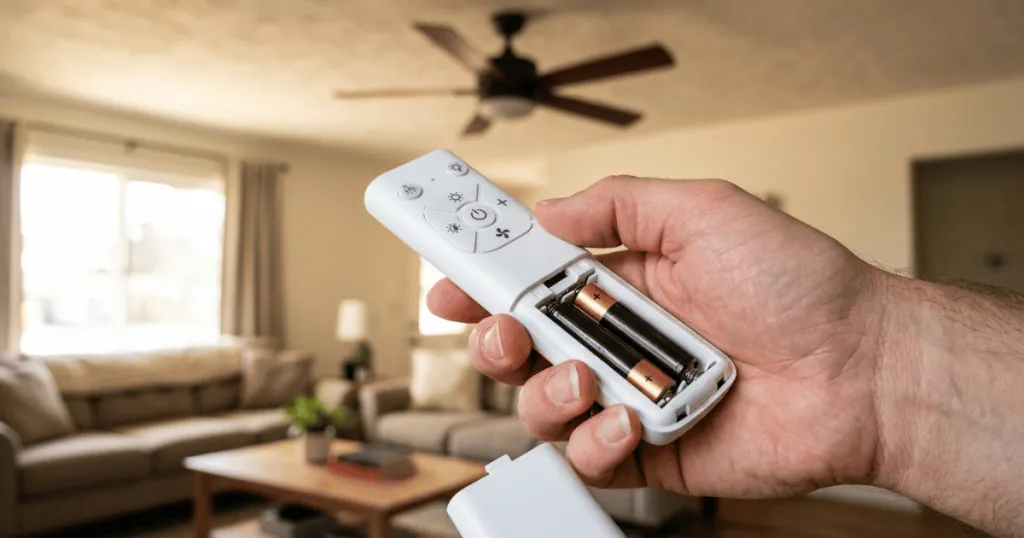
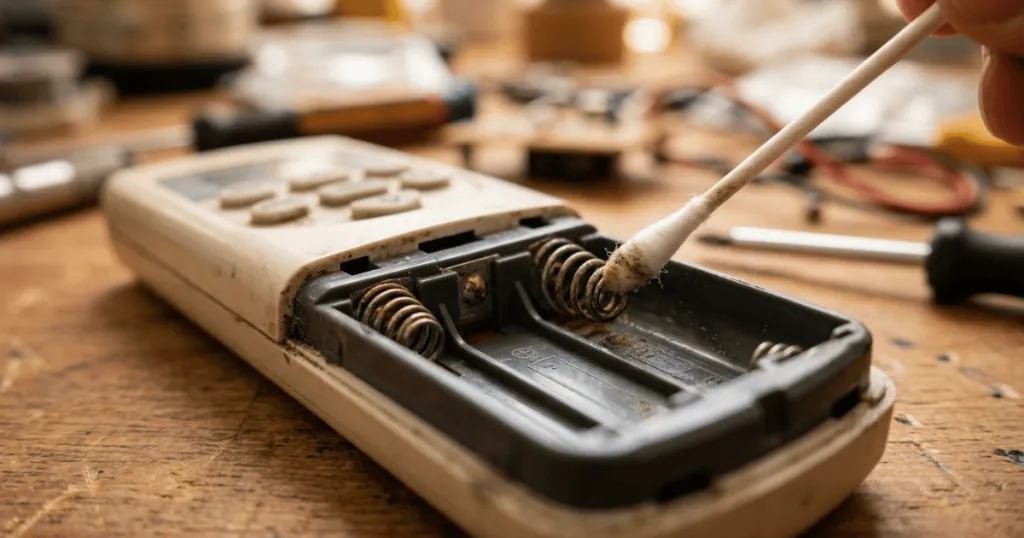
The most frequent cause for a remote failing to trigger the fan consistently is a simple drop in voltage. While a battery might still have enough power to light up an indicator LED, it may lack the strength to send a strong, consistent radio frequency signal to the receiver. Always start your troubleshooting by replacing the batteries with fresh, high-quality alkaline cells. Avoid mixing old and new batteries, as this can lead to uneven power delivery that confuses the transmitter circuitry.
Beyond the power source, you must consider the physical positioning of the receiver. Most ceiling fan receivers are tucked into the mounting bracket or the canopy. If the antenna wire is bunched up, pinched, or touching metal components, the signal reception will be severely degraded. A properly installed antenna should hang freely and remain away from metal surfaces that can act as a shield, blocking the signal before it reaches the receiver.
Radio Frequency Interference
Modern homes are filled with wireless devices that operate on similar frequencies to ceiling fan remotes. If your ceiling fan remote works intermittently, nearby Wi-Fi routers, smart home hubs, or even baby monitors might be causing signal congestion. This interference creates a noisy environment where the fan receiver struggles to distinguish your remote’s command from background electronic chatter.
If you suspect interference, try turning off nearby wireless devices temporarily to see if the fan response improves. In some cases, changing the DIP switch settings on both the remote and the receiver can help. These switches allow you to assign a specific frequency channel to your fan, effectively moving it to a less crowded lane on the wireless spectrum. If you live in an apartment complex or a densely populated neighborhood, your neighbor’s fan remote might even be accidentally triggering your receiver. Adjusting the DIP switches to a unique combination acts as a private code that prevents this cross-talk.
The Role of Thermal Stress on Internal Components
The receiver unit inside your ceiling fan canopy operates in a challenging environment. It is often located directly above a light kit that generates significant heat. Over time, this heat can cause the internal capacitors to degrade or the solder joints to become brittle. When a capacitor begins to fail, it may hold a charge inconsistently, leading to a receiver that works fine when the fan is cool but fails once the unit has been running for an hour. This is a classic symptom of thermal fatigue. If you notice the remote works perfectly for the first ten minutes but becomes unresponsive as the fan warms up, the receiver is likely reaching the end of its functional life.
Real-World Context and Troubleshooting Scenarios
In practice, the environment plays a massive role in signal reliability. If you have a fan installed in a large room with high ceilings, the distance between you and the receiver can push the limits of the remote’s effective range. While most remotes are rated for 20 to 30 feet, physical obstacles like thick walls or metal light fixtures can reduce this distance significantly. If you find yourself having to stand directly under the fan to get a response, the issue is likely a weak signal path rather than a broken component.
Another common scenario involves power fluctuations. If your home experiences voltage dips, the receiver inside the fan may reset or lose its synchronization with the remote. This often happens after a power outage or during a storm. If the fan starts acting up after a power event, try a hard reset. Turn the wall switch off, wait for at least 30 seconds to allow the capacitors in the receiver to discharge completely, and then turn it back on. This simple step often clears temporary memory errors in the receiver unit.
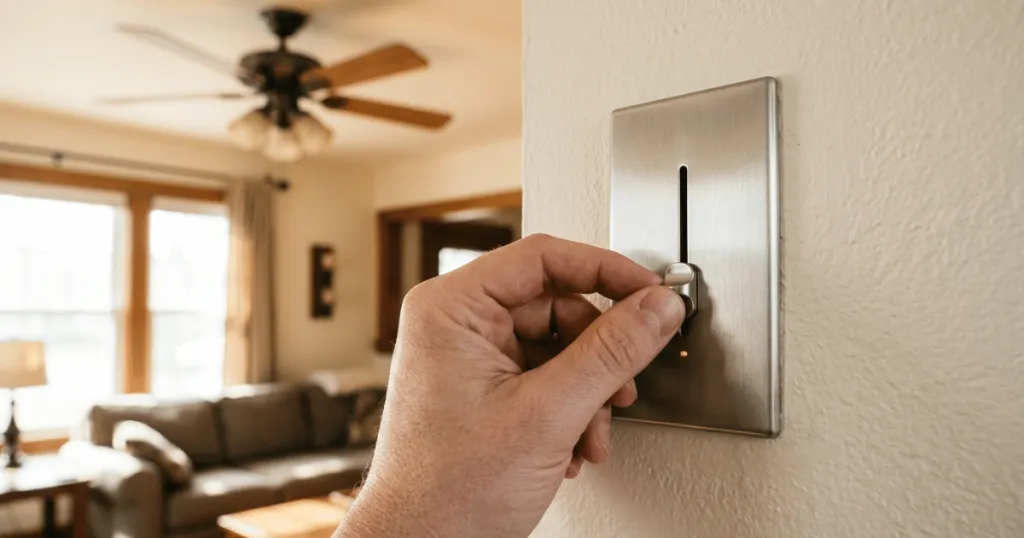
You should also inspect the wall switch itself. Many ceiling fans are wired to a standard wall toggle. If that switch is loose or the wiring connections are oxidized, the fan might be getting inconsistent power. Even if the light stays on, the receiver might be struggling to maintain a stable internal voltage, leading to the intermittent remote behavior you are experiencing. Ensure all wire nuts are tight and that there is no evidence of arcing or heat damage at the switch box. A loose neutral wire is a particularly common culprit in older homes, as it can cause the voltage to fluctuate wildly, preventing the receiver from maintaining a steady state.
Evaluating Signal Obstructions
Consider the architecture of your room. If the fan is mounted on a metal junction box that is recessed deep into the ceiling, the metal housing can act as a Faraday cage. This effectively traps the signal inside the canopy, preventing it from reaching the antenna. If you suspect this is the case, you might need to carefully reposition the antenna wire so it extends slightly outside the canopy edge. However, always prioritize electrical safety and ensure the wire is not touching any live components or sharp metal edges that could strip the insulation.
Why Consistent Remote Performance Matters
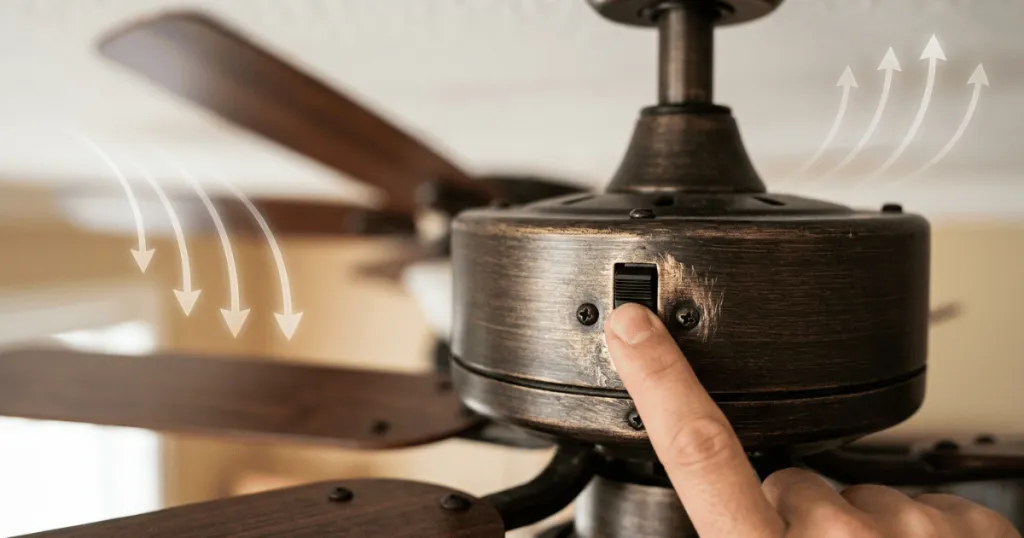
Reliable control over your ceiling fan is about more than just convenience. It is a critical component of home climate management. When a fan operates only when it feels like it, you lose the ability to effectively circulate air, which can lead to hot spots in the summer or trapped heat near the ceiling in the winter. For many homeowners, the remote is the only way to adjust speed or reverse the blade direction, especially if the fan is mounted on a high or sloped ceiling.
Furthermore, an intermittent signal can lead to unnecessary wear on the receiver. If the receiver is constantly trying to process weak or fragmented signals, it can lead to premature component failure. By addressing the root cause, you protect the longevity of the fan’s motor and control electronics. Think of it as maintaining the health of your home’s infrastructure rather than just fixing a minor annoyance. A fan that responds instantly to every command is a sign of a healthy electrical system and a properly configured control setup.
The Impact on Energy Efficiency
When a remote works intermittently, users often leave the fan running at an inefficient speed because they cannot easily adjust it. If you cannot turn the fan off when you leave the room, or if you cannot switch it to a lower speed during the night, you are consuming unnecessary electricity. Consistent control allows for precise adjustments that align with your actual comfort needs. This precision is essential for maximizing the airflow efficiency of your ceiling fan, ensuring that you get the cooling effect you need without wasting energy on higher speeds that are not required for the current room conditions.
Common Misconceptions About Remote Control Issues
A frequent misconception is that an intermittent remote always means the remote itself is broken. In reality, the remote is often the most durable part of the system. It is far more common for the receiver-the part subjected to heat and electrical load inside the canopy-to be the source of the trouble. Before you spend money on a replacement remote, ensure you have fully tested the receiver’s power and antenna placement.
Another misunderstanding involves the assumption that all remotes are universal. Many people believe they can simply buy any replacement remote from a hardware store and sync it to their existing fan. Ceiling fans use proprietary signaling protocols, meaning the remote and receiver must be compatible. If you do reach the point where you must replace the hardware, look for a universal kit that specifically lists your fan’s brand or ensures the receiver is replaced alongside the transmitter to guarantee a perfect match. Mixing components from different manufacturers rarely works and can sometimes lead to electrical damage if the voltage requirements do not align.
The Myth of the “Broken” Motor
Many homeowners worry that an intermittent remote is a sign of a failing motor. While it is true that a motor can fail, it is rarely the cause of remote-specific issues. If the fan works fine when you use a wall control or pull chain but fails to respond to the remote, the motor is likely perfectly healthy. The problem is isolated to the control electronics. Distinguishing between a motor issue and a control issue is vital for avoiding unnecessary repairs. If the fan makes grinding noises or hums excessively, that is a motor issue. If the fan is silent but simply does not turn on when the button is pressed, that is almost certainly a control or signal issue.
Conclusion
When your ceiling fan remote works intermittently, approach the problem with a logical, step-by-step mindset. Start with the easiest solutions, such as replacing batteries and performing a power reset, before moving into more involved checks like antenna positioning or frequency switch adjustments. By systematically eliminating these variables, you can usually restore full control and ensure your fan continues to provide reliable comfort for years to come. Remember that most issues are environmental or related to power stability, and a little patience in troubleshooting can save you the cost and effort of a full replacement.
FAQ
Can a loose wire cause a ceiling fan remote to work intermittently?
Yes, a loose wire connection at the receiver or the wall switch can cause voltage drops that lead to inconsistent remote performance. Ensure all wire nuts are secure and that the wiring is free of damage.
Does the antenna position affect remote signal strength?
Absolutely. The antenna wire on the receiver should hang freely and away from metal housing or light fixtures, as these can block or reflect the signal, causing intermittent reception.
Should I replace the remote or the receiver first?
It is generally more effective to troubleshoot the receiver first, as it is more prone to environmental interference and electrical stress than the handheld remote. If troubleshooting fails, replacing the entire control kit is often the most reliable path.