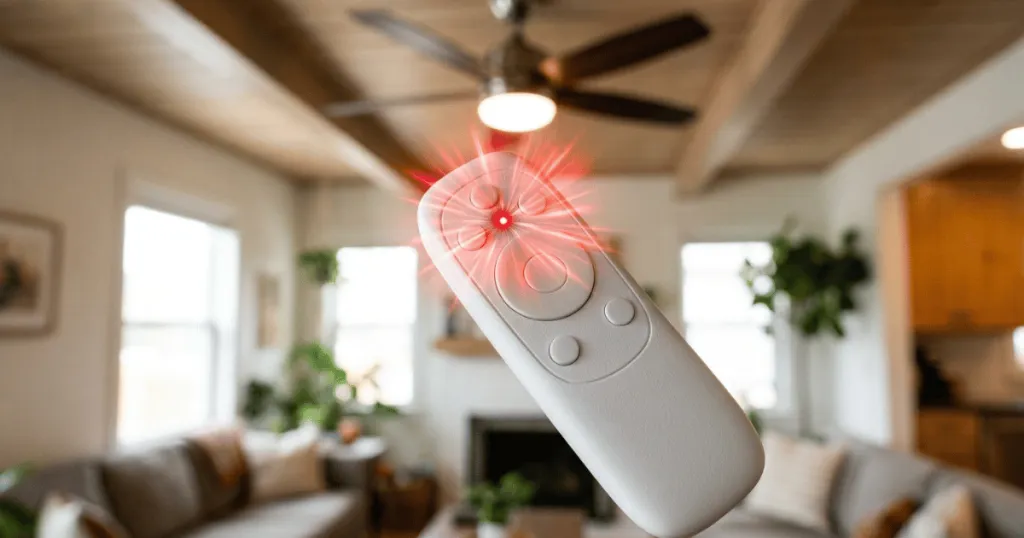
When you notice your ceiling fan remote light blinking, it is usually a signal that the remote control and the fan receiver are struggling to communicate. This flashing indicator is often a diagnostic code designed by the manufacturer to alert you to a specific state, such as a lost connection, a low battery, or a pending pairing sequence. Because modern ceiling fans rely on radio frequency or infrared signals to manage speed and illumination, any disruption in this wireless handshake can manifest as a persistent or rhythmic blink.
Understanding why your ceiling fan remote light blinking occurs is the first step toward restoring your comfort. While it can be frustrating to lose control of your airflow or lighting, these issues are rarely indicative of a permanent hardware failure. By systematically checking the power supply, the synchronization between the wall switch and the receiver, and the physical batteries, you can typically resolve the issue without needing professional intervention.
Common Reasons for a Ceiling Fan Remote Light Blinking
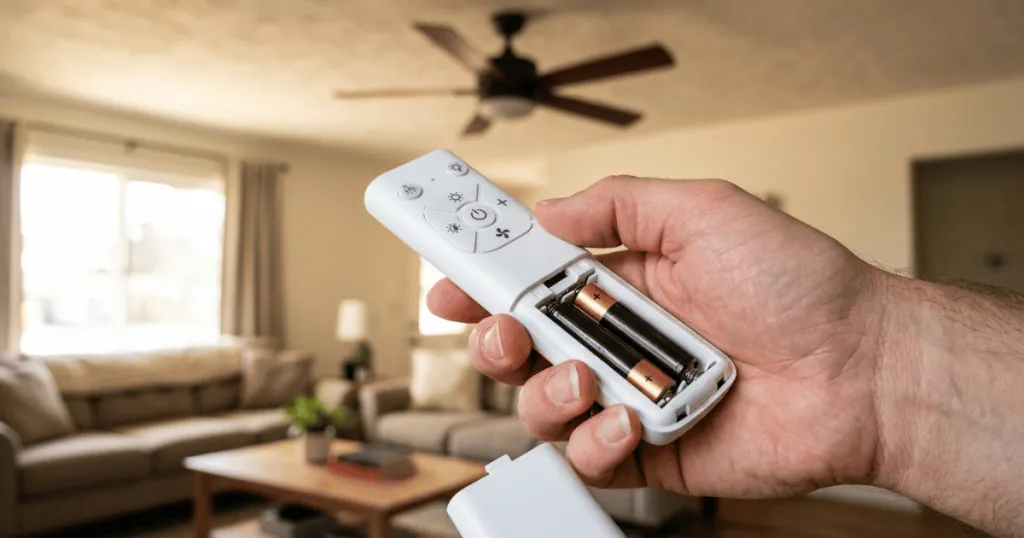
The most frequent culprit behind a blinking remote light is a simple power-related issue. If the batteries inside your remote are nearing the end of their life, the voltage drop can prevent the remote from sending a clean, consistent signal to the fan. This often causes the indicator light to flash or pulse as it attempts to draw enough power to transmit commands. Always start your troubleshooting here, as replacing the batteries with fresh, high-quality alkaline cells is the easiest and most common fix.
Another primary factor is a synchronization error between the handheld remote and the receiver unit located inside the fan canopy. If the power to the fan was interrupted, such as during a power surge or a brief outage, the receiver might have entered a reset mode. In this state, the remote light will often blink to indicate that it is waiting for a new pairing signal. You may need to follow the manufacturer’s specific sequence, which usually involves turning the power off at the wall switch for a set period, turning it back on, and holding a specific button on the remote to re-establish the link.
Interference from other household devices can also trigger a blinking light. Many ceiling fans operate on a standard radio frequency that can be crowded by other electronics, such as Wi-Fi routers, baby monitors, or even other remote-controlled devices in the home. If the receiver is receiving conflicting signals, it may struggle to process your input, resulting in a blinking light that signifies a signal collision. Moving nearby electronic devices or checking for obstructions near the fan canopy can often clear this up.
Deep Dive: Troubleshooting Signal and Pairing Failures
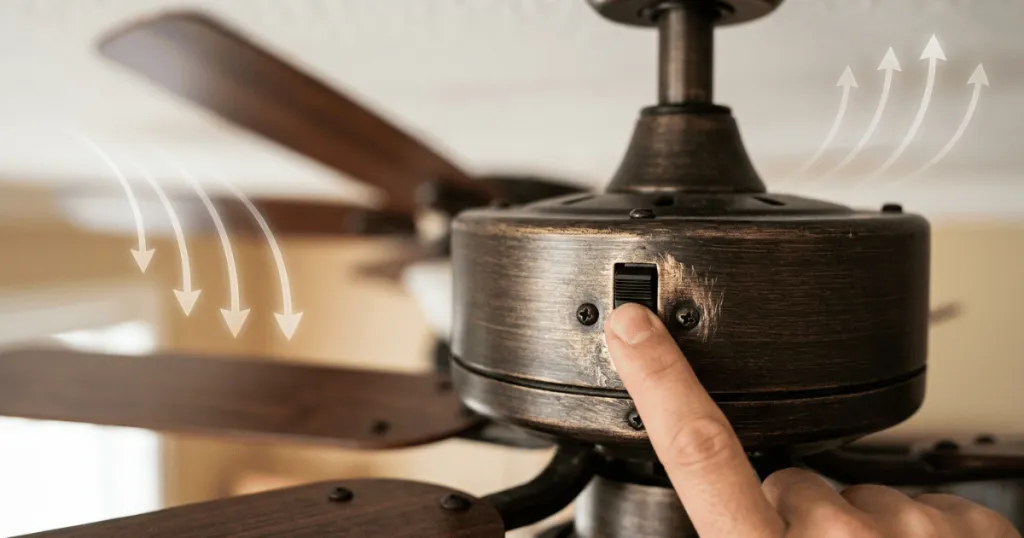
When basic battery replacement does not resolve the blinking, you must investigate the integrity of the communication link between the transmitter and the receiver. The receiver is a small electronic box tucked inside the ceiling canopy. Over time, the wiring connections can become loose due to the constant vibration of the fan motor.
If the receiver loses a stable connection to the power source, it may reboot repeatedly, causing the remote to signal a communication error. To address this, ensure the power is off at the circuit breaker, then gently inspect the wire nuts and terminal blocks inside the canopy to ensure every connection is tight and secure.
Pairing failures often occur because the receiver has a limited window of time to accept a new signal after power is restored. If you are attempting to pair the remote but the light continues to blink, you might be missing the timing window. Most manufacturers require you to press the pairing button within 30 to 60 seconds of turning the power on.
If you wait too long, the receiver exits pairing mode. If you find yourself in a loop where the light blinks but the fan does not respond, try a full power cycle. Turn the wall switch off for a full minute, then turn it on and immediately initiate the pairing sequence. This ensures the receiver is in the correct state to accept the handshake from your remote.
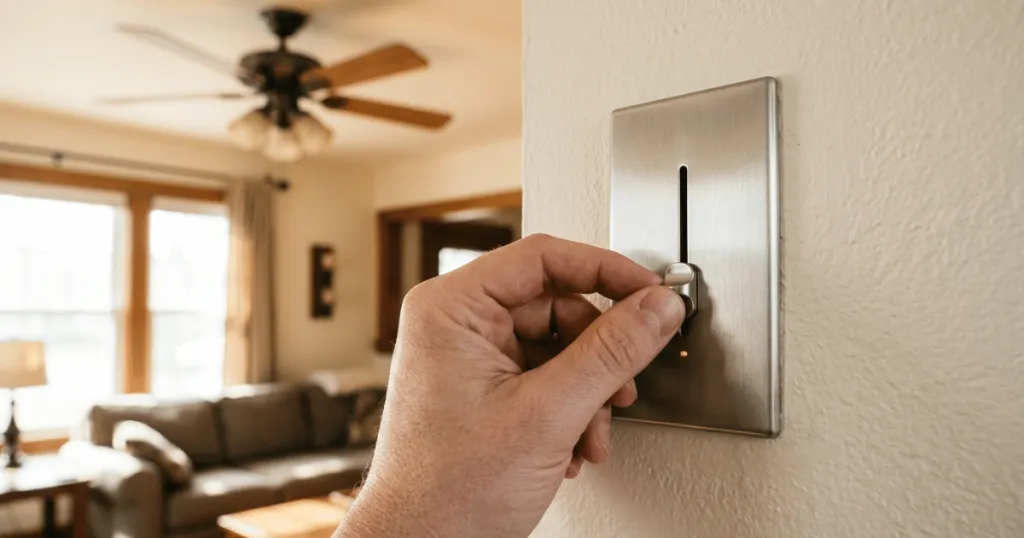
Consider the role of the wall switch as well. If your fan is connected to a dimmer switch on the wall, this is a common source of signal interference. Ceiling fan receivers are designed to receive a constant flow of electricity. A wall-mounted dimmer switch chops the electrical wave, which can confuse the receiver and cause the remote light to blink as it attempts to interpret the erratic power supply. For the best performance, ensure your ceiling fan is controlled by a standard on/off switch rather than a dimmer.
Real-World Context and Troubleshooting
In a typical home, the ceiling fan is often the primary source of light and air for a bedroom or living area. When the remote stops working, it feels like an immediate loss of utility. Many homeowners assume the fan motor has failed, but the issue is almost always localized to the communication link. For instance, if you have recently installed a new LED bulb in the fan, it is possible that the bulb is incompatible with the dimmer circuitry of the fan receiver. This incompatibility can cause the receiver to pulse or flash the light as a warning that it cannot regulate the power to the bulb correctly.
Consider the environment of your fan as well. If your fan is installed in a high-ceiling room, the distance between the remote and the receiver can be a factor. While most remotes are designed to work from across a room, physical barriers like metal light fixtures or heavy decorative ceiling elements can dampen the signal. If you find that the remote light blinks only when you are standing in a specific corner of the room, you are likely dealing with a range or signal obstruction issue rather than a mechanical defect.
In practice, the most effective approach is to isolate the variables. Start by replacing the batteries, as this eliminates the most common point of failure. If the blinking persists, perform a hard reset of the system by cutting the power to the fan at the circuit breaker or wall switch for at least thirty seconds. This forces the receiver to clear its memory and prepare for a fresh pairing attempt. If the fan still fails to respond, inspect the wiring inside the canopy to ensure no connections have loosened over time due to the natural vibration of the fan motor.
Advanced Diagnostics for Persistent Blinking
If you have replaced the batteries, performed a power cycle, and verified the wiring, yet the light continues to blink, you may be dealing with a component failure within the receiver itself. Electronic components can degrade over time, especially in environments with high humidity or extreme temperature fluctuations. If the receiver is failing, it may be unable to hold the pairing code in its memory. In this scenario, the blinking light is a persistent error code indicating that the receiver is stuck in a boot loop.
Another edge case involves the dip switches found on older remote models. If your remote and receiver use physical dip switches to set the frequency, ensure that the switches on both the remote and the receiver match exactly. Even a single switch set to a different position will prevent the devices from communicating, often resulting in a blinking light on the remote as it searches for a compatible receiver. If you have recently moved or had electrical work done, it is possible these switches were bumped or changed. Always check that the pattern on the remote matches the pattern on the receiver unit inside the canopy.
Finally, consider the impact of external radio frequency interference. If you live in an apartment complex or a dense neighborhood, your neighbor’s devices might be operating on the same frequency as your fan. While most modern fans use rolling codes to prevent this, older models are susceptible to signal collision. If the blinking light occurs only at certain times of the day, it could correlate with the use of other high-frequency electronics in your vicinity. In such cases, changing the frequency channel via the dip switches or the pairing process is the only way to resolve the conflict.
Why This Matters for Your Home Comfort
A ceiling fan is a key component of your home climate control strategy, helping to circulate air and reduce the load on your HVAC system. When the remote light blinks, it effectively disables your ability to adjust the fan speed or light intensity, which can be particularly disruptive in bedrooms where you rely on the fan for sleep comfort. Addressing this issue promptly ensures that you maintain control over your environment, preventing the need to rely on less convenient manual wall switches or, in some cases, losing access to the light entirely.
Furthermore, ignoring a persistent blinking light can sometimes lead to more complex issues. If the receiver is constantly searching for a signal or struggling with a power-incompatibility issue, it may generate excess heat. While rare, this can shorten the lifespan of the electronic components inside the canopy. By taking the time to troubleshoot the blinking light, you are performing a form of preventative maintenance that protects the long-term functionality of your fan.
Common Misconceptions About Remote Issues
A frequent misconception is that a blinking light always means the fan motor is broken. In reality, the motor and the remote receiver are two distinct systems. If the fan spins but the light blinks, the motor is fine, and the issue is strictly within the communication or lighting circuit. Do not assume you need a new fan simply because the remote is acting up.
Another common mistake is assuming that all remotes are interchangeable. Many homeowners try to use a spare remote from a different fan model, which will almost certainly result in a blinking light or no response at all. Each remote is programmed to communicate with a specific receiver frequency. Always ensure you are using the original remote or a manufacturer-approved replacement that matches your specific model number.
Additionally, some users believe that a blinking light indicates the fan is in a specific mode, such as a timer or sleep mode. While some advanced fans do have timer functions that use the light to indicate status, this is usually a slow, deliberate pulse rather than a rapid or erratic blink. If the blinking is rapid and inconsistent, it is almost certainly a communication error rather than a programmed feature. Always consult your specific fan manual to understand the unique blink patterns for your model, as manufacturers often have proprietary diagnostic codes that provide more specific information about the nature of the fault.
FAQ
Does a blinking remote light always mean the batteries are dead?
Not necessarily. While low batteries are a common cause of a Ceiling Fan Remote Light Blinking, it can also indicate a loss of pairing between the remote and the receiver, signal interference, or an incompatible light bulb.
How do I reset my ceiling fan remote?
Most fans require a power cycle. Turn off the power to the fan at the wall switch or circuit breaker for at least 30 seconds, turn it back on, and immediately press and hold the pairing or ‘learn’ button on your remote until the light stops blinking.
Can LED bulbs cause the remote light to blink?
Yes, if the LED bulb is not compatible with the fan’s dimmer or receiver, it may cause the system to malfunction, often manifesting as a blinking indicator light or a flickering bulb.