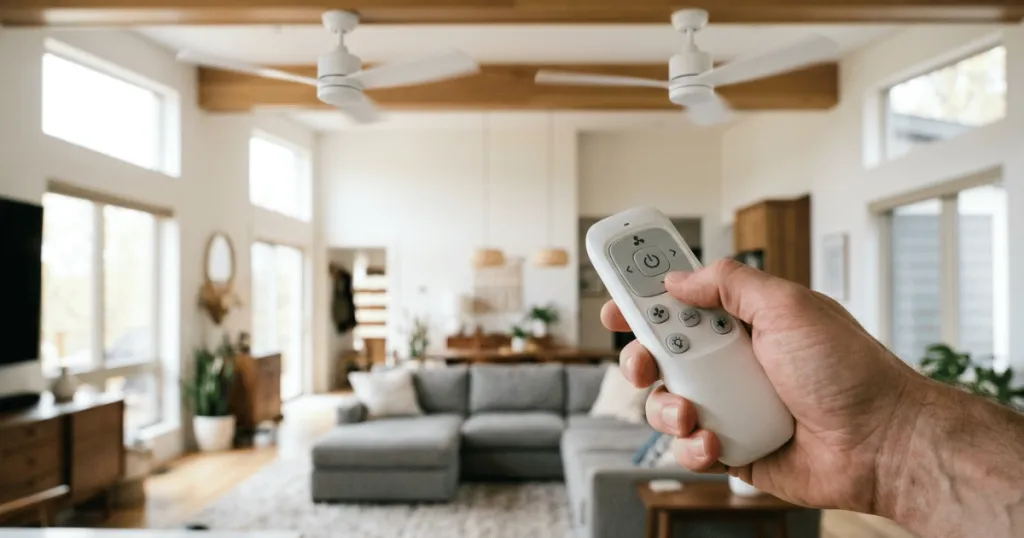
If you have recently installed multiple fans in your home, you may find yourself in a situation where two ceiling fans responding to the same remote creates an unexpected headache. It is a common occurrence in open-concept living areas or adjacent bedrooms where a single signal from one handheld unit inadvertently triggers both motors. While this can seem like a technical glitch, it is usually a matter of frequency overlap or dip switch alignment that can be resolved with a few simple adjustments.
Understanding why this happens is the first step toward restoring independent operation. Most ceiling fan remote systems operate on specific radio frequencies or infrared signals. When two fans are set to the same communication channel, they will naturally react to any compatible signal within range. This article explores the mechanics behind these signal conflicts and provides the practical steps you need to take to ensure each fan responds only to its intended controller.
Understanding Why Two Ceiling Fans Respond to the Same Remote
The primary reason for this behavior is that the receiver units inside the fan canopies are configured to listen for the exact same signal code. In many older or standard AC motor ceiling fans, this is managed through a series of small physical switches located on both the remote transmitter and the receiver unit. These are commonly referred to as dip switches. If these switches are set to the same pattern on two different fans, both will interpret the incoming radio frequency command as a valid instruction for their own motor.
Think of these dip switches as a secret handshake between the fan and the remote. If both fans know the same handshake, they will both perform the action requested by the remote. In modern DC motor fans, this process is often handled digitally through a pairing process. If two fans were paired in close proximity during the initial setup, or if the pairing process was not completed in isolation, the fans might have stored the same digital ID in their memory banks.
Beyond these mechanical and digital settings, consider the physical environment of your home. If you have a large great room with two identical fans purchased at the same time, they likely arrived from the factory with identical default settings. Manufacturers often ship fans with a default frequency to ensure that the remote works right out of the box. If you install two of these units without changing the factory settings, you are essentially creating a synchronized system by default. This is convenient for a showroom display but rarely ideal for a home where you want to control airflow in specific zones.
The Role of Radio Frequency Interference
Radio frequency interference is another factor that can cause fans to behave erratically. While dip switches provide a physical way to differentiate signals, the actual transmission happens over the airwaves. If your home has a high density of wireless devices, or if the fans are using a crowded frequency band, the signal might be stronger or more pervasive than intended. This does not necessarily mean the fans are malfunctioning, but rather that the signal path is not as restricted as you might prefer.
In practice, this means that even if you believe you have separate controls, a strong signal from one remote might bleed into the receiver of a neighboring fan. This is particularly common in rooms with high ceilings where the signal might bounce off surfaces or travel through open doorways. Ensuring that each fan has a unique, distinct communication path is essential for reliable, independent operation. Interference can also occur if you have other wireless systems, such as smart home hubs or garage door openers, operating on similar frequency bands. While rare, these external signals can occasionally trigger a receiver if the signal code is simple enough to be mimicked by background noise.
Practical Steps to Isolate Your Fan Controls
To stop two ceiling fans responding to the same remote, you must force each fan to recognize only its specific controller. If your fans use physical dip switches, the process is straightforward but requires access to the fan canopy. You will need to turn off the power to the fans at the circuit breaker before attempting any adjustments to the wiring or the receiver unit.
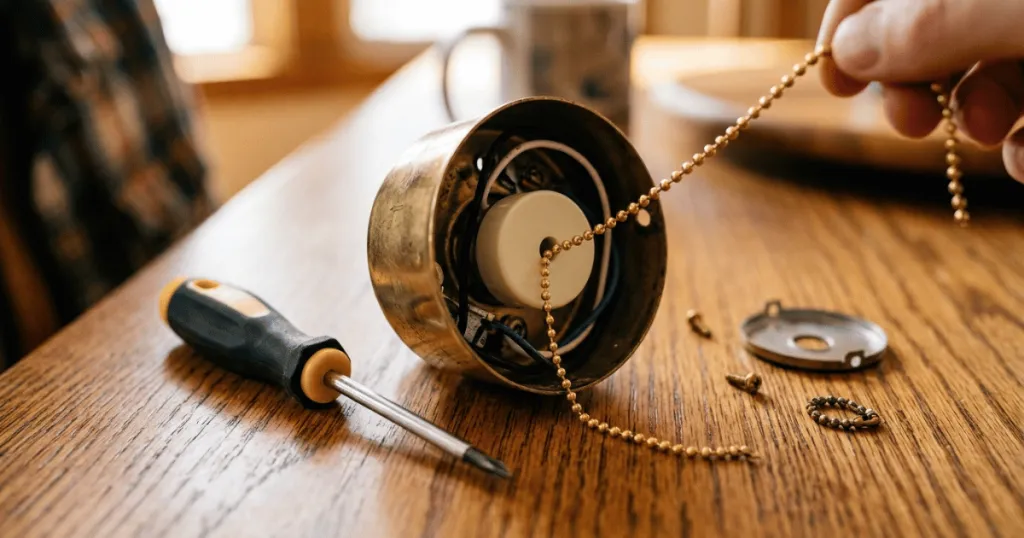
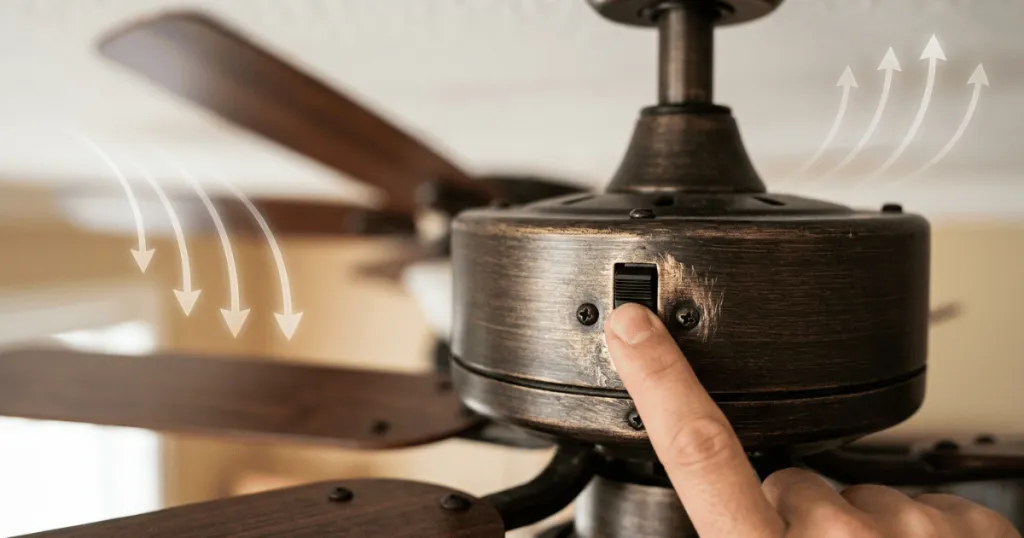
Once the power is off, lower the canopy of the fan you wish to change. Locate the receiver unit, which is typically a small rectangular box tucked near the ceiling bracket. You will see a set of small switches, usually numbered one through four or one through eight. Change the pattern on these switches to a unique configuration that does not match the other fan.
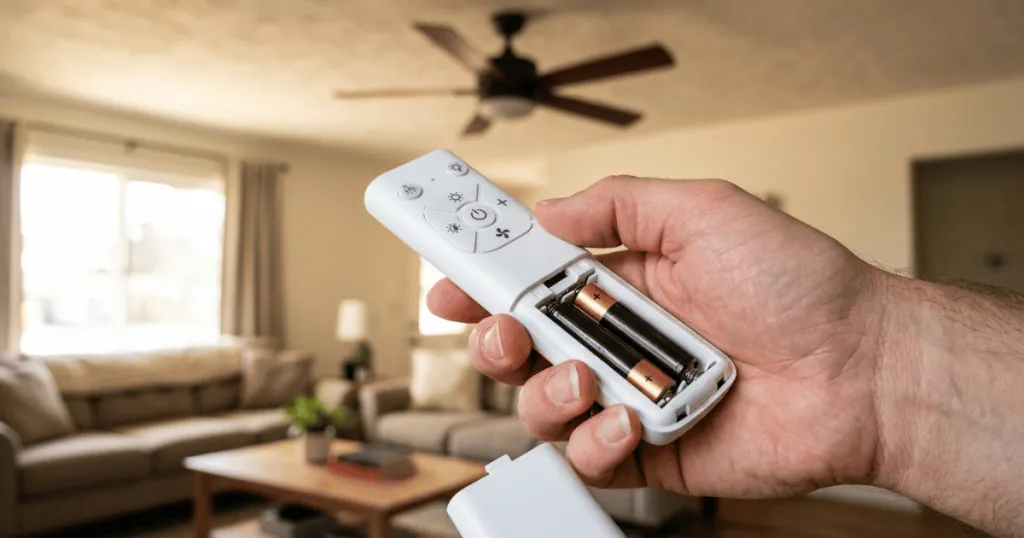
After adjusting the receiver, open the battery compartment of the corresponding remote and match the switch pattern exactly to the new configuration you just set on the receiver. It is helpful to use a small screwdriver or a pen tip to ensure the switches are firmly clicked into their new positions, as a partially engaged switch can lead to intermittent signal loss.
When working with canopy access, always prioritize safety. Ensure your ladder is stable and that you have verified the power is off at the wall switch and the breaker. If you are uncomfortable working with electrical components, consult a professional electrician. Once the physical switches are set, restore power to only one fan at a time to test the connection. If the fan responds to its remote but the other fan remains stationary, you have successfully isolated the signal.
Managing Digital Pairing for DC Fans
For modern DC fans that do not use physical switches, the solution involves a digital re-pairing process. Most manufacturers include a specific sequence to reset the receiver. This often involves turning the power off at the wall switch for a set period, such as thirty seconds, and then turning it back on. Within a specific window of time, you must press and hold the power or pairing button on the remote.
The fan will often acknowledge the new pairing by cycling its light or spinning briefly. To ensure success, you must perform this process for one fan at a time while the other fan is completely disconnected from power. If both fans are powered on during the pairing sequence, they may both attempt to pair with the same remote simultaneously, which brings you right back to your original problem.
If you encounter difficulty, check the manufacturer documentation for a hard reset procedure. Some receivers require you to hold the pairing button for a longer duration, such as ten seconds, to clear the existing memory before it will accept a new signal.
In scenarios where you have multiple fans in a single large room, consider the physical distance between the fans. If they are very close, the signal might still reach both receivers during the pairing mode. In such cases, you may need to temporarily disconnect the power wire at the fan itself for the unit you are not currently pairing. This ensures that only the intended receiver is in a receptive state to accept the new digital ID from the remote.
Why Independent Control Matters for Home Comfort
Independent control is not just about convenience; it is about managing the specific microclimate of different rooms. A ceiling fan in a master bedroom may need to run at a low speed throughout the night, while a fan in an adjacent home office might need to be off or running at a higher speed for air circulation. When two fans are slaved to the same remote, you lose the ability to tailor your environment to the needs of each space.
Furthermore, having independent control helps with energy efficiency. You do not want to be running a fan in an empty room simply because you turned on the fan in the room you are currently occupying. By ensuring each fan responds only to its dedicated remote, you gain granular control over your home’s airflow, which allows you to optimize comfort levels without wasting electricity on unnecessary cooling in unoccupied areas. This level of control is particularly important in homes with high ceilings, where the air stratification can be significant. Being able to adjust the speed of a single fan to gently circulate air without creating a draft is a key benefit of having dedicated, independent control.
Consider the impact on noise sensitivity as well. If one fan is located in a quiet reading nook and the other is in a high-traffic kitchen, you may want the kitchen fan on high to dissipate heat while keeping the reading nook fan on a whisper-quiet low setting. If they are linked, you are forced to accept the same speed for both, which can be disruptive. Achieving independent control allows you to balance your acoustic environment alongside your thermal comfort.
Common Misconceptions About Remote Conflicts
One common misconception is that the remote itself is broken. Many homeowners assume that if two fans react simultaneously, the remote must be sending a signal that is too powerful or faulty. In reality, the remote is working exactly as intended by sending out a command that the receivers are programmed to accept. The issue is almost always a configuration conflict rather than a hardware failure.
Another frequent error is assuming that all remotes from the same manufacturer are interchangeable. While they may look identical, different models or production runs or model years might use different frequency bands or encryption protocols. If you have replaced a remote, ensure that the replacement is fully compatible with the specific receiver installed in your fan.
Using an incompatible remote can lead to intermittent signal issues or a complete failure to pair, which is often mistaken for a range or interference problem. Always check the model number on the back of the remote and the receiver to ensure they are a matched set.
Additionally, some users believe that changing the batteries will reset the remote settings. While fresh batteries are important for signal strength, they do not change the frequency or the digital pairing code. If your fans are still responding to the same remote after a battery change, the issue remains in the configuration of the receiver and the transmitter. Focus your troubleshooting efforts on the pairing or dip switch settings rather than the power source of the remote itself.
Advanced Troubleshooting for Persistent Signal Issues
If you have attempted the standard pairing or dip switch adjustments and the fans still respond to the same remote, you may be dealing with a more persistent signal overlap. In some cases, the receiver itself may have a faulty memory or a stuck relay. Before assuming the hardware is defective, try a full power cycle. Turn off the circuit breaker for the entire room for at least one hour. This allows the capacitors in the receiver units to fully discharge, which can sometimes clear a stuck digital state.
If the problem persists, check for any other electronic devices in the immediate vicinity that might be emitting signals. Some smart home devices or wireless repeaters can occasionally interfere with the communication between the remote and the fan. If you have a smart home bridge, try temporarily disabling it to see if the fan control improves. While this is an edge case, it is a useful step to rule out external interference before deciding to replace a receiver unit.
Finally, consider the mounting location of the receiver. If the receiver is tucked too tightly against metal housing or electrical boxes, the metal can act as a shield, weakening the signal and forcing you to stand closer to the fan to get it to respond. While this does not cause the two-fan issue directly, it can make the pairing process more difficult to execute reliably. Ensure the receiver is positioned as directed in the installation manual, usually with the antenna wire extended away from the metal bracket to maximize reception.
Conclusion
When you find two ceiling fans responding to the same remote, the solution is rarely complex. Whether you are dealing with physical dip switches or digital pairing sequences, the goal is to create a unique communication channel for each device. By isolating the power to each fan during the configuration process, you can ensure that your remotes and receivers are synchronized correctly. Taking the time to perform these adjustments will restore the individual control you expect, allowing you to manage your home’s comfort and energy usage with precision.
FAQ
Can I use one remote for two fans if I want them to move together?
Yes, you can intentionally set two fans to the same dip switch pattern or pair them to the same remote if you want them to operate in unison. This is a common setup for large, open-concept rooms where you want both fans to respond to a single command.
What should I do if my fan does not have dip switches?
If your fan lacks physical dip switches, it likely uses a digital pairing process. Consult your manufacturer’s manual to find the specific reset and pairing sequence, which usually involves cycling the power at the wall switch and pressing a button on the remote within a specific timeframe.
Does the distance between fans affect signal interference?
Yes, proximity increases the likelihood of signal overlap. If two fans are in the same room or adjacent spaces, their receivers are more likely to pick up the same signal. Proper configuration of unique codes is the only reliable way to prevent this.